I knew I need AS to launch an app on login, make it fullscreen foreground not max sized window, but there are not command line arguments but there is a shortcut for fullscreen after launch. Using 2 LLM to crosscheck i thinkered [sic] for a few hours. I thought i could put this in ~/Applications since only my mom needs this. The original versions needed accessibility and automation permissions and uses apple events to system events to monitor it was loaded prior to sending keystroke. I gave up sorting out those errors. mom’s user is non-admin. I manually added it to accessibility but the add app ui for automations has gone missing.
saved as app it DOES launch zPlayer
it does NOT send keystroke
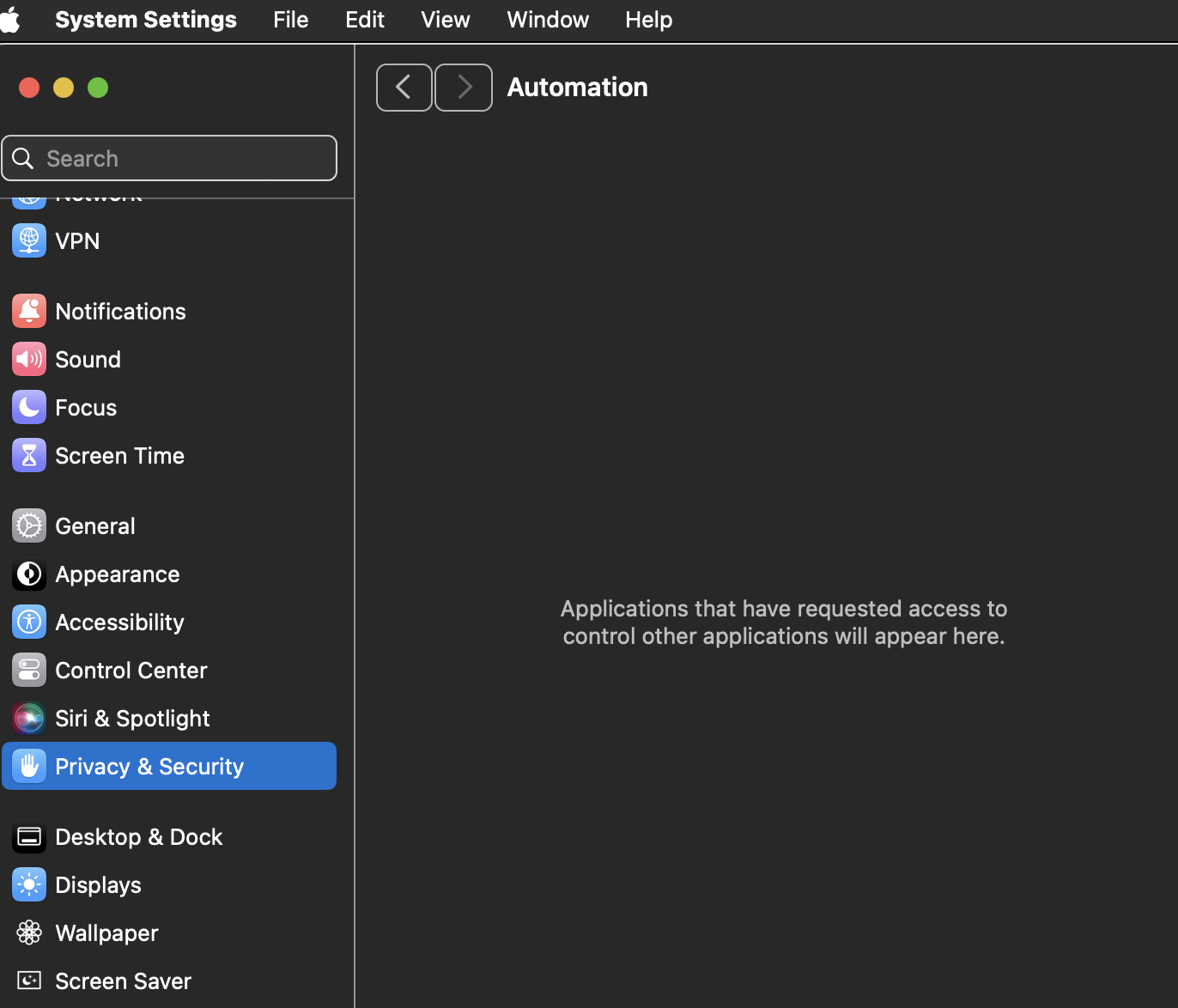
this version launches the player but never gets around to sending the keystroke
do I really have to use my admin user to place this for everyone in /Applications ?
on run
    -- Launch zPlayer
    tell application "zPlayer"
        activate
    end tell

    -- Wait for the app to actually launch by checking if it responds
    set appLaunched to false
    set maxWaitTime to 7
    set elapsedTime to 0

    repeat until appLaunched or elapsedTime ≥ maxWaitTime
        delay 0.5
        set elapsedTime to elapsedTime + 0.5

        try
            tell application "zPlayer"
                get version
            end tell
            set appLaunched to true
        on error
            -- App hasn't fully launched yet
        end try
    end repeat

    -- If app launched, wait 3.5 seconds then send F keystroke
    if appLaunched then
        tell application "zPlayer"
            activate
        end tell
        delay 3.5
        keystroke "f"
    else
        display dialog "zPlayer failed to launch within 10 seconds."
    end if
end run
can’t get keystroke “f” -1728
requires forcequit
previously
on run
    -- Launch zPlayer
    tell application "zPlayer"
        activate
    end tell

    -- Wait for the app to actually launch
    set appLaunched to false
    set maxWaitTime to 10
    set elapsedTime to 0

    repeat until appLaunched or elapsedTime ≥ maxWaitTime
        delay 0.5
        set elapsedTime to elapsedTime + 0.5

        tell application "System Events"
            if exists process "zPlayer" then
                set appLaunched to true
            end if
        end tell
    end repeat

    -- If app launched, bring to front and enter full-screen
    if appLaunched then
        tell application "System Events"
            tell process "zPlayer"
                set frontmost to true
                delay 1.2
                keystroke "f"
            end tell
        end tell
    else
        display dialog "zPlayer failed to launch within 10 seconds."
    end if
end run
not authorized to send apple events to system events -1743
in the editor results trying to run directly:
error “System Events got an error: Script Editor is not allowed to send keystrokes.” number 1002
i know it’s a realllly bad idea to give script editor accessibility permissions itself or automation permissions
Am I trying to do the impossible for mom? Or do I need admin to put one of these into /Applications?
Getting her to remember to press F after onlogin runs the app is too high a bar. Pressing the green bobble for full window is not optimal for playback reasons.
Export to
file format app
run-only
sign to run locally
initially when I set the filename to include the path
~/Applications/zPlayer.app
the Applications folder literally had that path AS the filename. There was no picker option to set that folder (i created prior to saving)
I still have no idea how to have done that correctly the first time.