Is there an AppleScript or ASOC method to batch extract EXIF data from a list of video files? I don’t mean running a “repeat with” loop to go through all of the files one by one, but a way to simultaneously retrieve an EXIF data point from multiple files. Thanks.
Well, some kind of loop would be used somewhere. Depending on the specific EXIF metadata you are looking for, the usual approach would be to use something designed for the task, such as ExifTool.
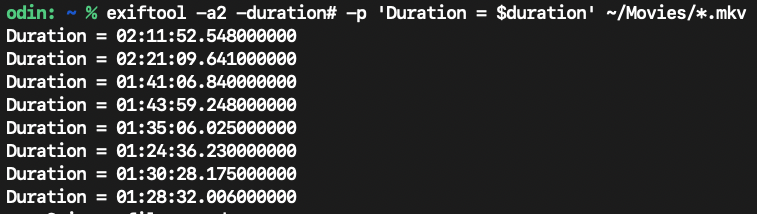
And an example of using ExifTool to extract the duration data for each of .mkv movies in a Movies folder with an internal ExifTool loop:
Thanks for this, VikingOSX. I should have specified that I am looking for a way to get the EXIF data from a list of files that may be in different folders. I know how to use AppleScript and ExifTool to get the exif data from files in the same folder.
Then use the find command.
BabyG. The following worked on my computer and may do what you want. If any repeat loop is not acceptable, a regex with ASOC code could be used in place of the repeat loop. If you have set text item delimiters elsewhere in the script, you should modify the following to get and reset those text item delimiters.
set theFiles to "/Users/robert/Downloads/file_example_MP4_480_1_5MG.mp4
/Users/robert/Downloads/file_example_MP4_640_3MG.mp4
/Users/robert/file_example_MP4_1280_10MG.mp4"

set theFiles to paragraphs of theFiles

repeat with aFile in theFiles
	set the contents of aFile to "'" & aFile & "'"
end repeat

set text item delimiters to space
set theFiles to theFiles as text
set text item delimiters to ""

do shell script "/usr/local/bin/exiftool -duration " & theFiles
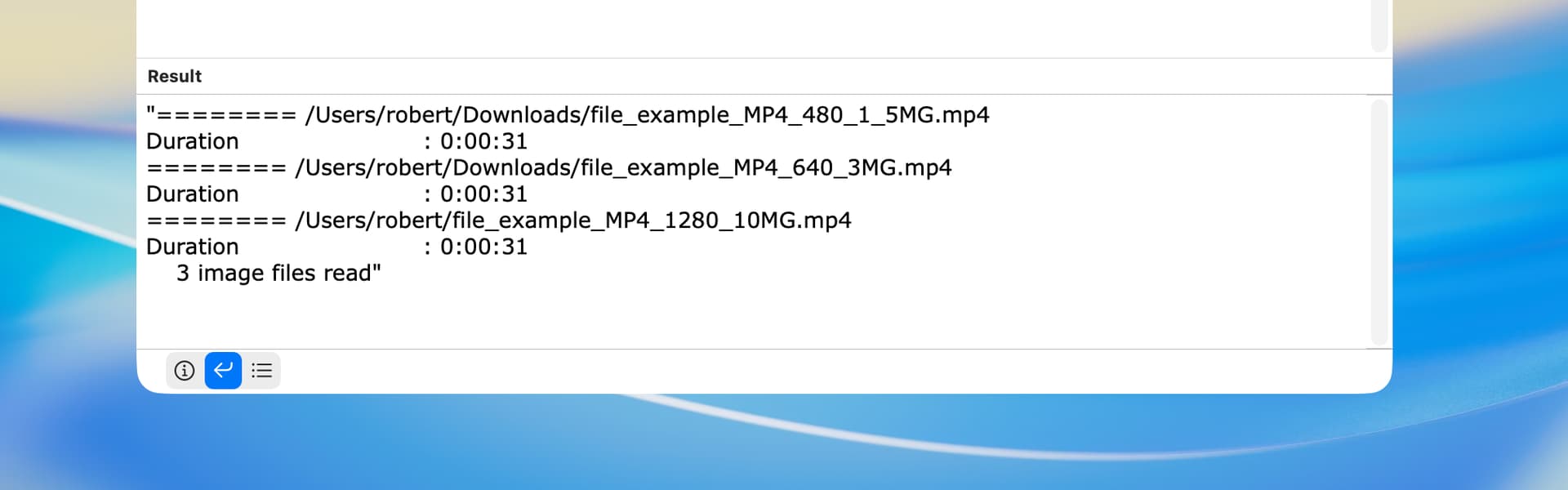
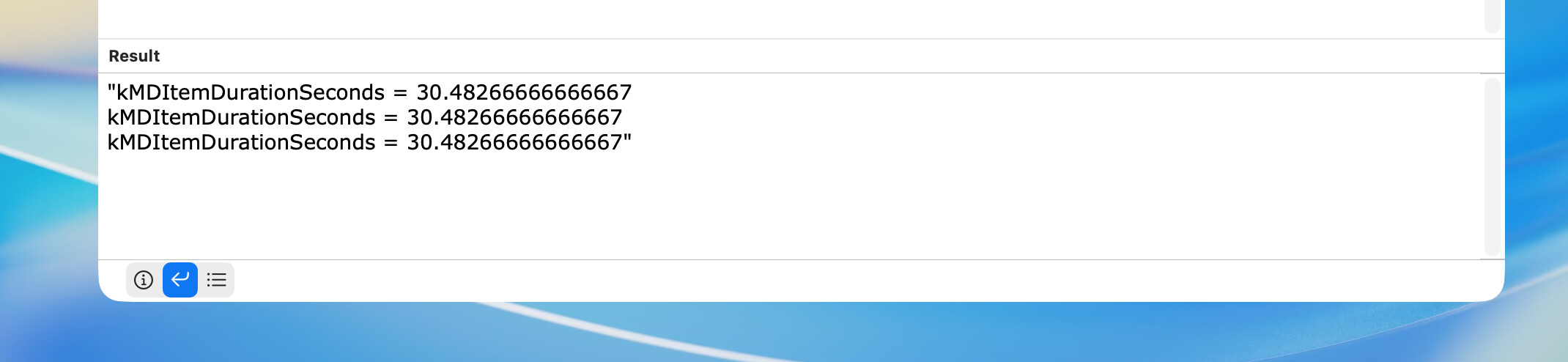
Depending on the exact metadata desired, you might consider using the mdls shell command. This would be much faster, but the available data is limited, and the drive containing the video files must be indexed. To test this alternative, use the following at the end of the above script:
do shell script "/usr/bin/mdls " & theFiles & " -name kMDItemDurationSeconds"
In your post, you state that you have a list of video files, which could mean several things. You might want to clarify this.
Of course, the use of duration in my ExifTool example was a wag since you have not stated specifically what EXIF data you wish to retrieve or the type of video files you wish to query.
Different folders as in a parent folder with sub-folders? ExifTool has a recursive (-r) switch. Discretely different parent folders could be an AppleScript choose folder with multiple selections allowed to provide a list of those folders, or a solution that you use on one folder hierarchy at a time. Either is doable if you share with us in detail what you want.
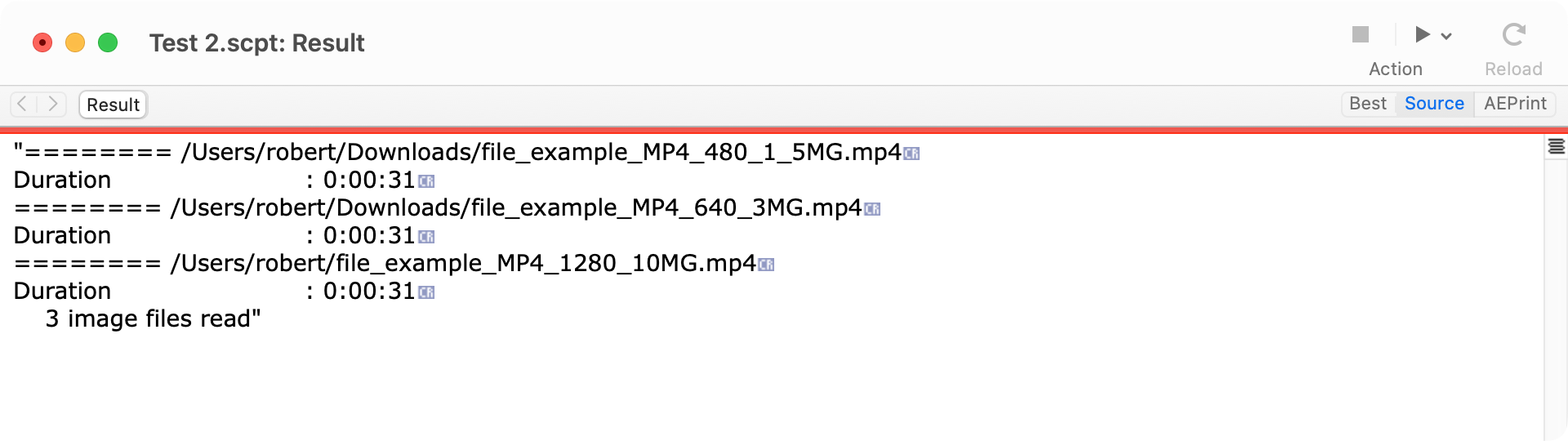
FWIW, here’s a version that does not use a repeat loop. It assumes that line endings are line feeds, but this is easily changed to carriage returns. If the “list of video files” is an actual AppleScript list, then a few lines of additional code would be needed (but no repeat loop).
use framework "Foundation"
use scripting additions

set theFiles to "/Users/robert/Downloads/file_example_MP4_480_1_5MG.mp4
/Users/robert/Downloads/file_example_MP4_640_3MG.mp4
/Users/robert/file_example_MP4_1280_10MG.mp4"

set theFiles to current application's NSString's stringWithString:theFiles
set quotedFiles to (theFiles's stringByReplacingOccurrencesOfString:"\\n" withString:"' '" options:1024 range:{0, theFiles's |length|()}) as text
set theMetadata to do shell script "/usr/local/bin/exiftool -duration '" & quotedFiles & "'"
This is perfect - thanks! To be precise (which I should have been to begin with), I’m trying to extract metadata from video files that are scattered across multiple drives. And the metadata I’m looking for are things like cast, screenwriter, studio …, which are not available through Spotlight via the mdls command. Everyone’s help is much appreciated.