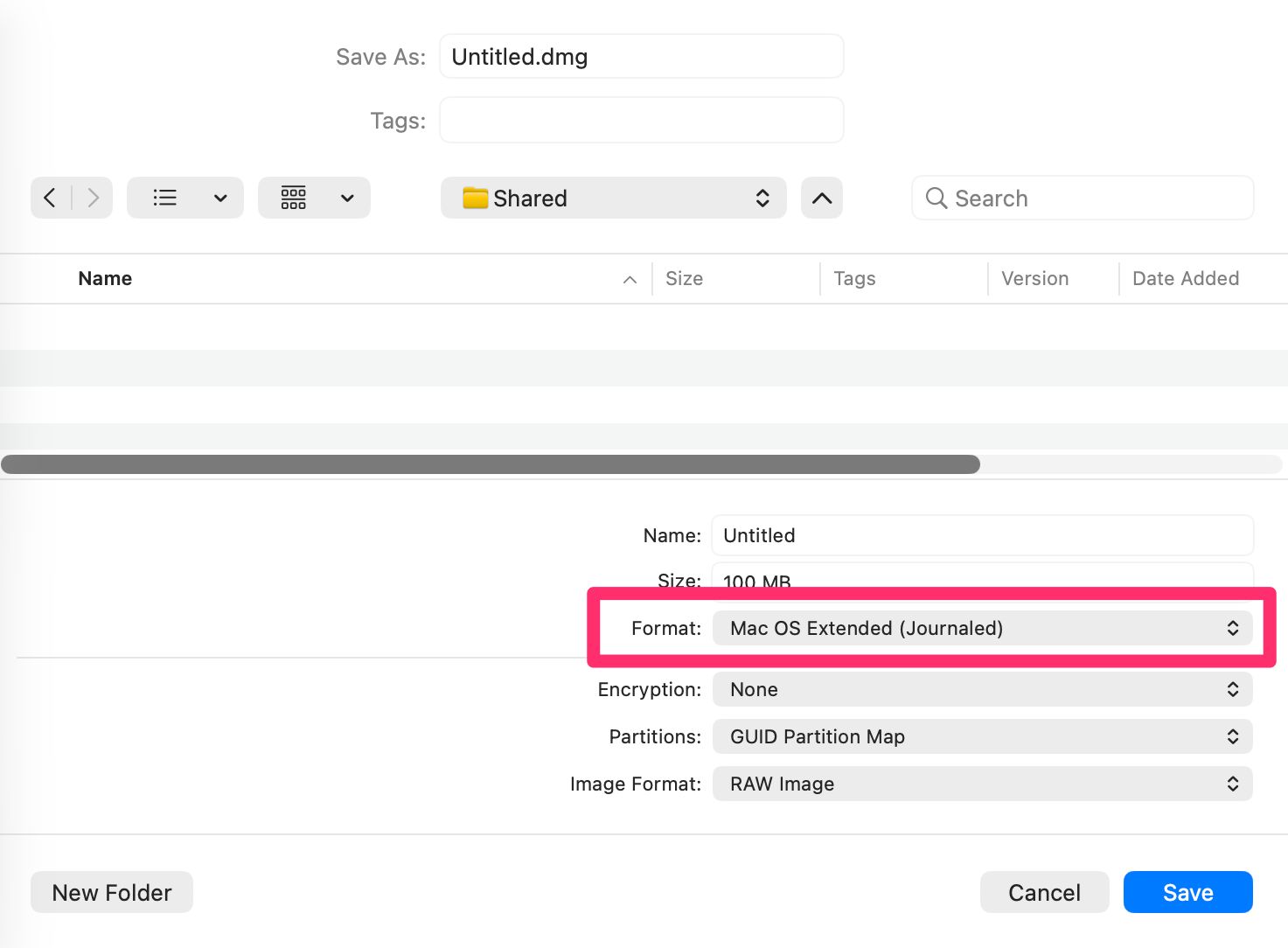
Apologies for being off-AS topic but, I’m getting desperate. I’m trying to set a background image in the DMG image file that I use to distribute my applet. I use Finder’s “Show View Options >> Background >> Picture” function for the purpose. I have two problems.
The first is that the “Drag image here” method of adding a picture does not work. When I eject and reopen the image, the picture is not visible. The method which works is to click on “Drag image here” and use the open file dialog to find the desired image file. On ejecting and reopening, the image is visible. It seems that the background image is retained. Is that a bug in Finder ?
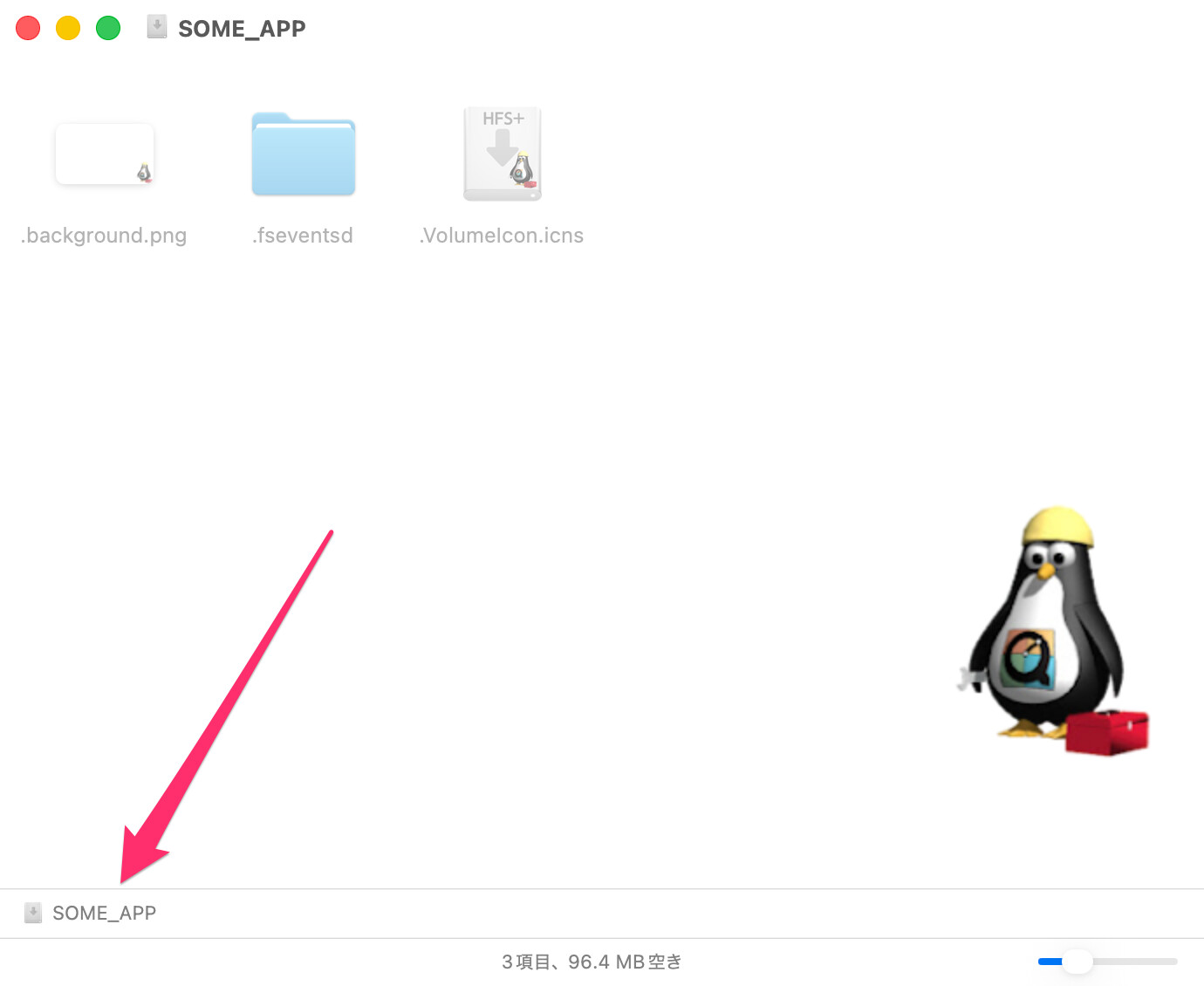
The second is that while the background image seems to be retained, it is not visible when the image file is opened on any other Mac. My development Mac runs Tahoe. I’ve have opened the DMG on Macs running Monterey and Sequoia. The background image is not visible. I don’t understand why.
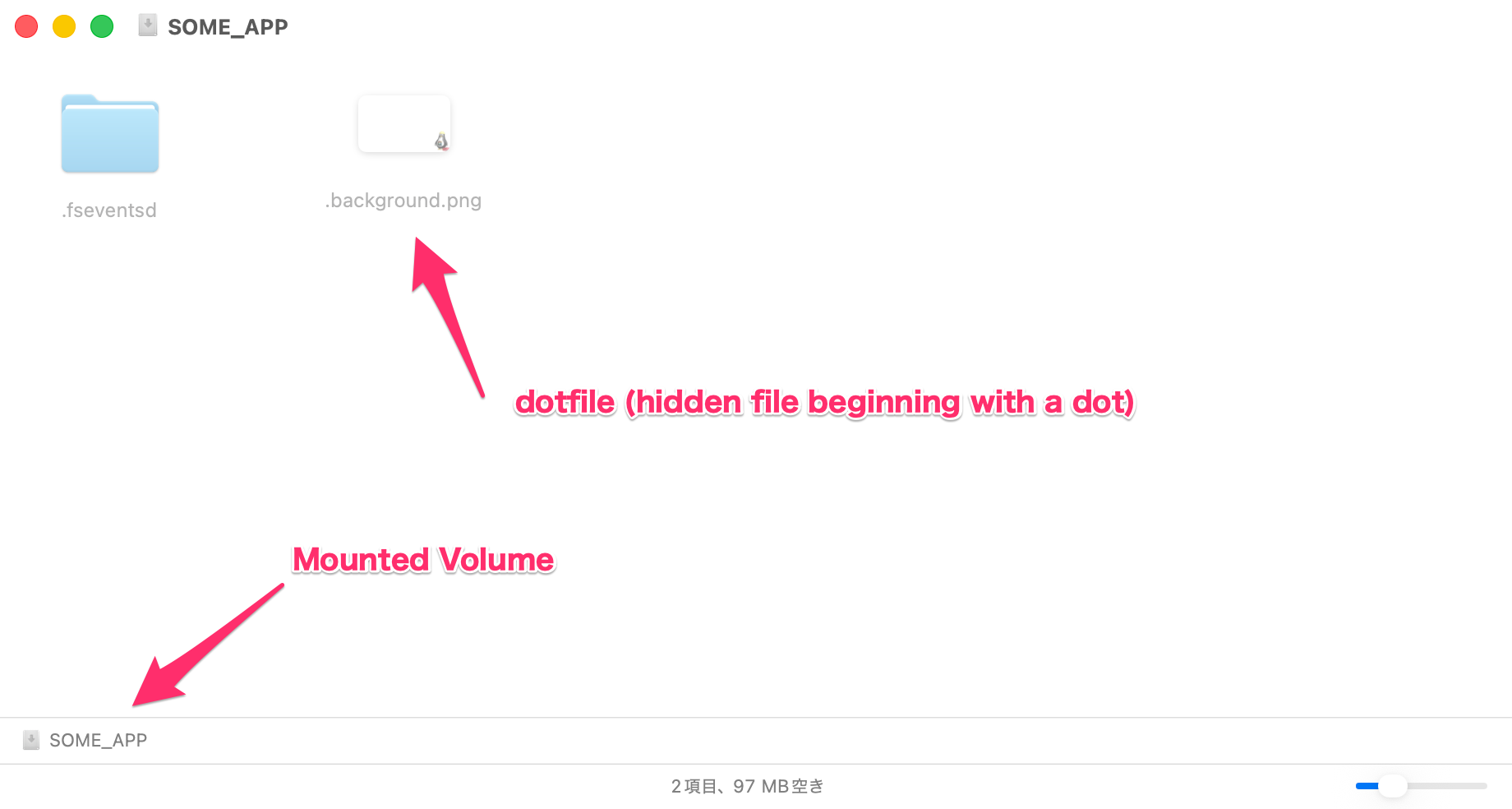
The “Finder” method I’m using must be faulty. All sources I’ve found online explain that the background image should be inside a hidden “.background” folder. However, Finder in macOS Tahoe will not allow that folder to be created inside a DMG, even using an Admin user account. Also, that folder is not created when I used “Show View Options” to add a background image. I do wonder how Finder shows an image when it is not saved to anywhere I can find inside the DMG – is it cached ?
I have tried copying a “.background” folder across from another DMG (Firefox) to my DMG. That did not work – Finder does not show the background image on any Mac.
There must be a way of crafting a DMG background image which is visible on all versions of macOS. Can any one help ?