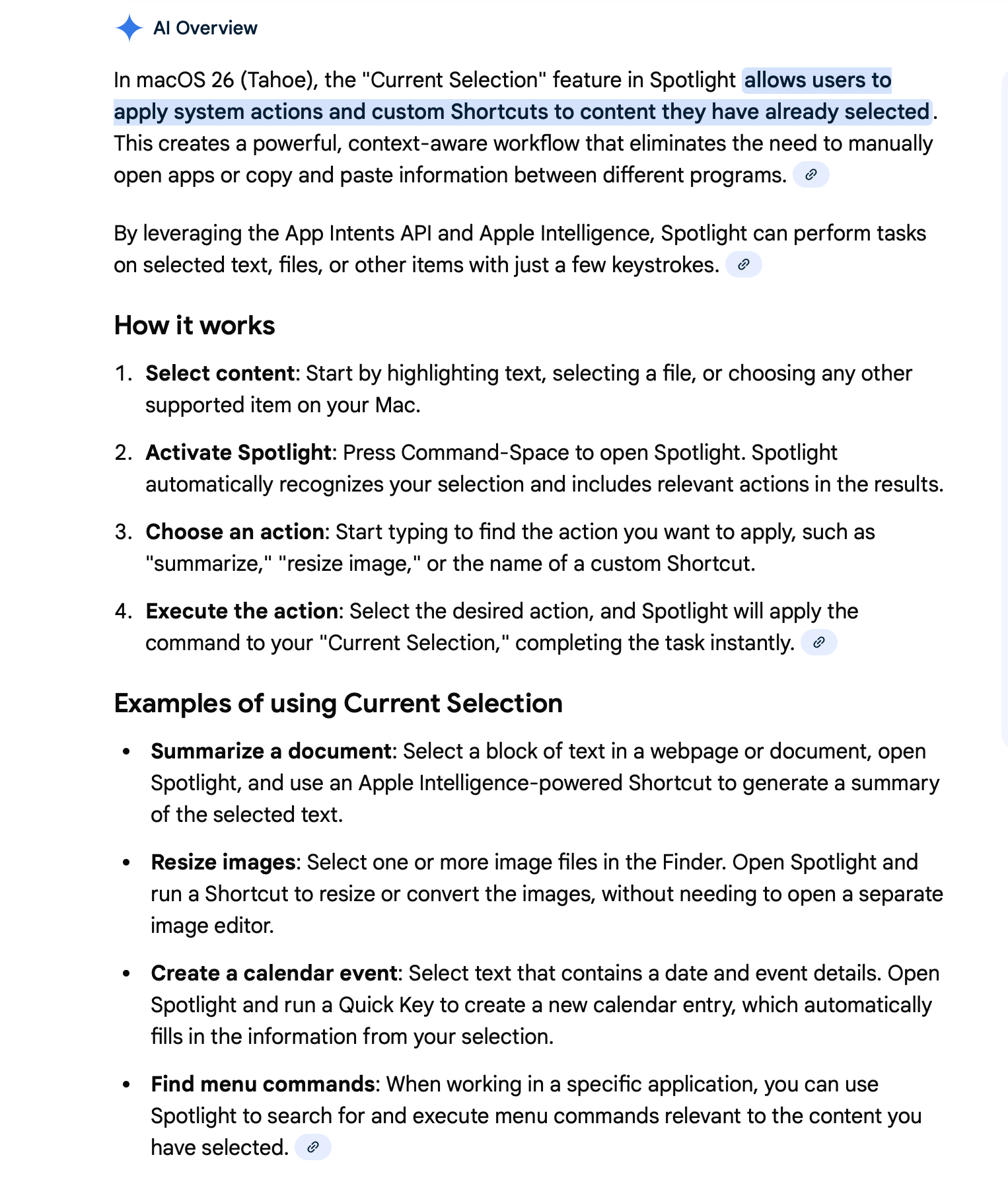
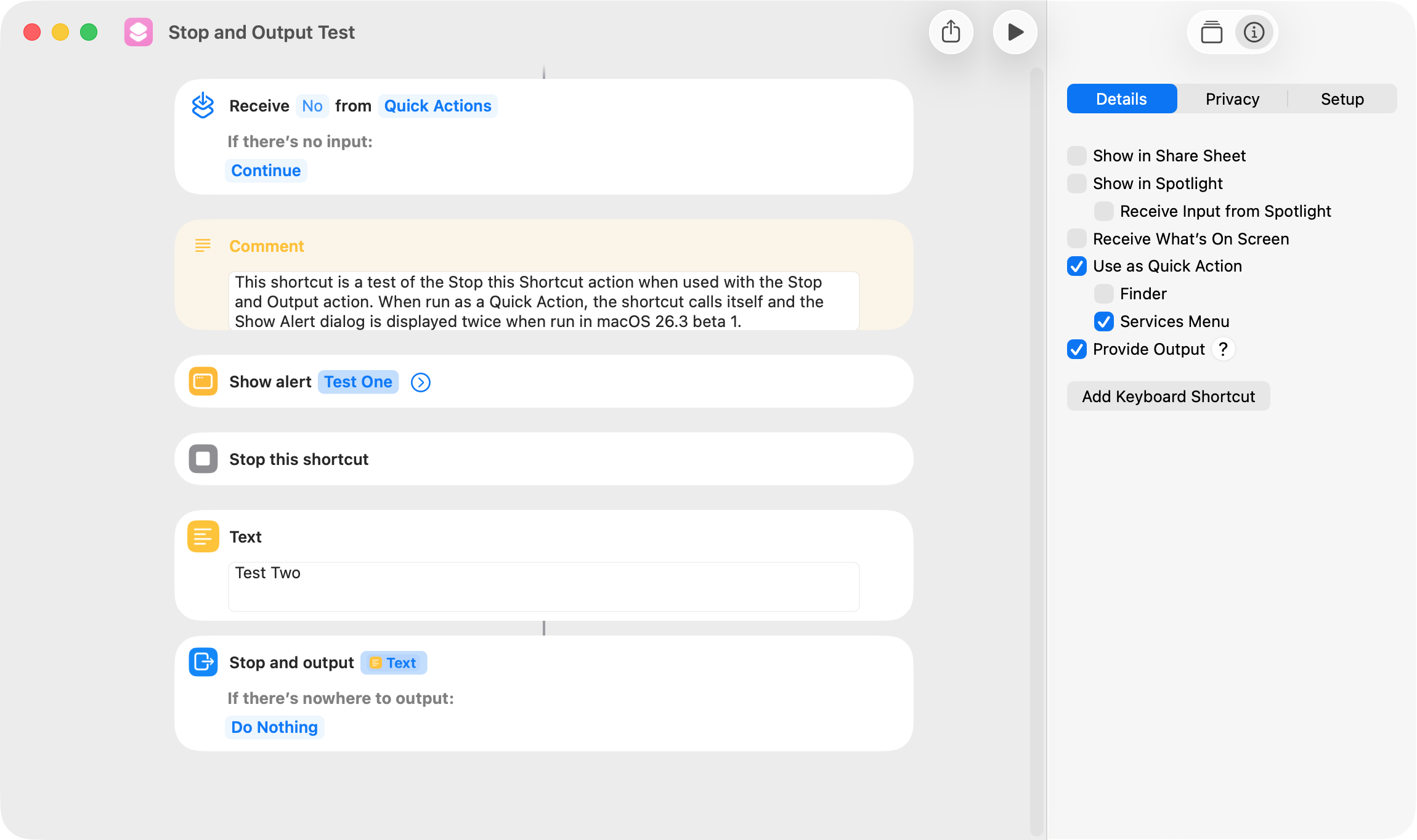
I was curious what issues other users were having with the Shortcuts app in macOS 26 (Tahoe) and did a Google search. I’ve quoted below the issues identified by Google AI, followed by my comments. I’m currently running macOS 26.4 Public Beta 3.
Editor Freezing/Crashing: The Shortcuts editor frequently crashes, particularly when tapping on magic variables or dragging actions into long shortcuts.
I used to encounter this issue occasionally but no longer.
Variable Data Not Updating: Edited variable values or fields (especially in “Get value for key”) often do not update, requiring users to click off the action, click back, or reopen the shortcut.
“Repeat Items” Failure: The editor sometimes fails to allow selection of specific variables within “Repeat with Each” loops, defaulting to just showing “Repeat Item”.
I do occasionally encounter both of the above issues, and it appears that the shortcuts editor doesn’t update or refresh when changes are made to a shortcut. A workaround–which is effective in almost every instance–is to close then open the shortcut in the shortcuts editor. Running the shortcut would also seem a possible workaround, but that seldom works for me.
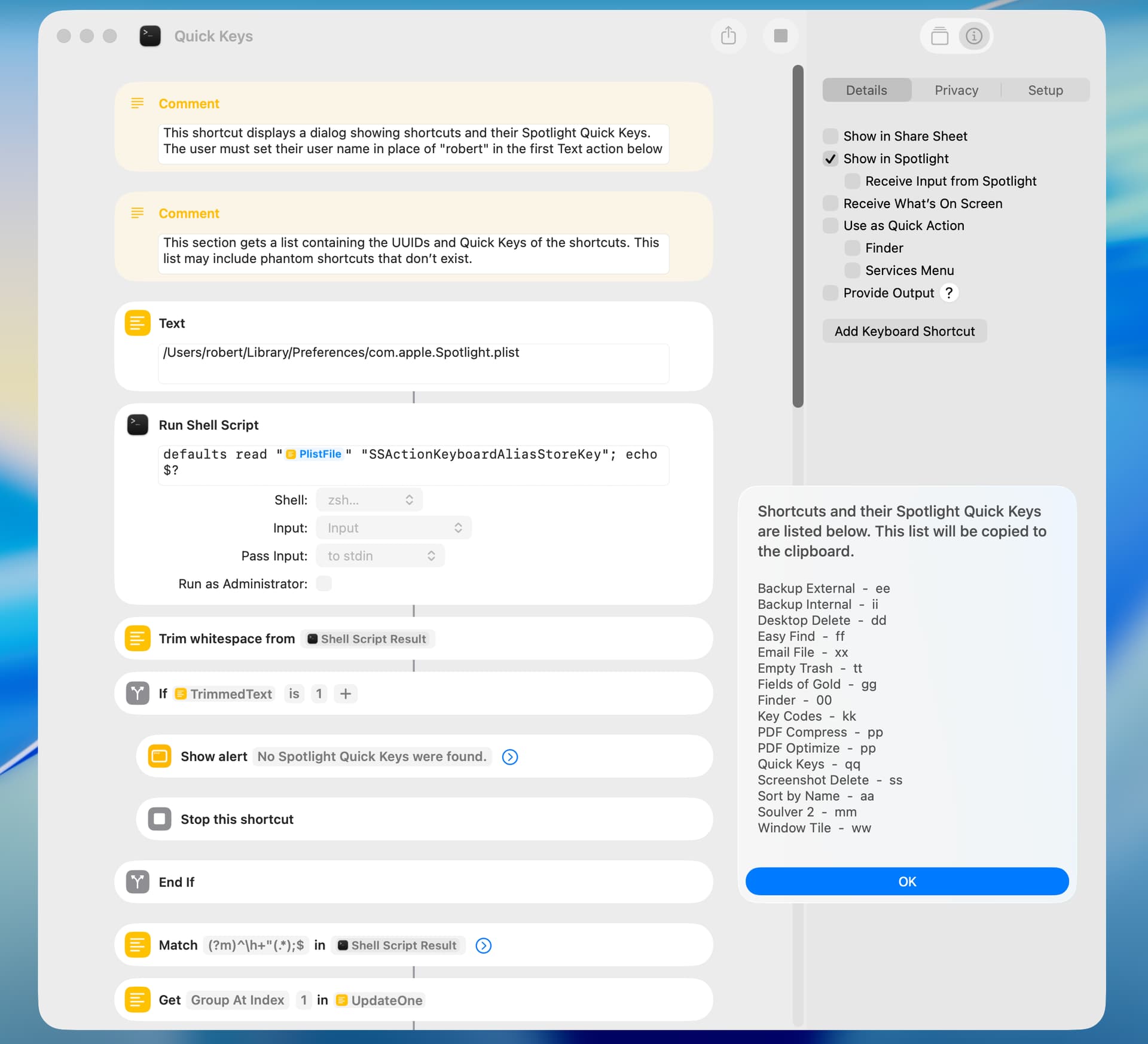
“Run Shell Script” Lags: Typing in “Run Shell Script” actions can be sluggish, with characters failing to appear or the cursor jumping to the end of the line.
I used to encounter this issue in various actions on a regular basis. I still encounter this issue occasionally, but only when the shortcut is long and I’ve been editing it for an extended period of time. Closing and opening the shortcut fixes the issue.
“Get What’s on Screen” Errors: This action fails consistently with OSStatus error -1712, even with proper system permissions.
I frequently use the Get What’s on Screen feature with the Preview and Safari apps, and this works reliably. The biggest issue IMO is that very few macOS apps support this feature.
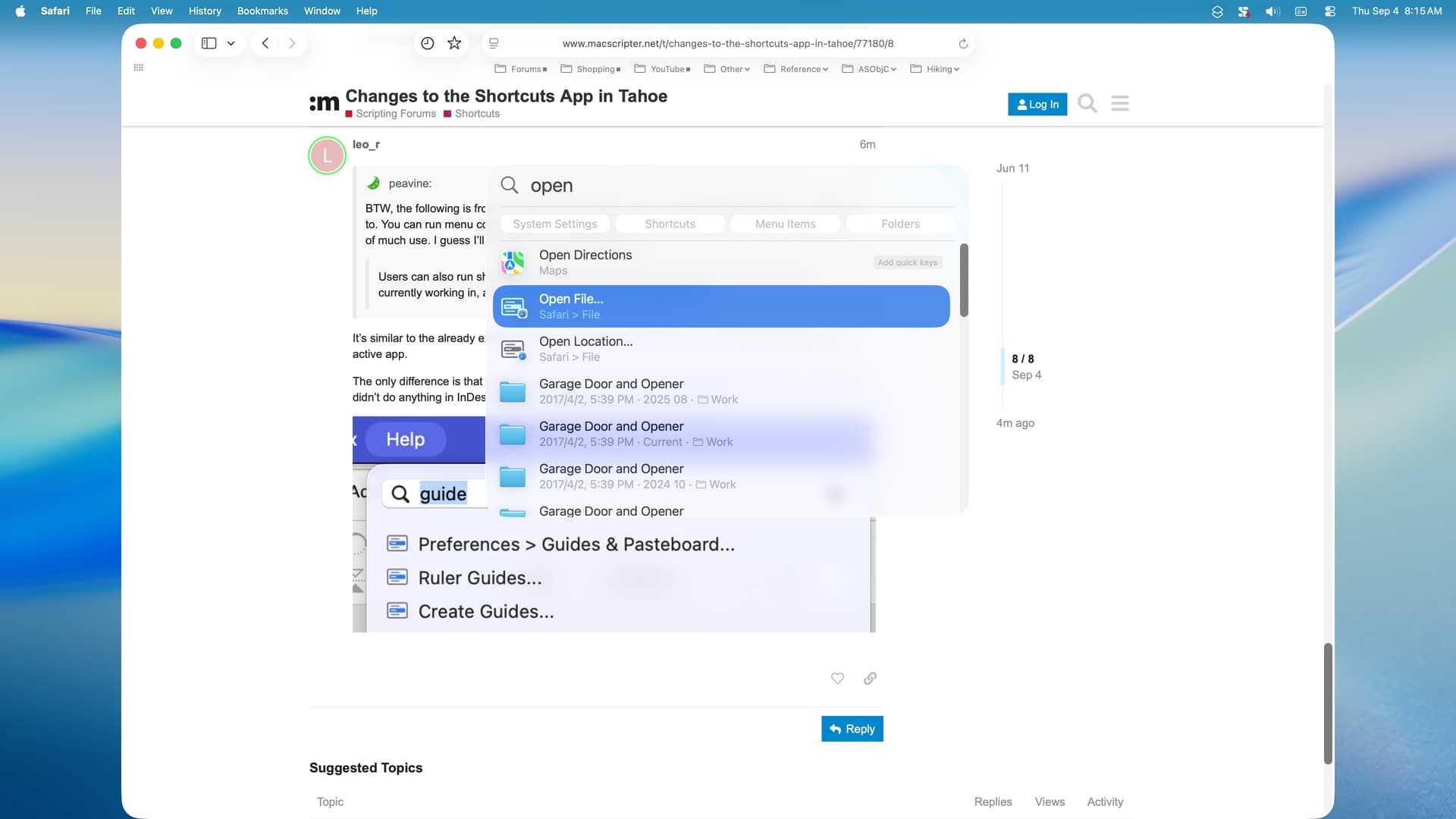
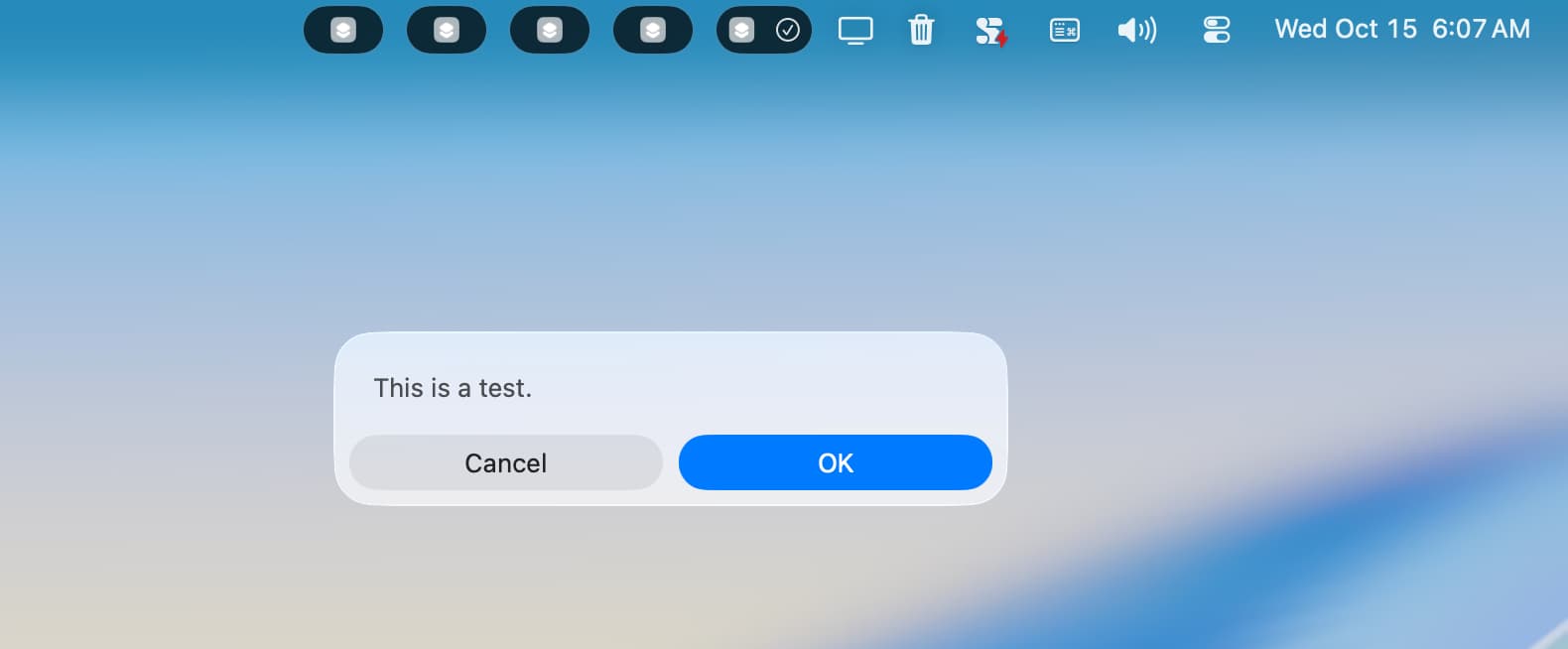
Spotlight/Menu Bar Issues: Shortcuts run via Spotlight sometimes leave a “shortcut is running” notification in the menu bar and fail to correctly recognize the currently selected file or text in Finder.
This is two issues. I used to have the “shortcut is running” issue, but, with rare exception, that’s no longer the case. The ability to get selected items (text, files, etc) by way of Spotlight has never worked reliably for me, and I simply stopped using it.
Slow File Operations: “Open File” actions with large files, which used to work instantly, can take several minutes to execute.
I’ve never encountered this issue, but I seldom use the Open File action.
Automation Failures: Some shortcuts that run perfectly when initiated manually fail when triggered by automations (e.g., “When I Get a Message”), reporting that the “input could not be processed”.
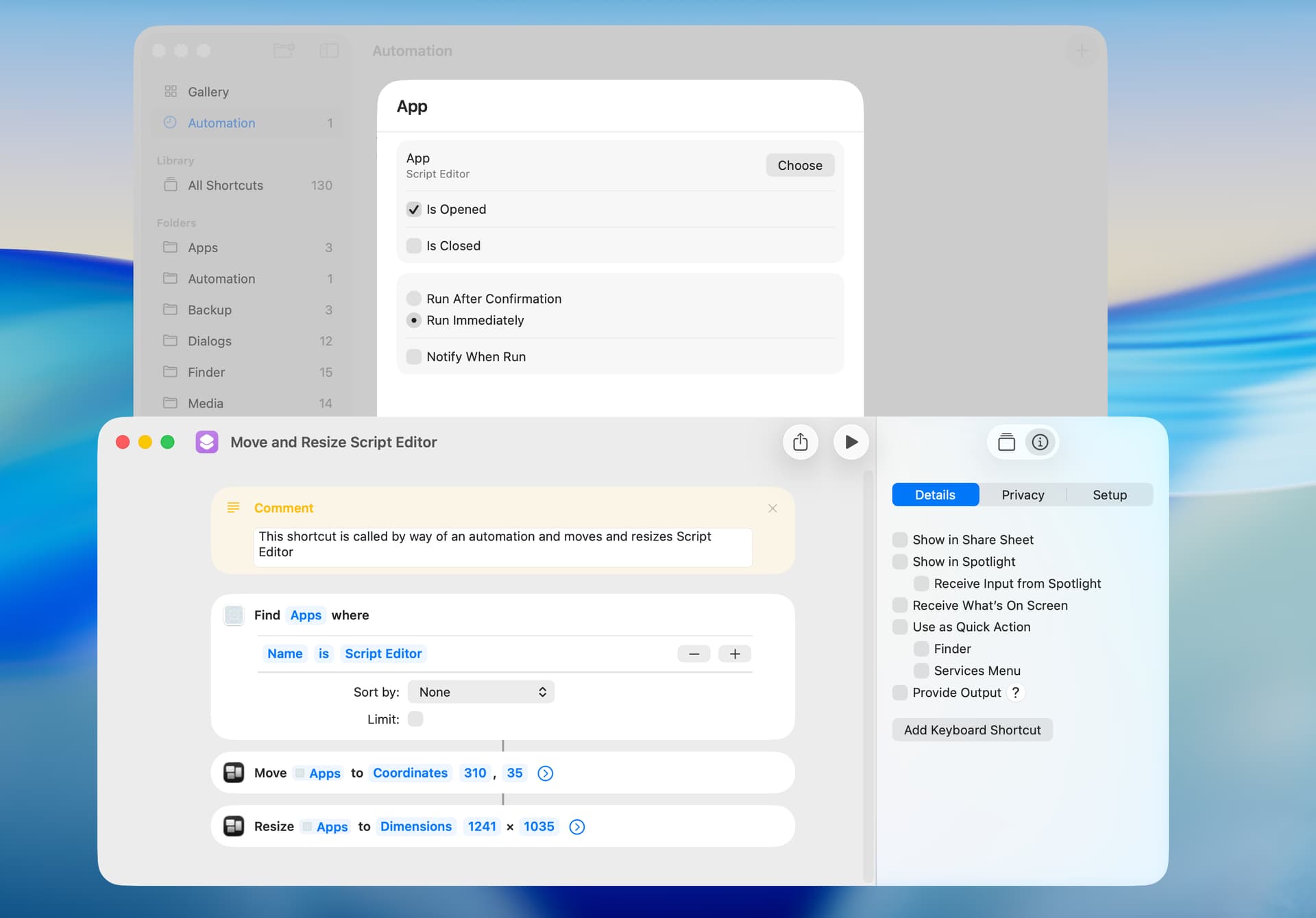
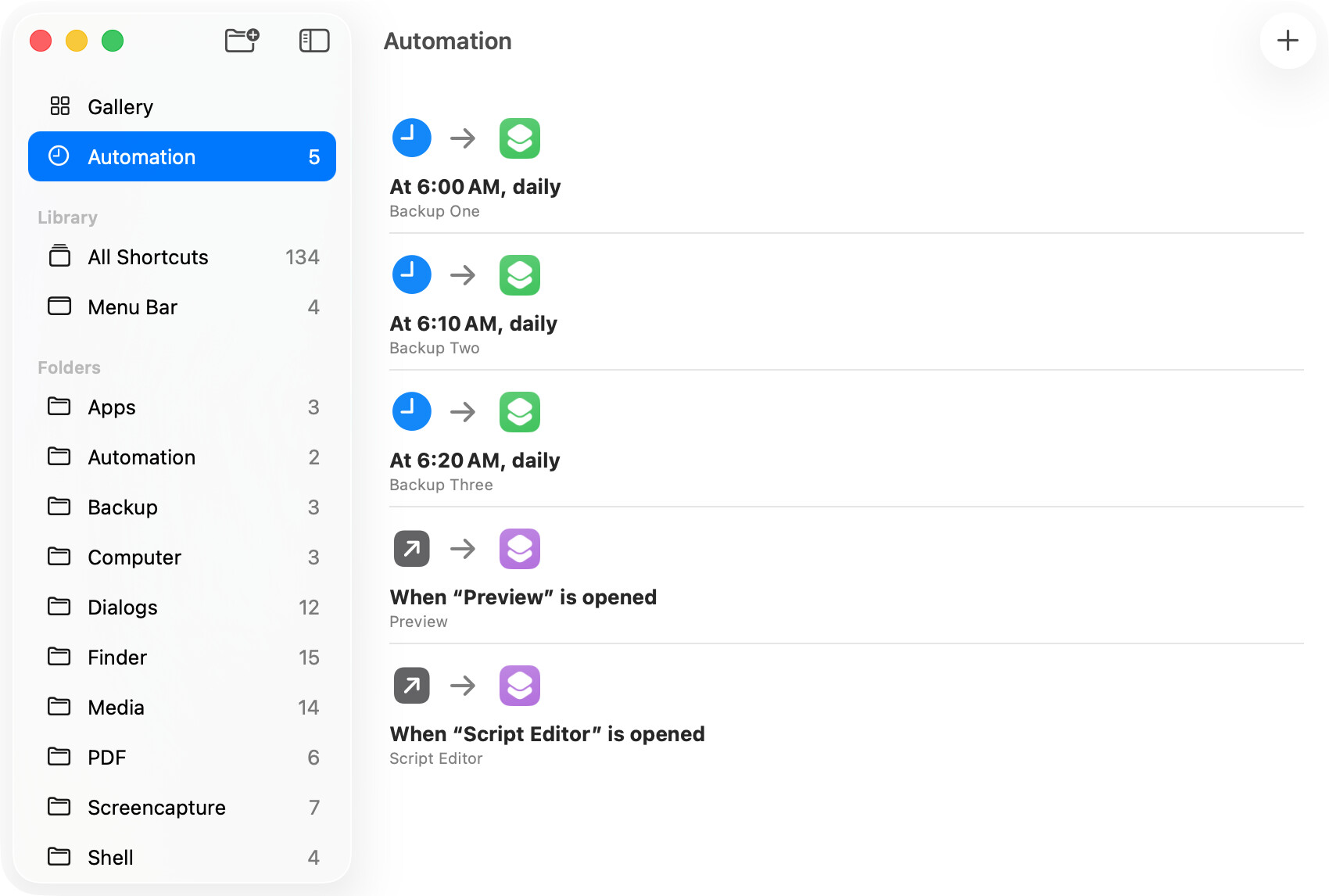
I’ve never encountered this precise issue. However, several automations do not work at all or as expected (e.g. Mail), and I only use a few automations (e.g. Time of Day and App).
App Shortcut List Management: When creating custom app-specific shortcuts, the list of installed apps is unsorted and lacks a search function, making it difficult to find specific apps.
I’m not sure what this refers to. I tested a few actions that present a list of apps (e.g. Open File and Open App), and they sorted the list of apps properly and had a working search function.
Keyboard Remapping (Beta 26.4): In the 26.4 beta, there are reports that key remapping tools (like Karabiner Elements) fail to work on internal MacBook keyboards, affecting custom keyboard shortcuts.
I don’t use a keyboard remapping utility, although I do use FastScripts without issue. The Add Keyboard Shortcut option has never worked reliably for me, and I find FastScripts to be a more reliable, if somewhat time-consuming, alternative.
A General Comment by Google AI: Users have reported that these issues seem to have worsened in the macOS 26 (Tahoe) cycle compared to previous versions, with the editor often being more problematic than the execution of the shortcuts themselves.
Overall, the Shortcuts app and the shortcuts editor have gotten more reliable for me. However, significant changes were made to the Shortcuts app in macOS 26, so it’s not surprising there are more bugs. I agree that the shortcuts editor is problematic and that the execution of shortcuts is generally reliable.
BTW, in macOS 26.4, a new bug was introduced that causes the Shortcuts app to crash when opening and installing a saved shortcut file. This only appears to happen with longish shortcuts that are signed for people who know me. Workarounds are to drag-and-drop the shortcut file on the Shortcuts app and to sign the shortcut for anyone.