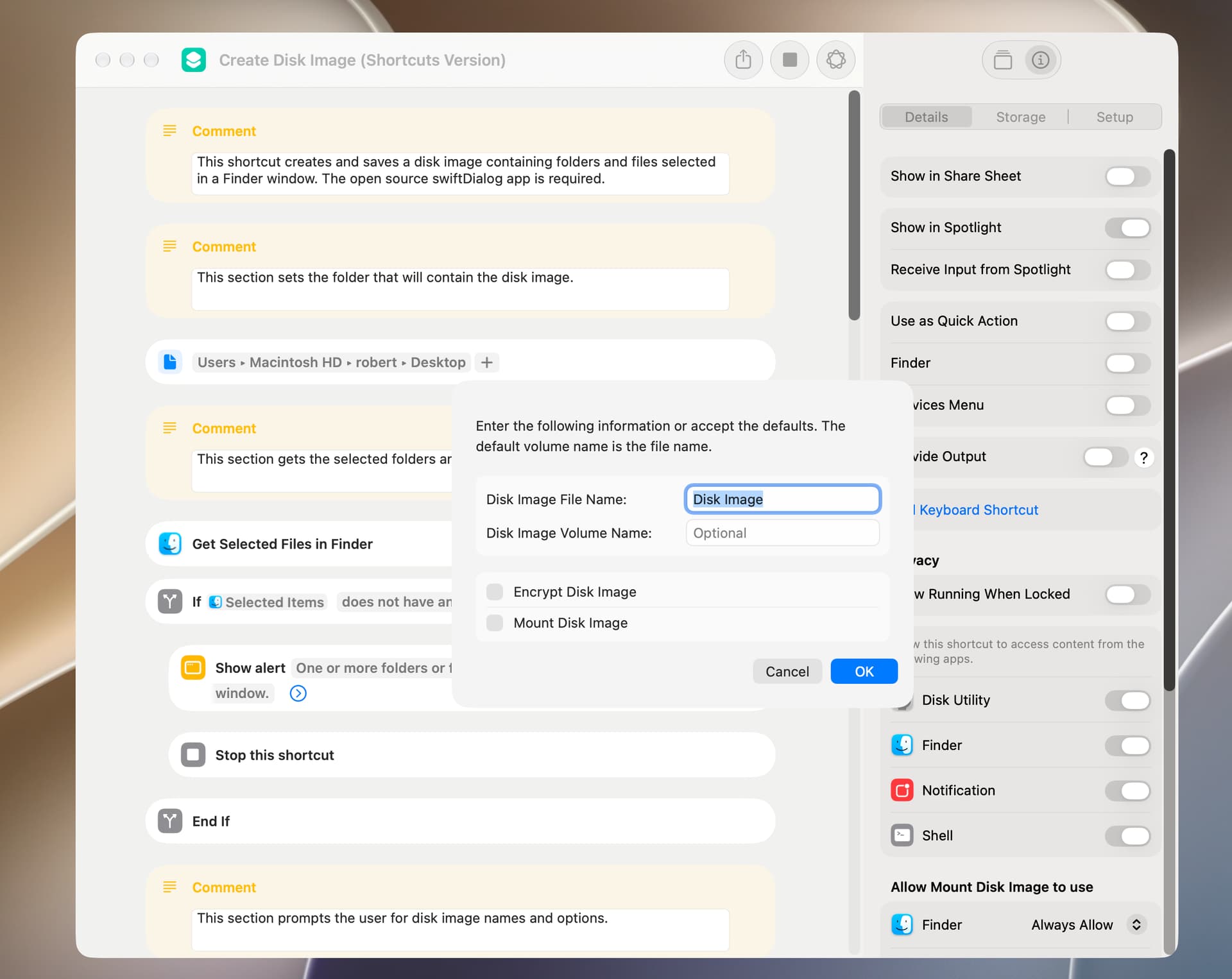
As mentioned earlier, the Shortcuts app has actions that allow you to create and mount disk images. Just out of general interest, I rewrote the shortcut in the prior post to use these actions, and the shortcut included below is the closest I could get. The differences are:
The Shortcuts Make Disk Image action has no compress option, although the default appears to be to compress the disk image.
When the encrypt option is selected, the user is separately prompted to enter a password. Also, the default is to save the password in the user’s keychain.
If the Mount Disk Image option is selected, the mounted image is shown in a Finder window (there’s no way to prevent this).
In my testing, the shortcut included below is noticeably sluggish when certain options are selected.
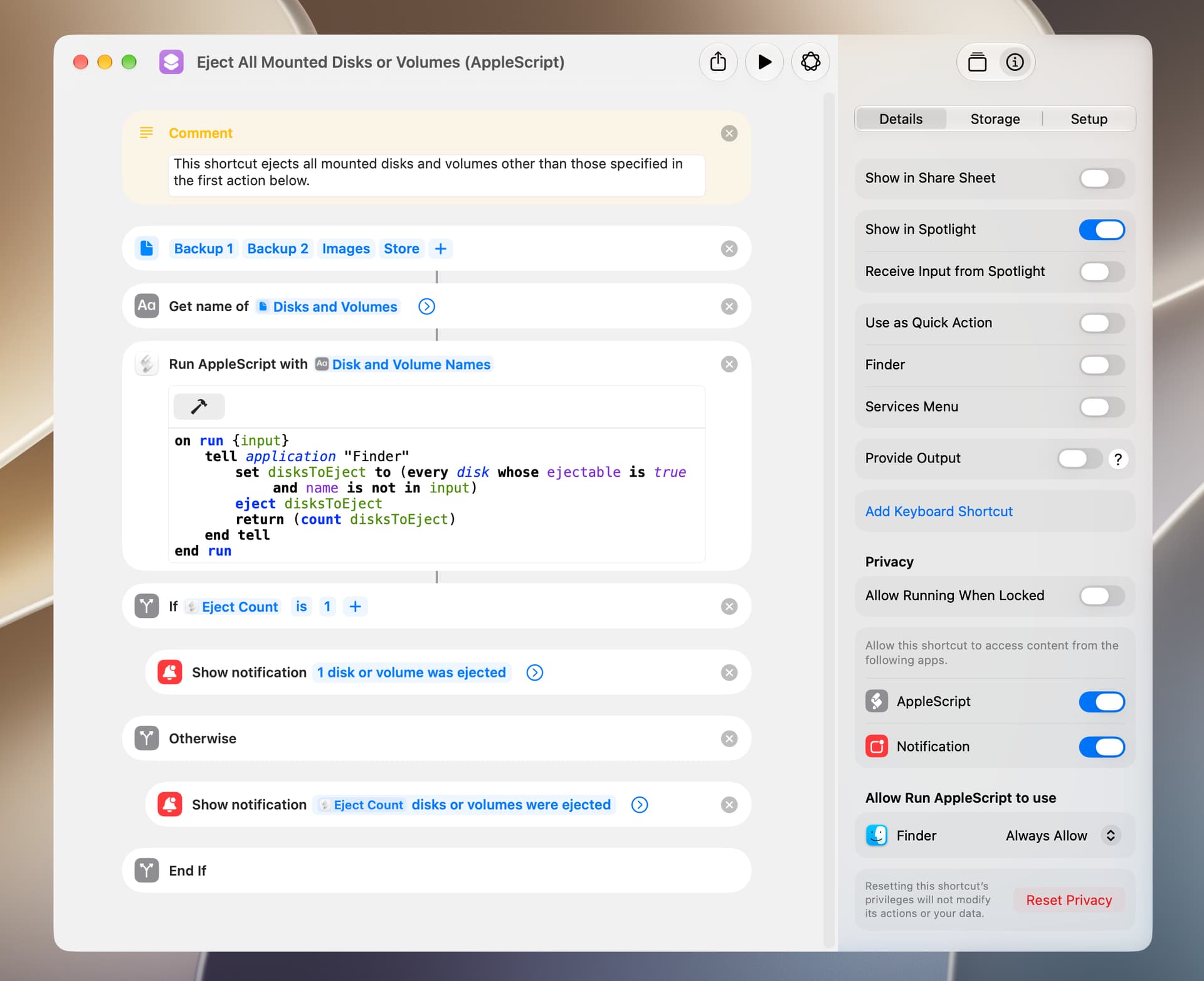
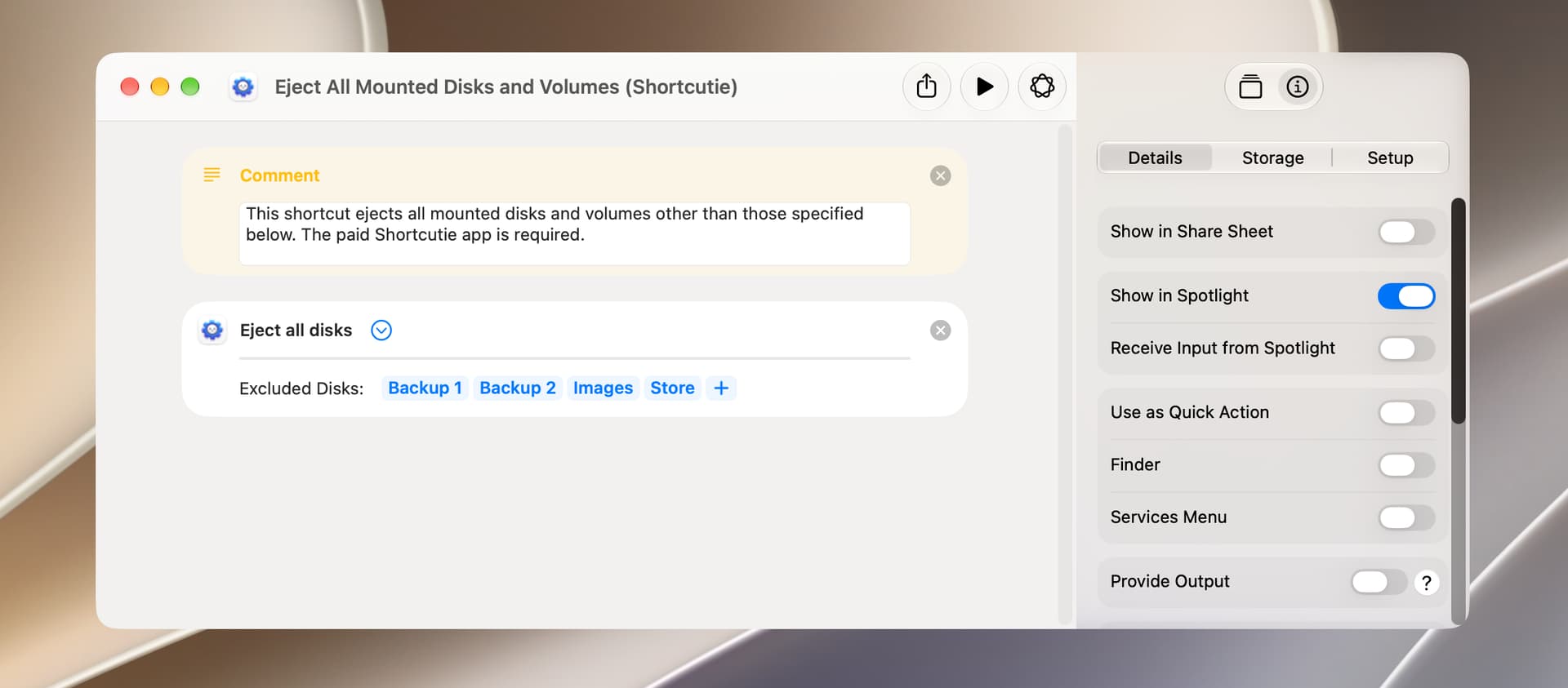
Ejecting several mounted disks or volumes is easily done by selecting them in a Finder window and clicking on Eject in the context menu. If this needs to be done on a regular basis, the following shortcut might be used.
A third option involves parsing the output of the hdiutil -info command to get the relevant mounted disk images and then using the hdiutil -detach command to eject the disks. This is a bit involved and doesn’t seem to have any advantage over the AppleScript solution.
BTW, the first time I run the Eject All Mounted Disks or Volumes (AppleScript) shortcut on my Golden Gate computer, I get an error message. From that point on, the shortcut appears to work fine.
IceFole. I agree wholeheartedly with your comments.
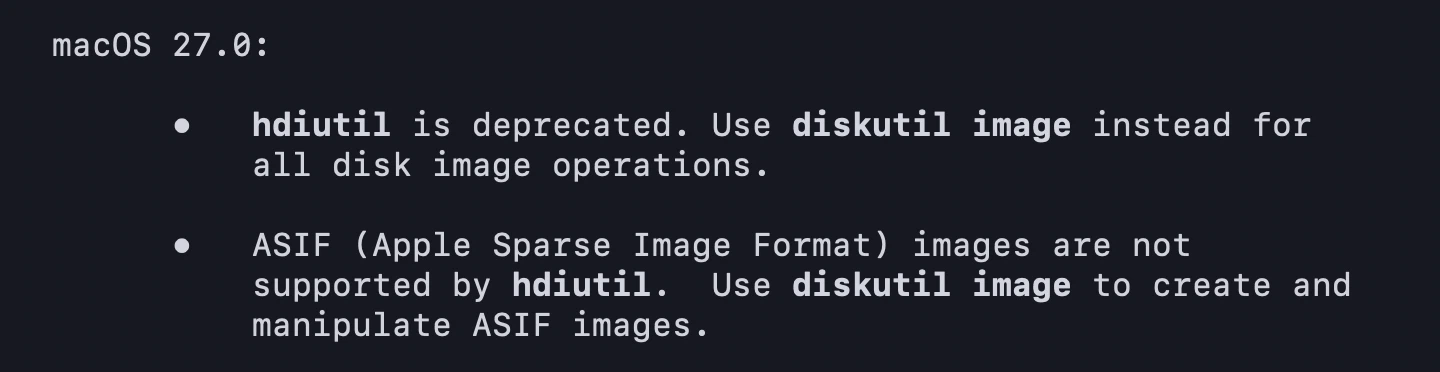
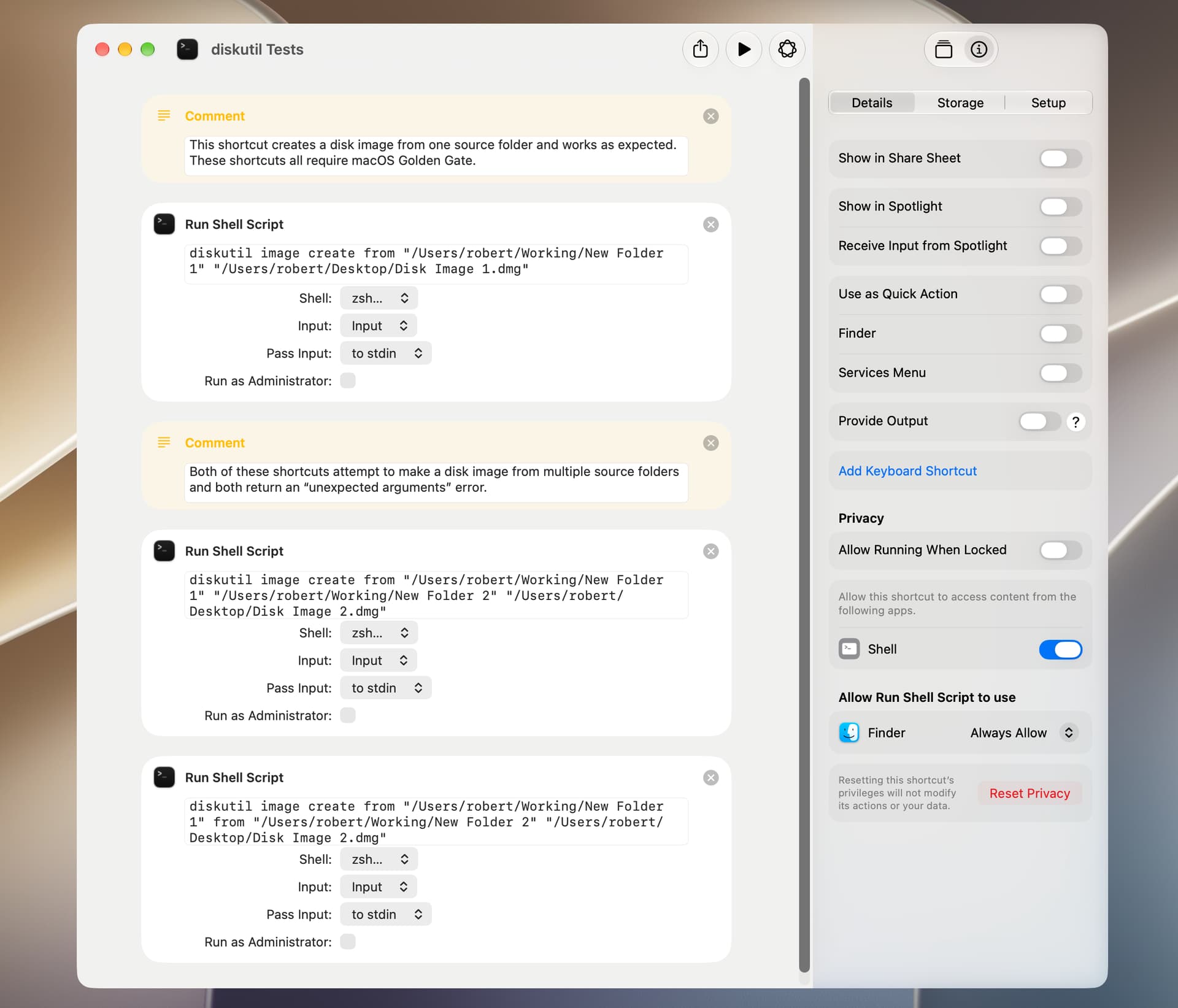
For me, the most significant issue is the inability of diskutil to create a disk image from multiple source files or folders. Just to make sure of this, I ran some simple tests to verify. Apple seems to be slow in removing deprecated commands and hopefully hdiutil will be around for a while.