I’m trying to reduce the apps I’m running on my Mac Pro 2 and one I want to get rid of (if I can) is KBM. I’m only using it to run three macros now, and I think I may be able to replace them with Apple Script. I’m not sure if it is feasible though. The three macros are:
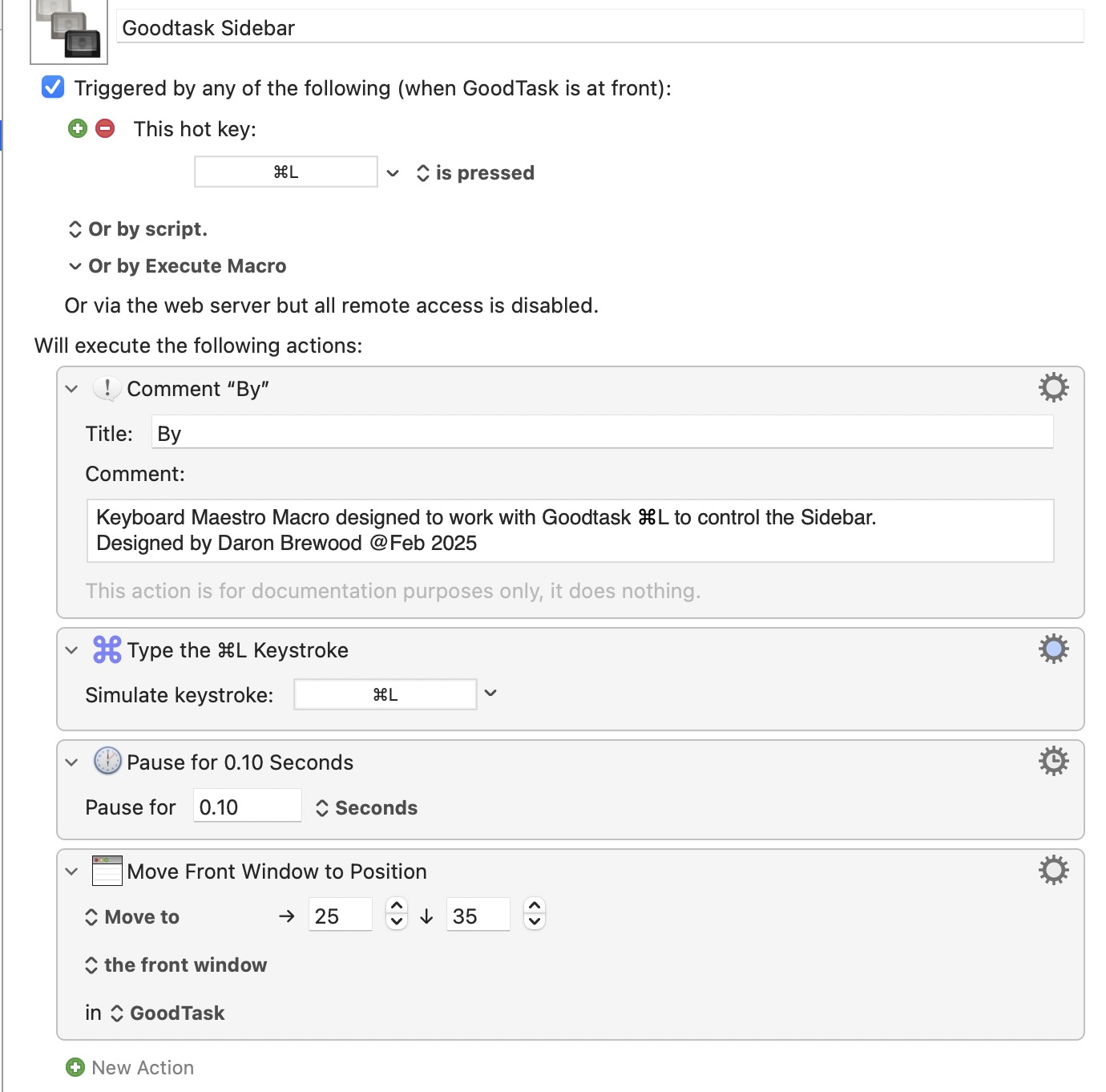
When GoodTask is fronted trigger the CMD-L key and move the app to specific coords coords (from edge / top of the screen.
When the Vivaldi browser is fronted hit the CNT-CMD-E key to open the extensions page
When the Vivaldi browser is fronted hit the CNT-CMD-B key to open the Bookmarks page
Each of the above would ideally run as Apple Script within an Apple Shortcut. The shortcuts would then be executed by a keystroke assigned using the Shortery app.
I don’t know what GoodTask or Vivaldi are, but none of what you post sounds like a problem as long as the applications are at least minimally scriptable. While I’d usually go for a direct AppleScript approach, at the very least you should be able to do this with UI Scripting…
When GoodTask is fronted trigger the CMD-L key and move the app to specific coords coords (from edge / top of the screen.
tell application "GoodTask"
	activate
end tell
tell application "System Events"
	tell application process "GoodTask"
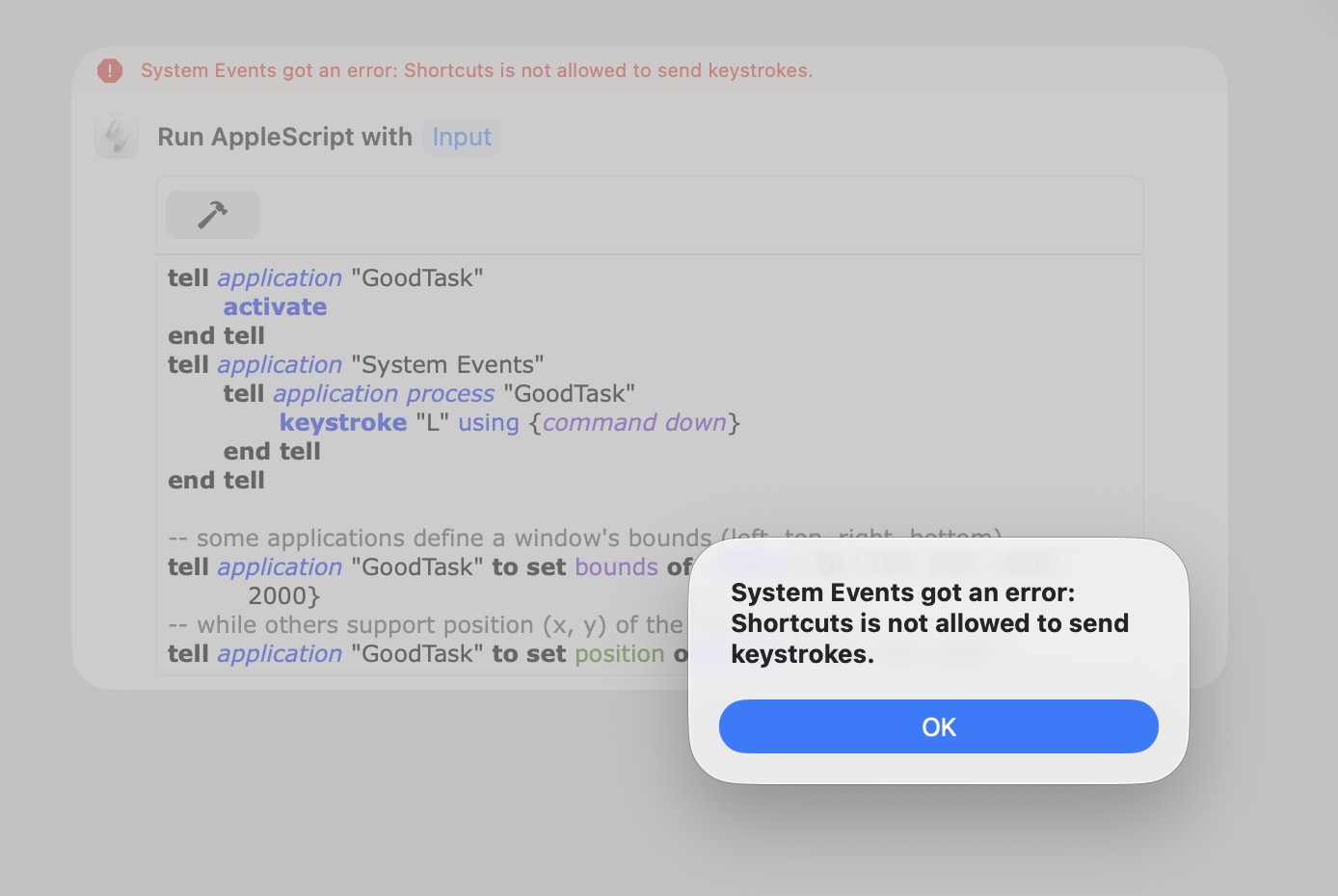
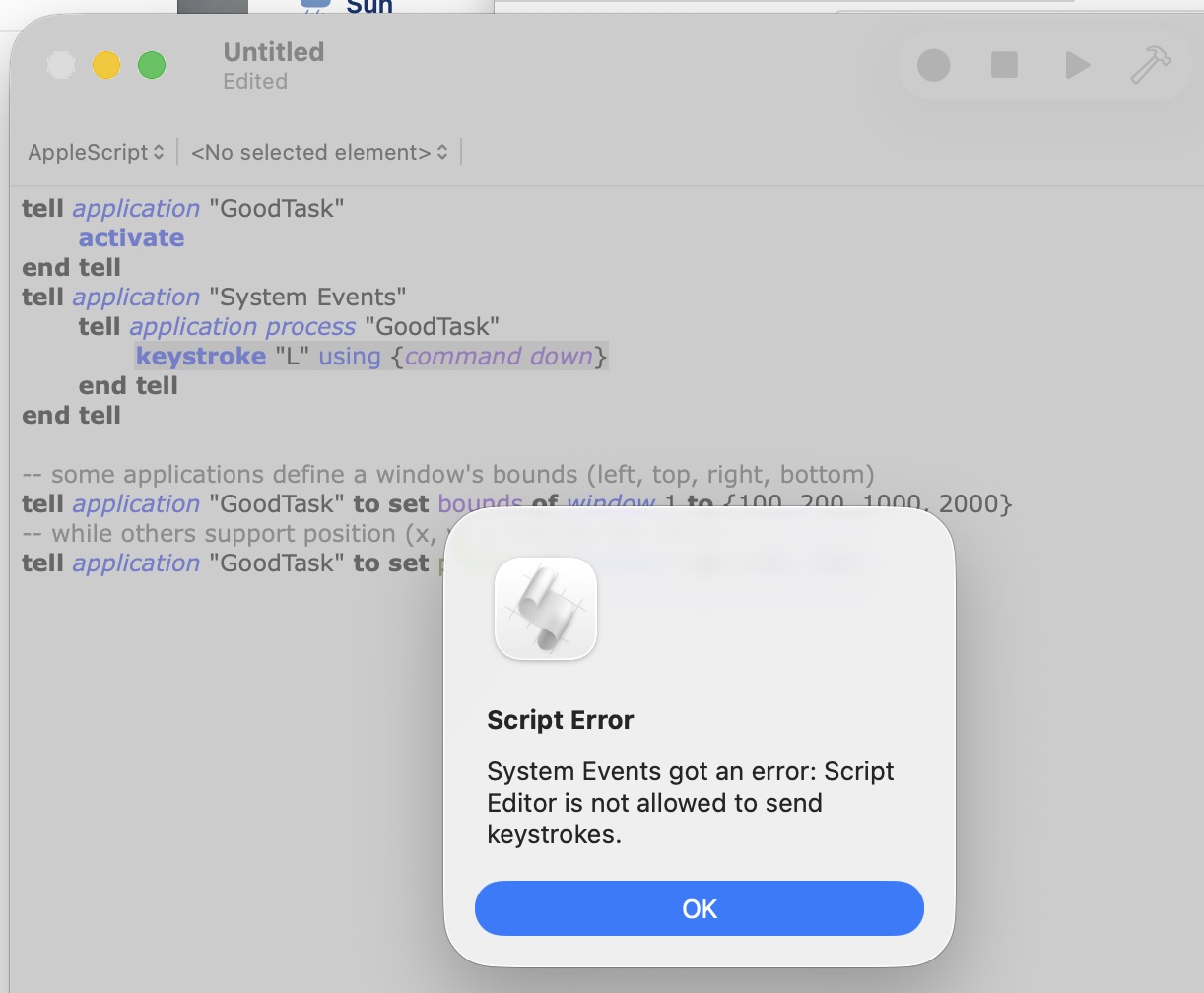
		keystroke "L" using {command down}
	end tell
end tell

-- some applications define a window's bounds (left, top, right, bottom)
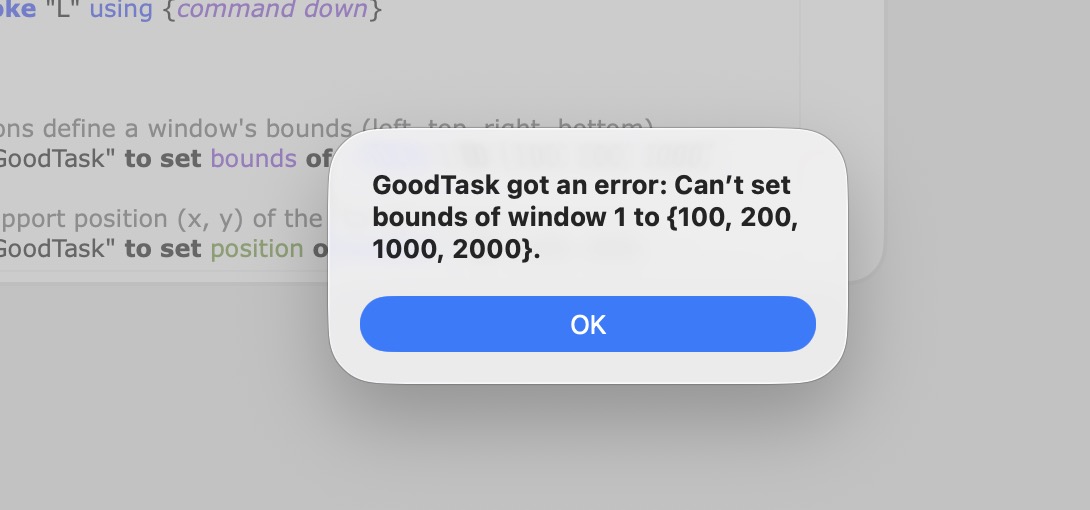
tell application "GoodTask" to set bounds of window 1 to {100, 200, 1000, 2000}
-- while others support position (x, y) of the top-left corner
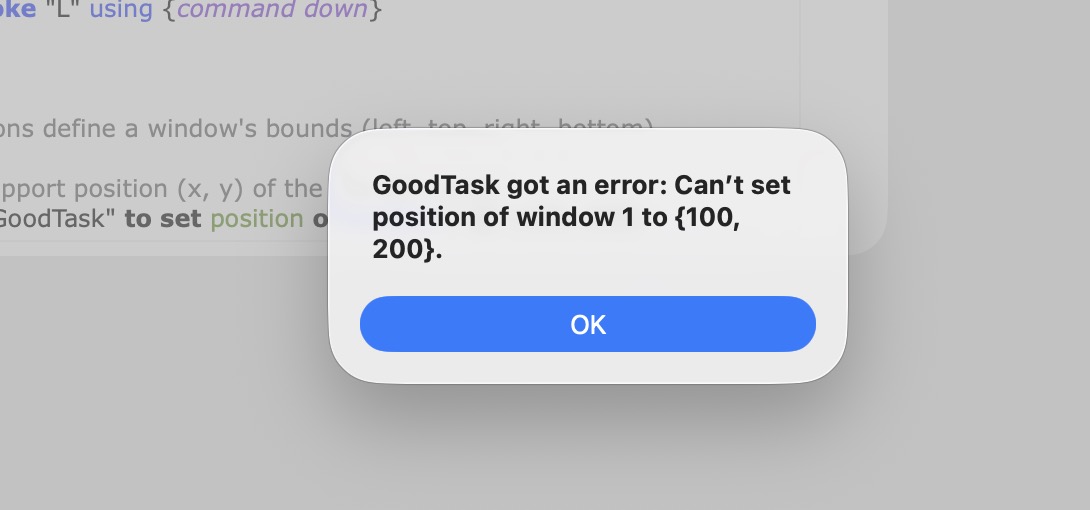
tell application "GoodTask" to set position of window 1 to {100, 200}
When the Vivaldi browser is fronted hit the CNT-CMD-E key to open the extensions page
tell application "Vivaldi"
	activate
end tell
tell application "System Events"
	tell application process "Vivaldi"
		keystroke "E" using {command down, control down}
	end tell
end tell
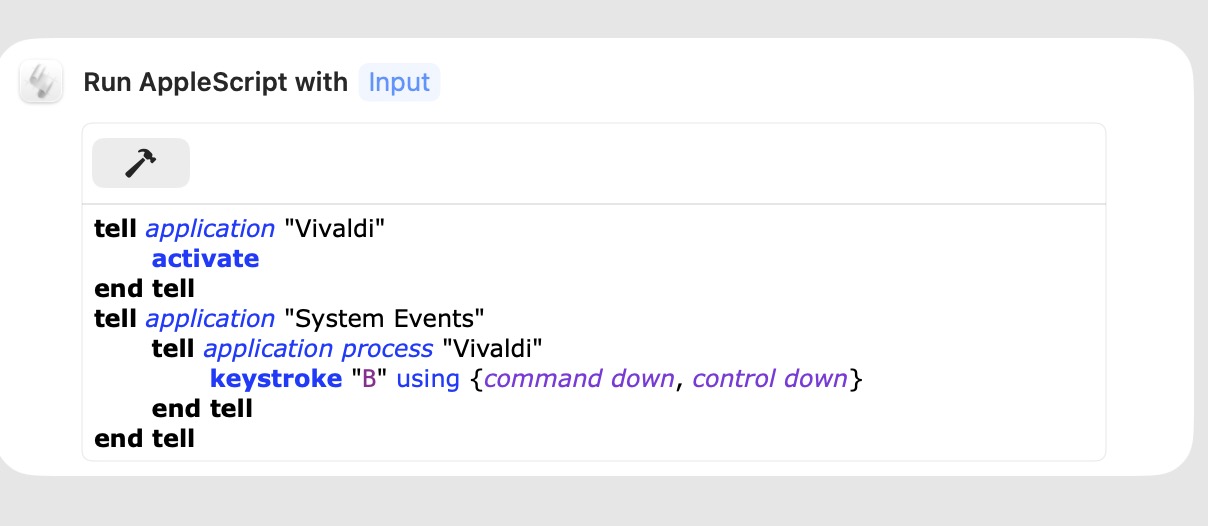
When the Vivaldi browser is fronted hit the CNT-CMD-B key to open the Bookmarks page
tell application "Vivaldi"
	activate
end tell
tell application "System Events"
	tell application process "Vivaldi"
		keystroke "B" using {command down, control down}
	end tell
end tell
Many thanks, very muchly appreciated… However, it looks like none of the above will work, as when I try to run I get errors saying '…XXXX is not allowed to send keystrokes:
Daron. Those AppleScript commands will not work if the Goodtask app is not scriptable. In that case, you can use the following (insert Goodtask instead of Safari).
tell application "System Events" to tell process "Safari" to tell window 1 --or use every window
	set position to {100, 100}
	set size to {1000, 800}
end tell
If the above does not work with Goodtask, that may be because its name and process name are not the same. To check process names, run the following script with the Goodtask app running.
tell application "System Events"
set openApps to name of every process whose background only is false
end tell
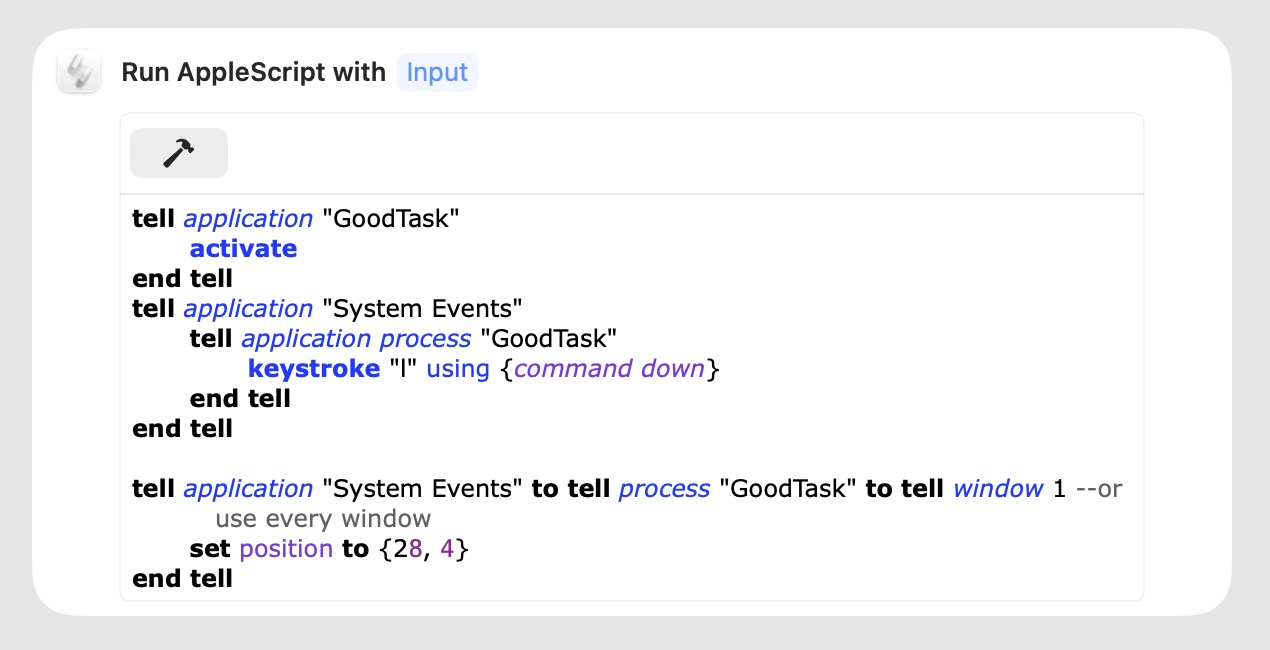
That works pretty well. But the Goodtask window jiggles up and down a bit and the left hand edge doesn’t stay in the same position. The ‘4’ in the position has been added to try and stabalise the up / down jiggling.
The annoying thing is the KBM macro doesn’t have any of these movement issues: