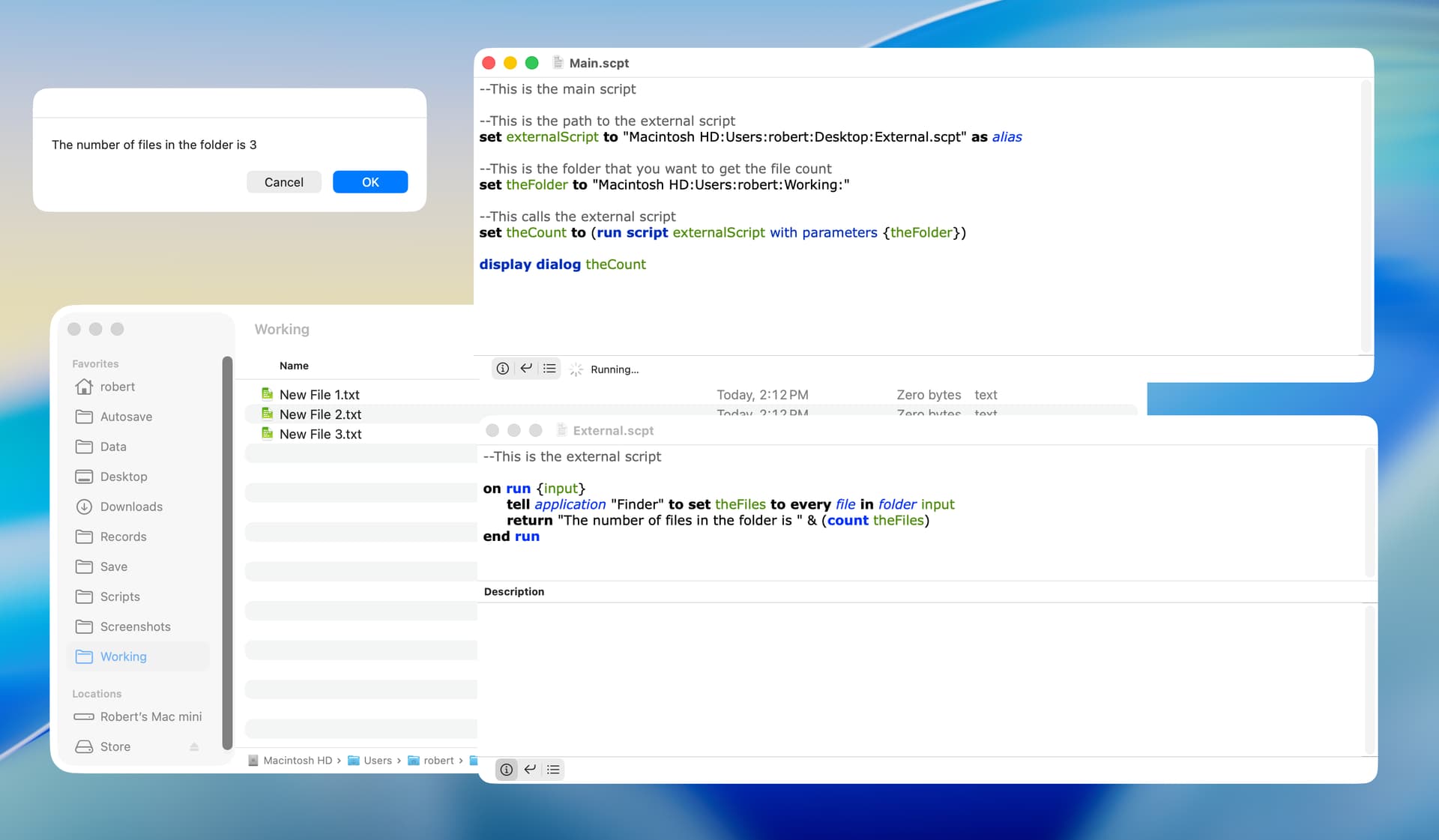
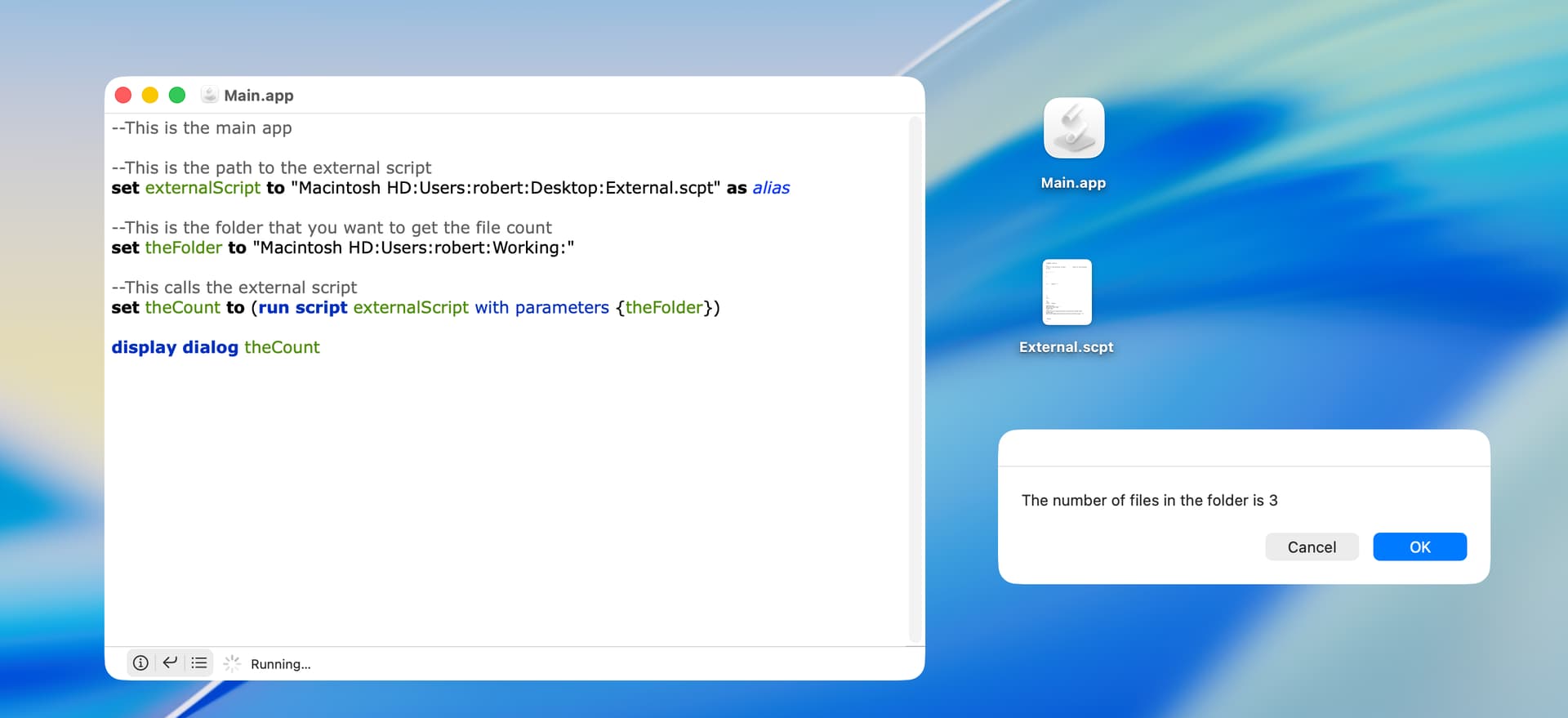
How do I retrieve a value from an external handler’s return Statement?
Handler:
set text2 to "Applications"
tell application "Finder"
	if folder text2 of startup disk exists then
		set X to count files in folder text2 of startup disk
		set text1 to "Anzahl Dateien in " & text2 & ": " & X
	else
		set text1 to "Kein Ordner " & text2 & " vorhanden"
	end if
	return text1
end tell
How do I get the returned data into a variable?
Regards
Sven
What do you mean by “external handler”? A handler in another script? A Script library?
What you have above is not really a handler. Handlers usually start with a “on” or “to” statement. Like so.
on multiplebythree(n)
	set n to n * 3
	return n
end multiplebythree
You would call this handler from your run handler (or any handler) like
so…
set c to 5
set c to multiplebythree(c) -- calling the handler here will return the value and set c to it
display alert "c * 3 = " & c
The return statement is the correct command to return the value of text1. But only from within a defined handler.
set theResultsOfYourHandler to Finder_Count_Applications()
-->"Anzahl Dateien in Applications: 96"

on Finder_Count_Applications()
   set text2 to "Applications"
   tell application "Finder"
   	if folder text2 of startup disk exists then
   		set X to count files in folder text2 of startup disk
   		set text1 to "Anzahl Dateien in " & text2 & ": " & X
   	else
   		set text1 to "Kein Ordner " & text2 & " vorhanden"
   	end if
   	return text1
   end tell
end Finder_Count_Applications
You can alao make text2 available everywhere by declaring the property at the top like this
property text2 : “Applications”
Also side note you want to put the return at the very end. After the end tell statement.
Really get into the habit of closing out you “statements / blocks” properly.
on handlers
If then else
tell’s
repeat’s
try’s
timeouts
using considering ignoring
Script Debugger is great as it will automatically I inject these for you. Just make sure your code is balanced properly
Thank you all for your excellent advice, I learned a lot.
Played a few days with it.
Changed my code to:
External App “Training02 06.04.2026” (is that still a handler?):
set text2 to "Users:svenbode:Dokumente"
property text1 : "Applications"
tell application "Finder"
	if folder text2 of startup disk exists then
		set X to count files in folder text2 of startup disk
		set text1 to "Anzahl Dateien in " & text2 & ": " & X
	else
		set text1 to "Kein Ordner " & text2 & " vorhanden"
	end if
	# display dialog "unterprogramm: " & text1
end tell
return ("unterprogramm: " & text1)
Main app try 1:
set text1 to "A"
set text2 to "A"
launch application "Training02 06.04.2026"
set text2 to (run application "Training02 06.04.2026") as string
end run
display dialog text2
Main app try 2:
set text1 to "A"
set text2 to "A"
set text2 to (run application "Training02 06.04.2026") as string
end run
display dialog text2
Changed the return of the external app outside the tell block of the external app, changed the folder address and changed the external app call to set…
Now it runs without error, but the window of the main dialog shows an empty window. The result window of the external app shows the correct text.
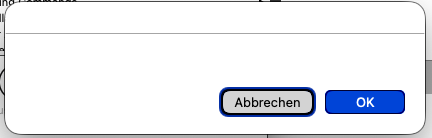
How do I get the external app result in the string variable text2?
Regards
Sven
Unless you have some specific reason for doing otherwise, it’s better to use scripts.
However, the main script can be an app but the external cannot (at least in my testing).
Thank you all for excellent advice.
As this was for me for learning it, all advice gave me all I need to write code for this issue.
Regards
Sven
Actually, the external can be an app. You just wouldn’t return from the run handler, instead you would call another handler like so…
-- for this example, the handler in the external app is called "myExternalHandler"
tell application "myExternalScript.app" to myExternalHandler(theFolder)
also if the external script is actually a plain script, you would do a similar thing about not using the run handler in the external, but a named handler you created.
like so…
local aScript
set aFolder to path to desktop folder as text
set aScript to load script alias "Mac SSD:Users:robert:Scripts:externalTest.scpt"
aScript's myExternalHandler(aFolder)
here is my external script…
use AppleScript version "2.4" -- Yosemite (10.10) or later
use scripting additions

on myExternalHandler(aFolder)
	tell application "Finder"
		if folder aFolder exists then
			set x to count (files in folder aFolder)
		else
			set x to -1
		end if
	end tell
	return "The numder of files in the folder is " & x
end myExternalHandler
1 Like
Yeah Peavine’s last example is better.
Search the forum for scripting libraries,
There no real point in creating an app.
Just create a script and save it as a library and place into your scripting libraries the. Call it from your other script!