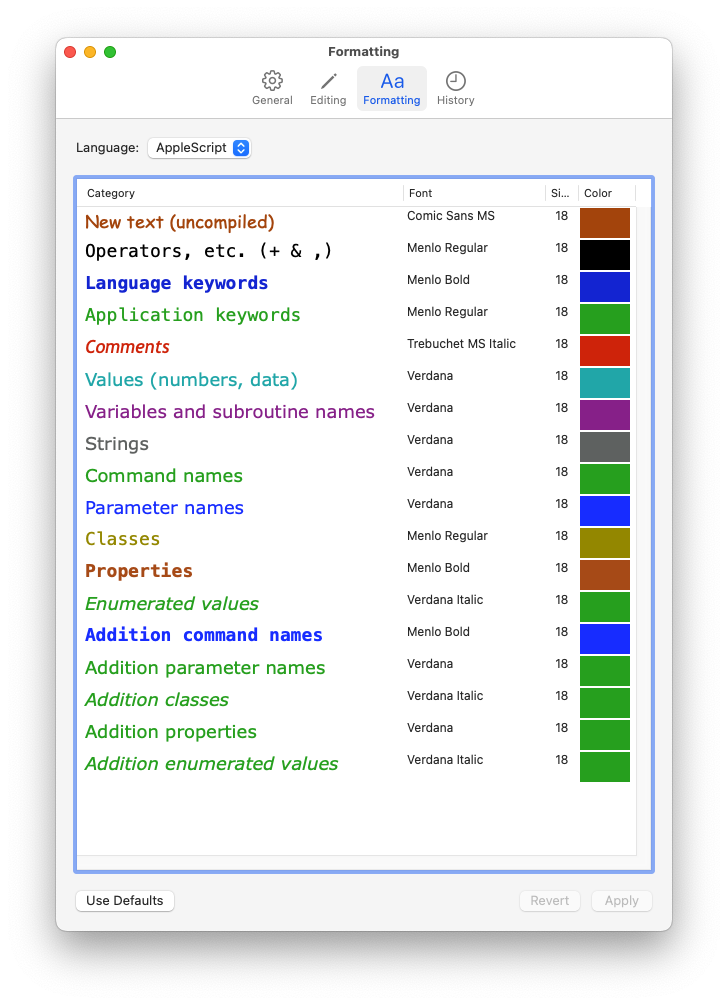
Back in the 90s, I created a custom syntax coloring for my script editor that I then burned into my brain through years of coding. I moved on to other languages, like php and javascript, and I’ve been using the same coloring for those languages for decades (not the same as my old applescript coloring, but the php coloring for about 22 years).
I’m now getting back in to applescript again, but the default coloring is slowing me WAY down. Everything pretty much looks the same, color wise. Which slows you way down trying to figure how what you are reading.
Sadly, my old color settings that I liked too much, are long gone. All I remember from it is that comments were red and strings were grey.
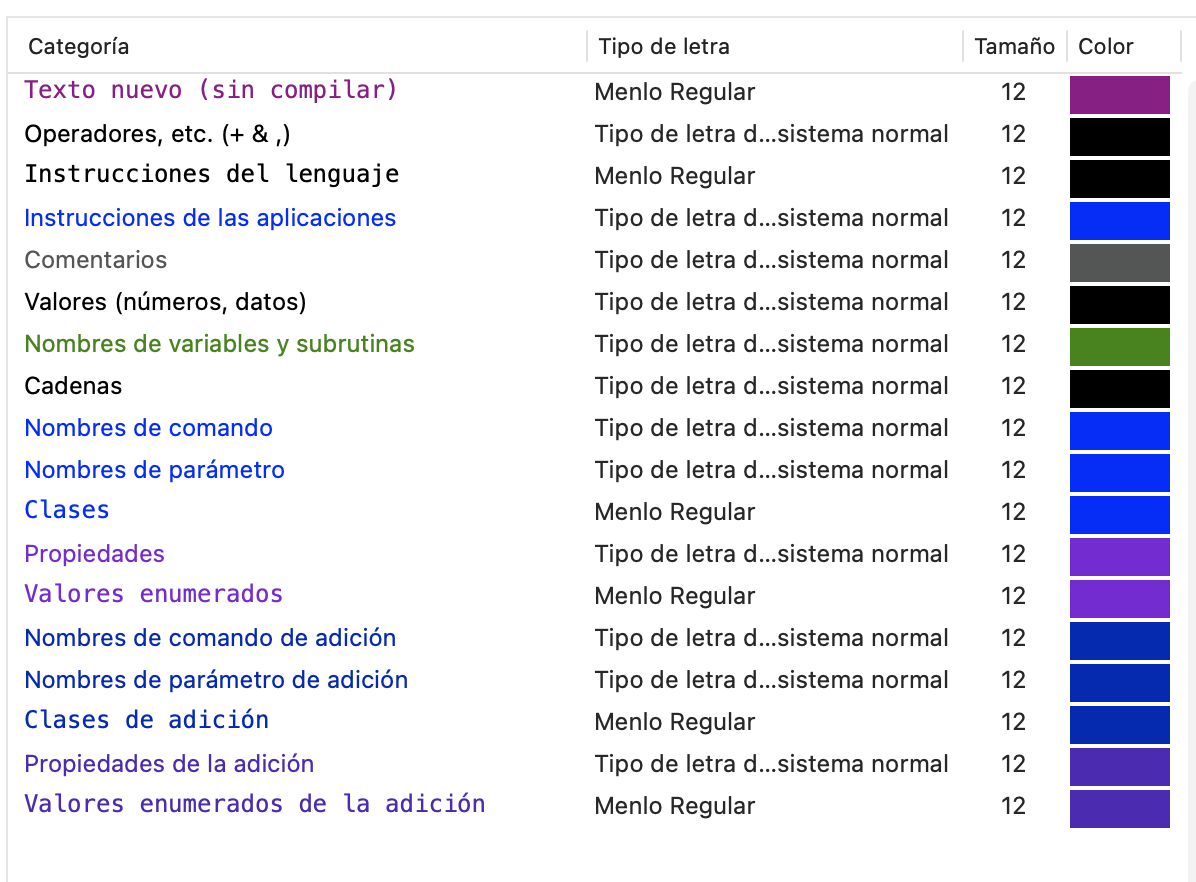
Also, I had the obvious thought of - I’ll just create a new color scheme that I like and I’ll stick to it. But what the hell. There are. a million different colorable objects now in the Script Editor Formatting settings. And what even are they all? What is an Enumerated Value, or an Addition Property, or an Addition Enumerated Value?? Whaaaaaat?
Its such random nonsense, that I can’t even make my own color scheme because I have no idea what I’m even setting.
So I don’t even know what I’m asking for. If you have any tips or words of wisdom, OR screen shots of your own syntax coloring settings that you think work well, I guess post it here? I don’t know, this is stressing me out!