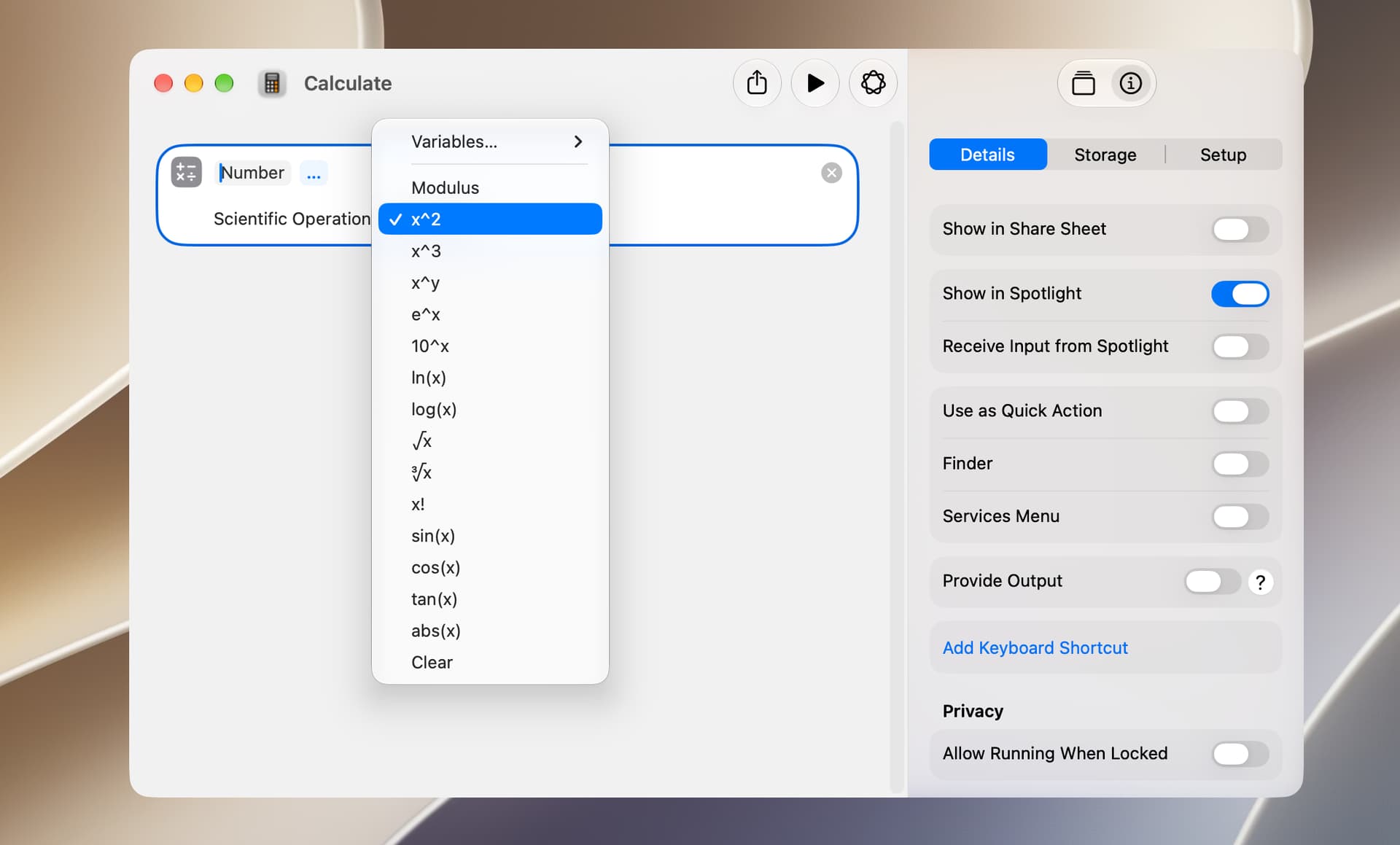
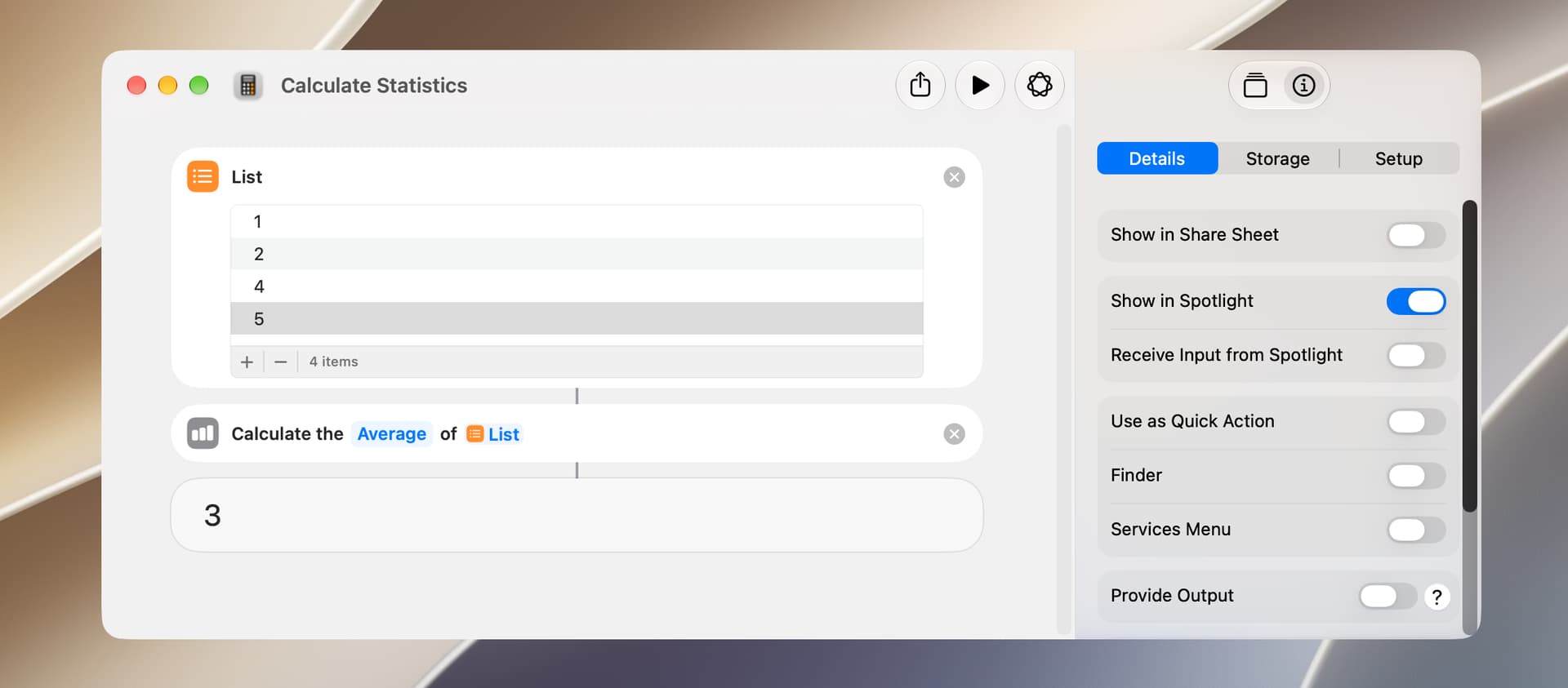
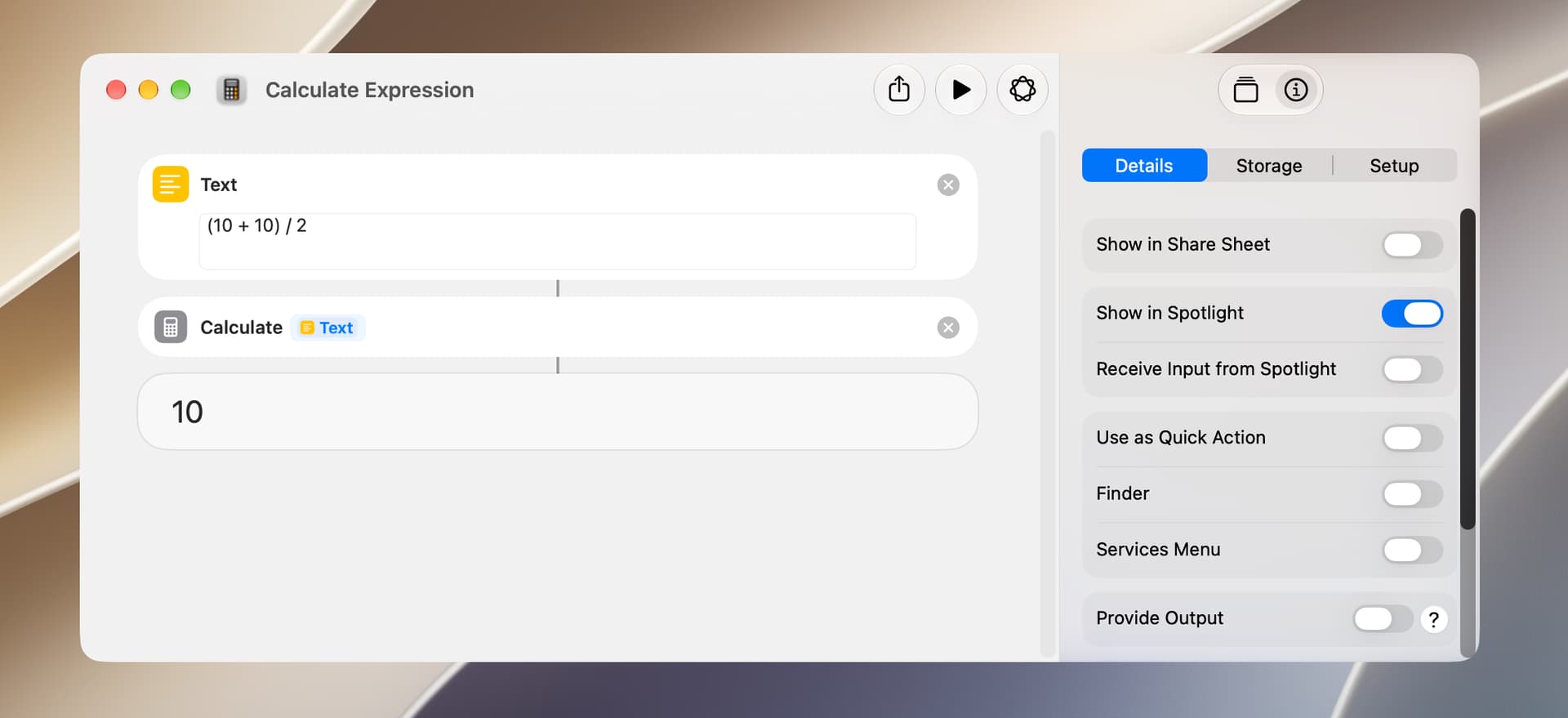
The Shortcuts app has three actions that are most commonly used to perform math calculations. The first is the Calculate action, which is primarily used to perform basic math operations. However, clicking on the plus character and selecting the ellipsis character yields additional options.
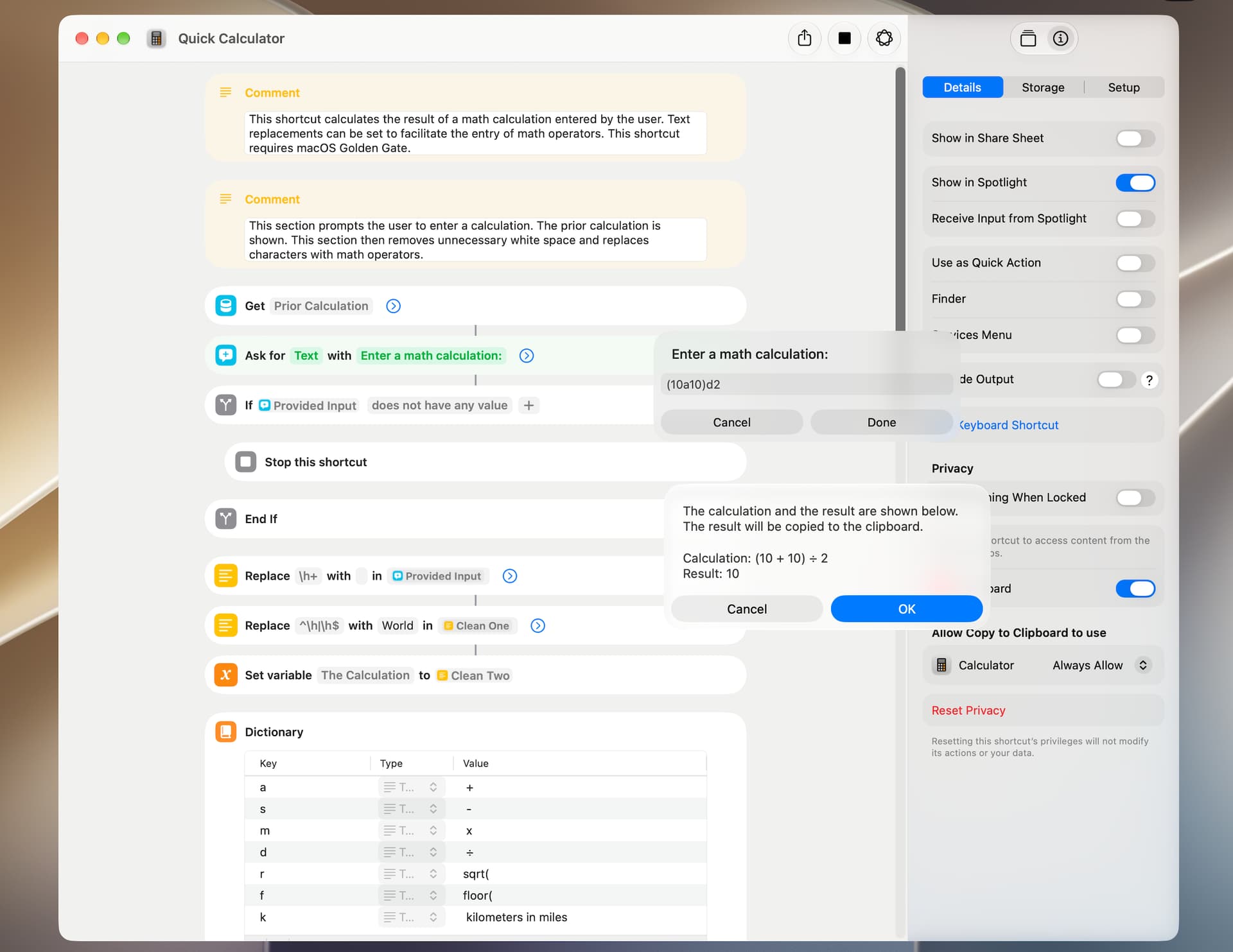
The shortcut included below is a calculator that demonstrates a use of the Calculate Expression action. I wrote it for my own use, and my requirements were:
It’s fast and simple, requiring the minimum number of keystrokes.
It supports text replacements to facilitate the entry of math operators.
It shows the prior calculation.
The text replacements contained in this shortcut are a bit of a hodgepodge and were selected just to demonstrate its operation.
The shortcut has two flaws. First, a text-replacement character may change some other text in the calculation. For example, you can’t enter sine in the calculation because it becomes -ine. Also, the location of the text replacement character is not always consistent. For example, you enter f before a number or calculation to get its floor value, but you enter k after a number or calculation to convert kilometers to miles. I use this shortcut for basic math calculations and conversions, so this isn’t an issue for me, but I’ll give this some additional thought.
This shortcut requires macOS Golden Gate 27. The screenshot shows both dialogs just to demonstrate–they normally appear sequentially.