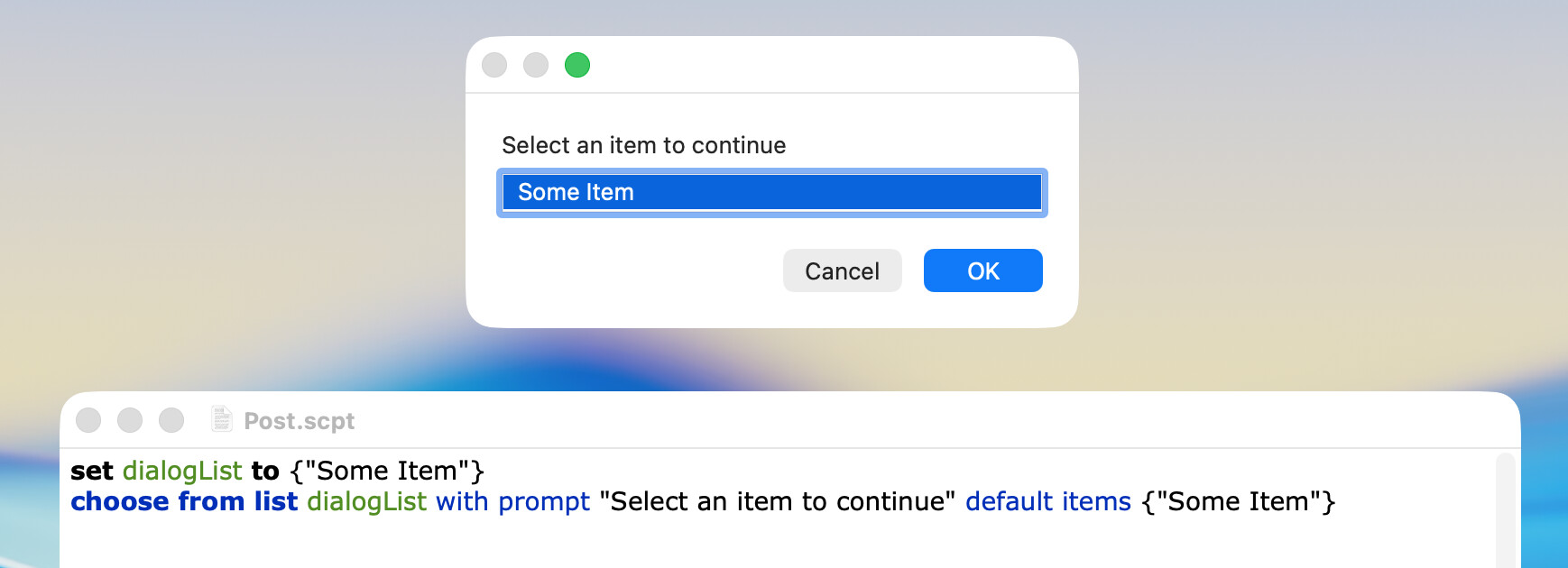
I’ve noticed this problem. Choose From List is the GUI feature that got me back in to applescript. But sometimes you end up with a list of only one item, and the way it’s rendered, it doesn’t even look like a list where you can choose something.
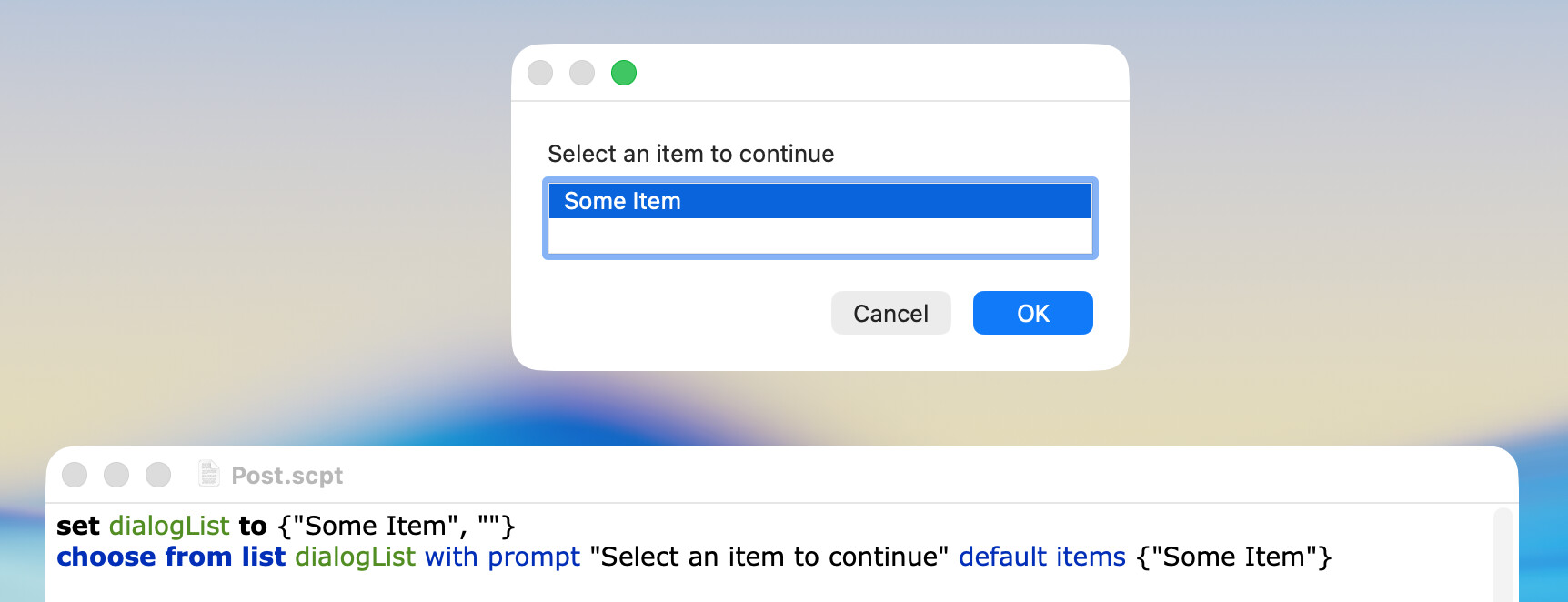
Is there a way to add some blank rows, some unselectable rows to the bottom of a short list so that theres only one clickable item in the list, but it still looks like a list?
How about to use a display dialog window with buttons if there are one or two items (plus the third button for Cancel) and choose from list if there are at least three items?
To directly answer l008com’s question, I don’t know of a way to add a blank row that cannot be selected. I did review the applicable AppleScript dictionary and didn’t see anything that would allow this.
FWIW, I occasionally encounter the situation where a Choose from List dialog contains only one item. I personally wouldn’t consider this to be an issue, because the user’s only choices are to click on OK or Cancel.
Choose from list is doing exactly what it says
It’s choosing from a list.
If you want to get into ASObjC you can create a popUp with a menu. In this menu you add menu items. Those items can a regular Item, an item with submenu items or a DIVIDER menu item. You can also increase indentation levels for each menu item.
Check out Shane’s Dialogue ToolKit
I’m pretty sure you can create a pop in AppleScript with it
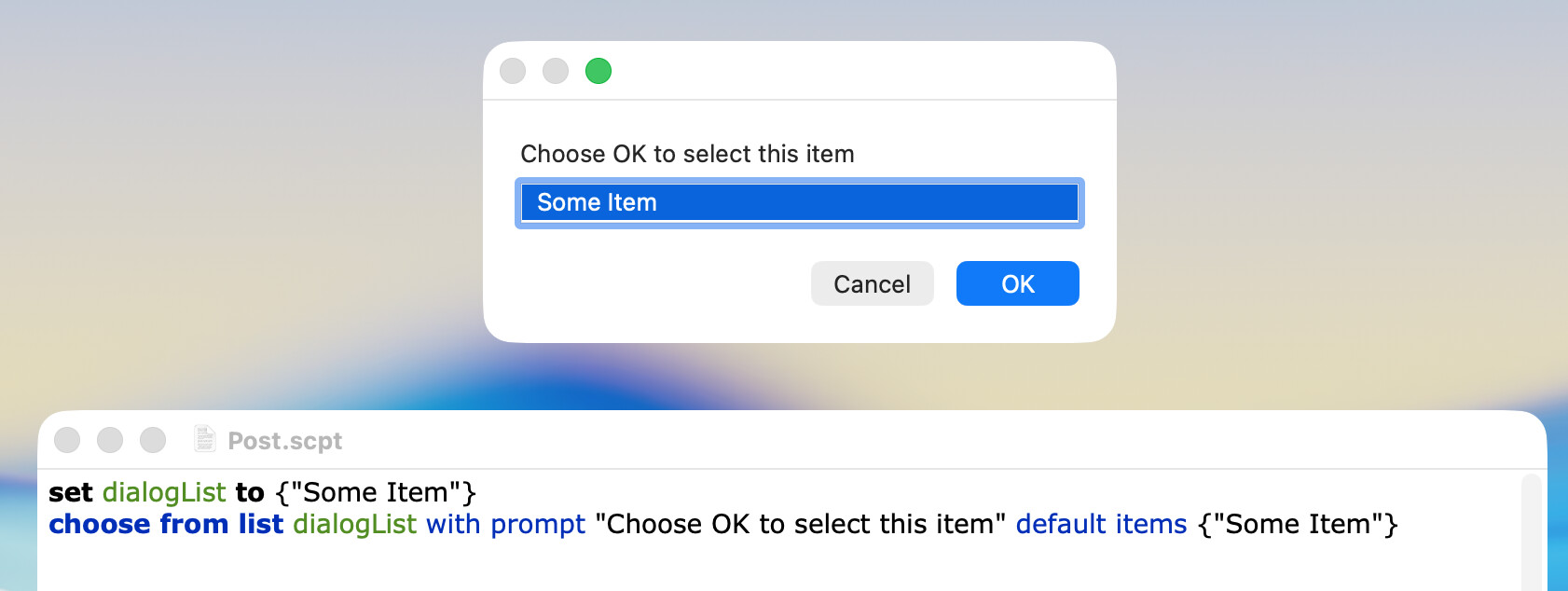
Oh actually your post has a good solution, i have not been using ‘default items’ but i could if there is only one item. When there is one item and it is NOT selected, it doesn’t look like a list to click on, it just looks like text in a window. So pre-selecting the one item kind of fixes the problem.
I suppose another fix could be adding a blank string or two to the list, and just going in a loop re-opening the same list if the user selects one of the blanks.
If there’s only a single item to choose from, could the choice box be skipped entirely? AppleScript could automatically move on from an unnecessary step.
I very much prefer the consistency of having the same windows where you answer the same questions every time, no matter what the conditions are. So in this case, i want you to see the list of available disks even if theres just one, still giving you the option to cancel out if you don’t see the drive you’re actually looking for.
Just making the one item in the list the default selection, when there is only one item, seems to be a good enough work around.