I recently got a new Mac computer, and I had forgotten how frustrating it can be to get Privacy & Security Settings to allow shortcuts to run. This is particularly difficult, because many Privacy settings are made in the shortcut itself, while others have to be made in System Settings.
I’ve reached a point where most of my shortcuts will run, and I thought I would post what I’ve included in the three main Privacy & Security categories. The first two items in each category are utilities that I use to run shortcuts, and the third item adds actions to the Shortcuts app. My OS is macOS 27, which has different Privacy & Security categories as compared with macOS 26 (which is another source of confusion).
Full Disk Access Settings
FastScripts.app
Short Run.app
Shortcutie.app
Shortcuts.app
siriactionsd
Spotlight.app
Terminal.app
App Management Settings
FastScripts.app
Short Run.app
Shortcutie.app
Shortcuts.app
siriactionsd
Spotlight.app
Terminal.app
Device Control and Data Access Settings
FastScripts.app
Short Run.app
Shortcutie.app
Shortcuts.app
siriactionsd
Spotlight.app
Terminal.app
FWIW, the following is a screenshot of the typical Privacy settings in a shortcut. All of these were added by the shortcut, and all I had to do was click on the OK button when prompted.
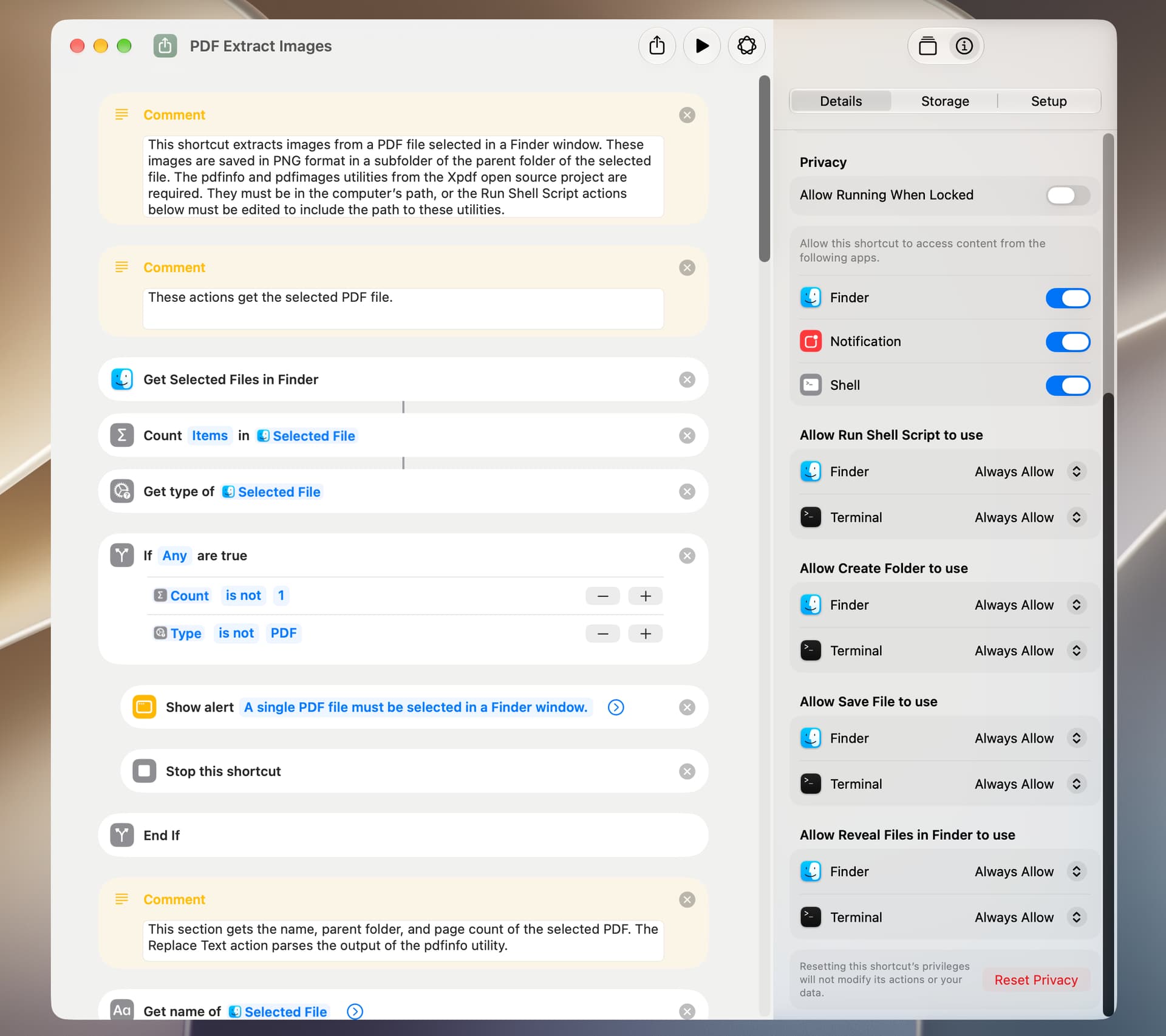
If anyone has found additional shortcut-required items that should be included in Privacy & Security settings, I would be most interested in learning what they are. I still encounter a few situations where a shortcut refuses to run due to Privacy & Security issues and running a shortcut by way of Spotlight can be particularly problematic.
BTW, my Privacy & Security settings used to include lots of other items, such as AppleScript’s System Events and the Script Editor app, but they don’t seem to be required on my new computer.