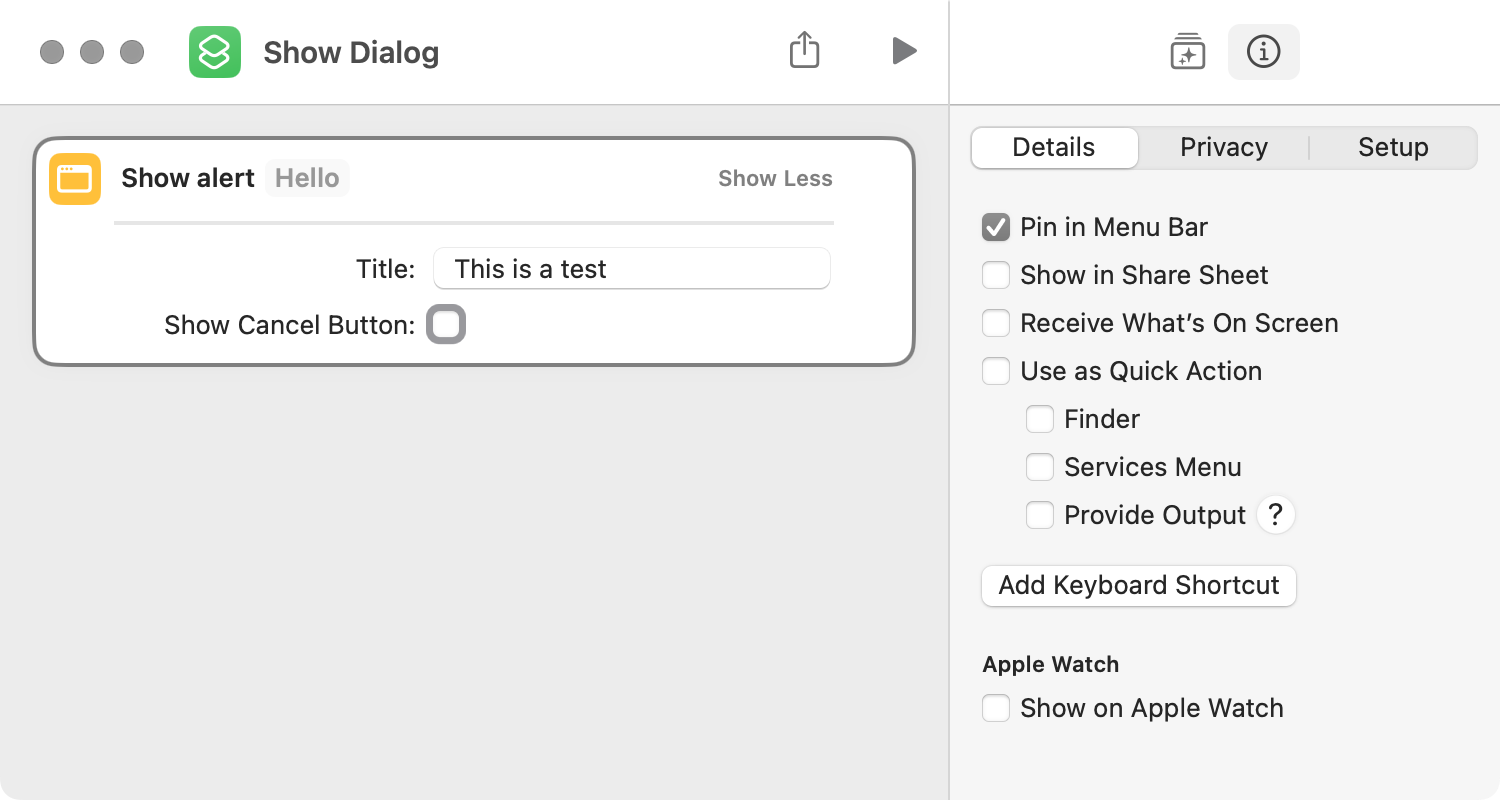
AppleScript has the ability to run a shortcut as follows:
tell application "Shortcuts Events" to run shortcut named "Open File"
Just out of curiosity, I wondered if this could be done with ASObjC, and, if so, could you give an example. Apparently, it is done with Swift by way of a “URL scheme”. Thanks!
Fredrik71. Thanks for the script suggestion, which worked well. However, my question is whether there is ASObjC that is functionally equivalent to the AppleScript open location command. I had previously tried the following, but it didn’t work.
use framework "AppKit"
use framework "Foundation"
use scripting additions

set theURL to "shortcuts://run-shortcut?name=calculate&input=text&text=2%20*%203"
set theWorkspace to current application's NSWorkspace's sharedWorkspace()
theWorkspace's openURL:theURL
Fredrik71. That fixes that issue and the script now works. Many thanks.
However, when I run the script, the Shortcuts app interface is shown, which doesn’t happen when the Shortcut Events app is used. For testing:
use framework "AppKit"
use framework "Foundation"
use scripting additions

-- runs shortcut but does not show Shortcut app
tell application "Shortcuts Events" to run shortcut named "Show Dialog"

-- runs shortcut but shows Shortcut app
set theURL to "shortcuts://run-shortcut?name=Show%20Dialog"
set theURL to current application's |NSURL|'s URLWithString:theURL
set theWorkspace to current application's NSWorkspace's sharedWorkspace()
theWorkspace's openURL:theURL

-- runs shortcut but shows Shortcut app
set theURL to "shortcuts://run-shortcut?name=Show%20Dialog"
open location theURL
But in daily use, that’s not a workable solution. For example, I ran the ASObjC solution by way of the Script Menu, and the Shortcuts app was displayed along with the dialog. It should only show the dialog.
I was researching something else and the following solution occurred to me. This simply runs the shortcut by way of the shortcuts shell command, which wasn’t what I had in mind. Still, it does seem to work and does not load and display the Shortcuts app’s main interface.
use framework "Foundation"
use scripting additions

--This shortcut displays an alert and does nothing else
set commandPath to "/usr/bin/shortcuts"
set commandArguments to {"run", "Show Dialog"}
set theTask to current application's NSTask's new()
theTask's setLaunchPath:commandPath
theTask's setArguments:commandArguments
set theResult to theTask's launchAndReturnError:(missing value)

--This shortcut moves and resizes all windows of the frontmost app
set commandPath to "/usr/bin/shortcuts"
set commandArguments to {"run", "App Arrange"}
set theTask to current application's NSTask's new()
theTask's setLaunchPath:commandPath
theTask's setArguments:commandArguments
set theResult to theTask's launchAndReturnError:(missing value)
BTW, numerous posts were removed from this thread, which is why some of my posts don’t make much sense.