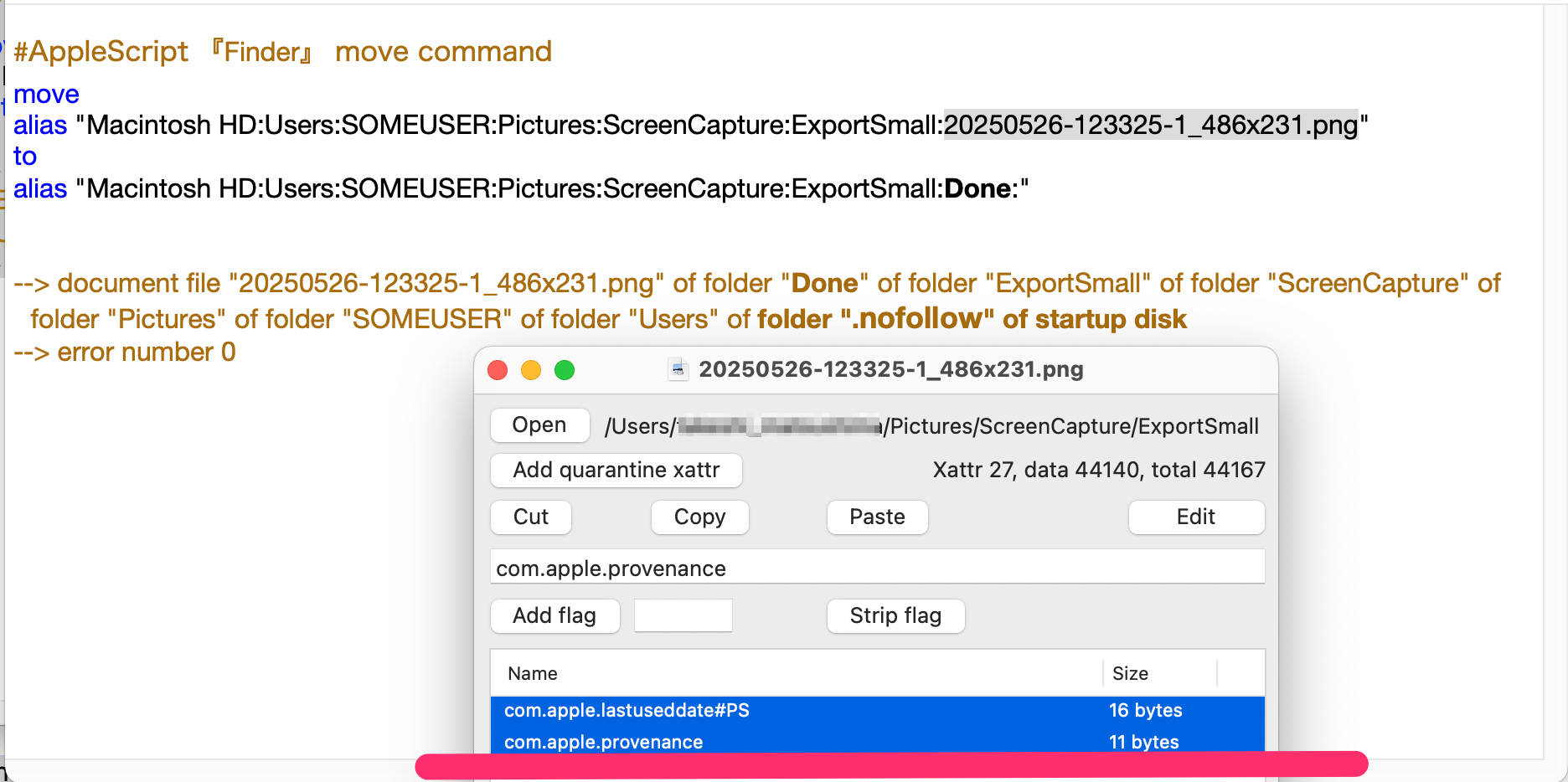
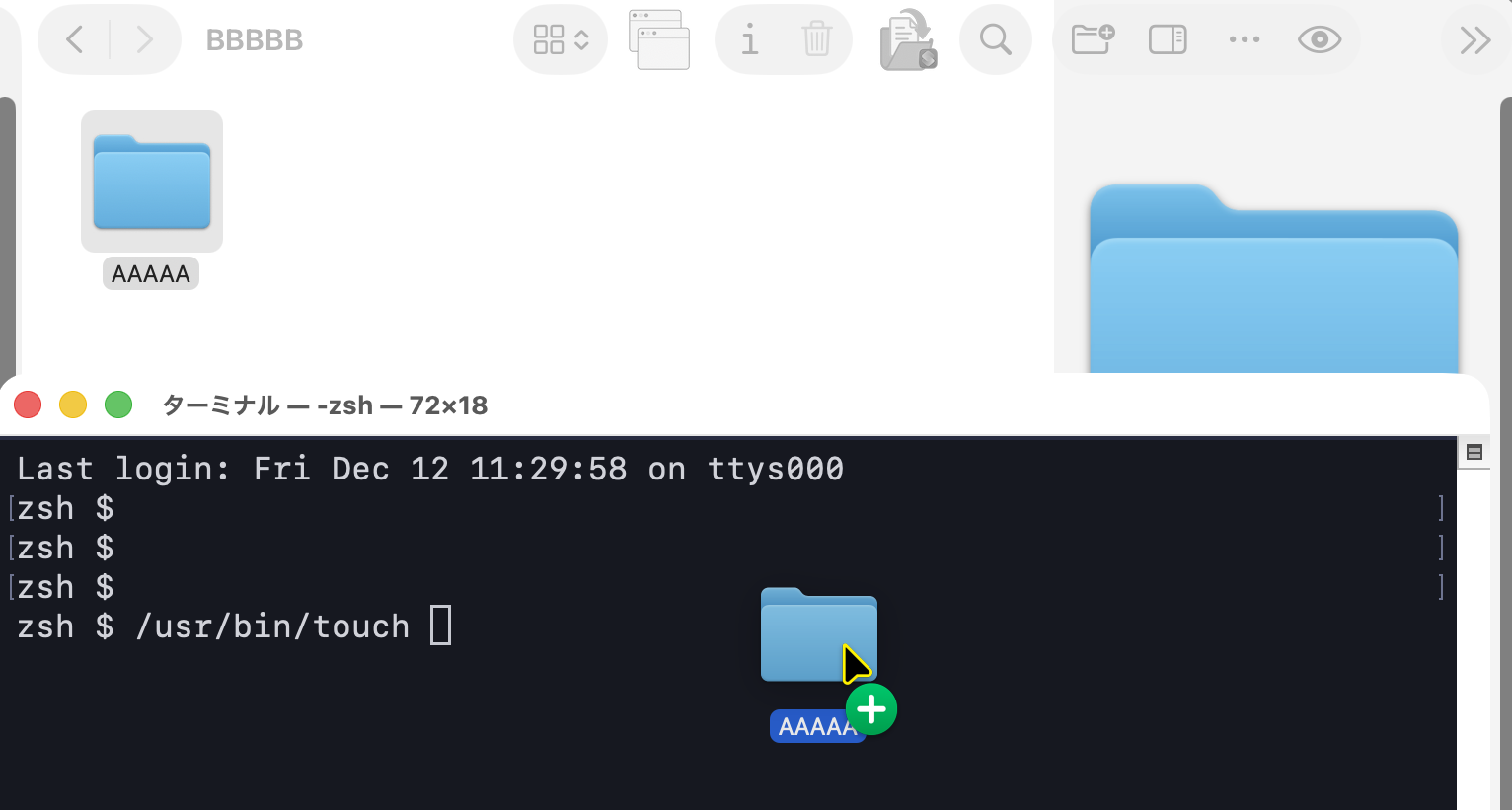
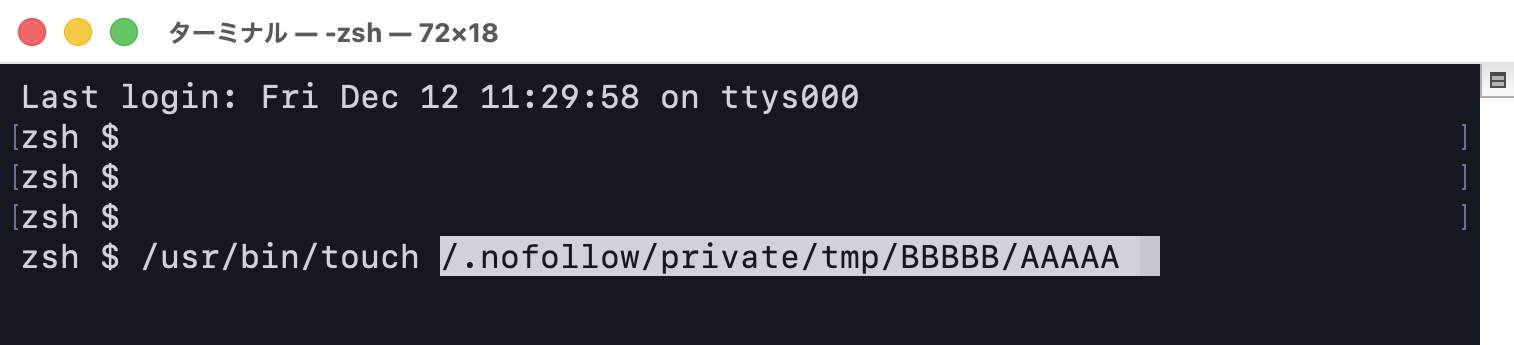
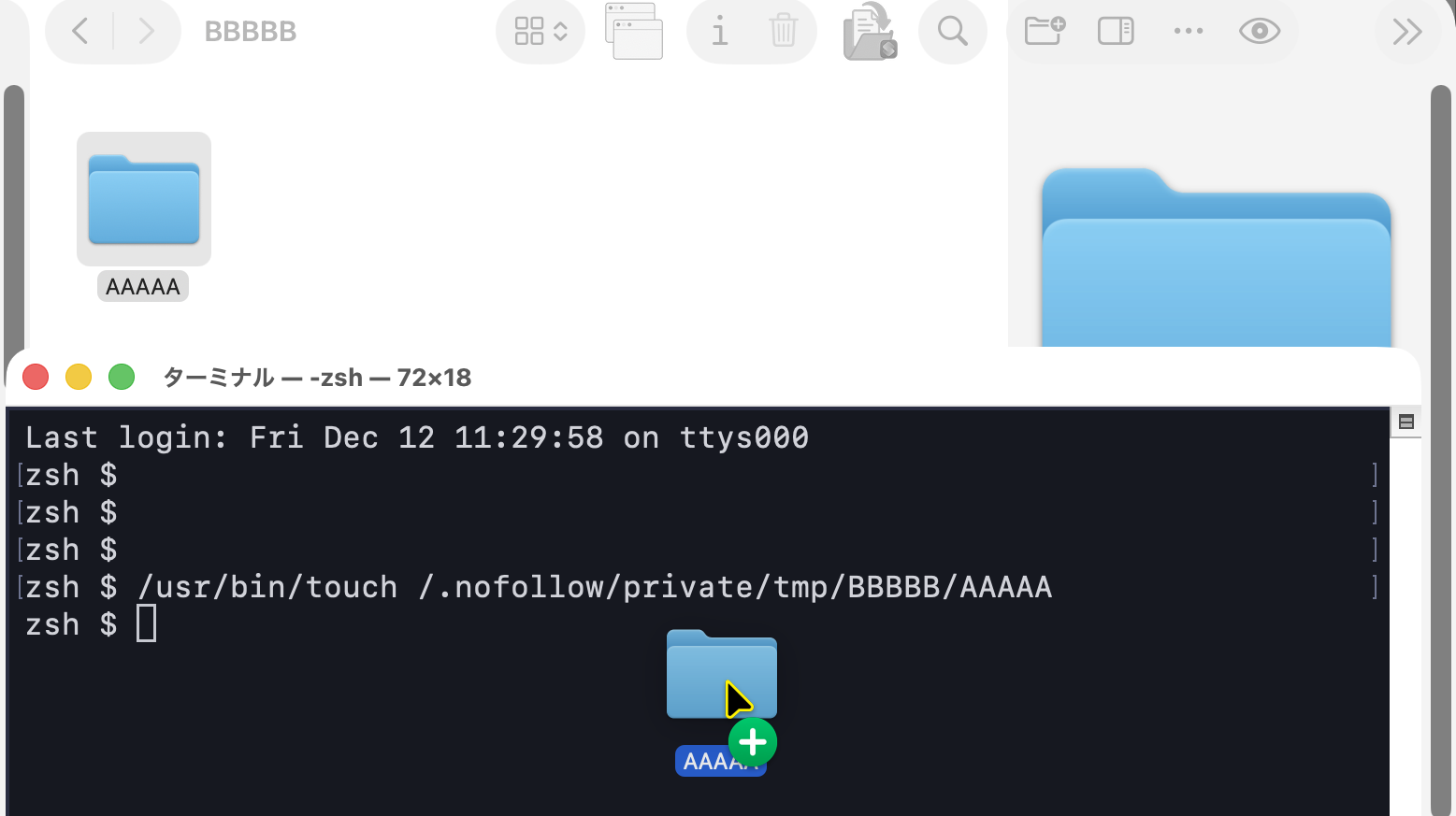
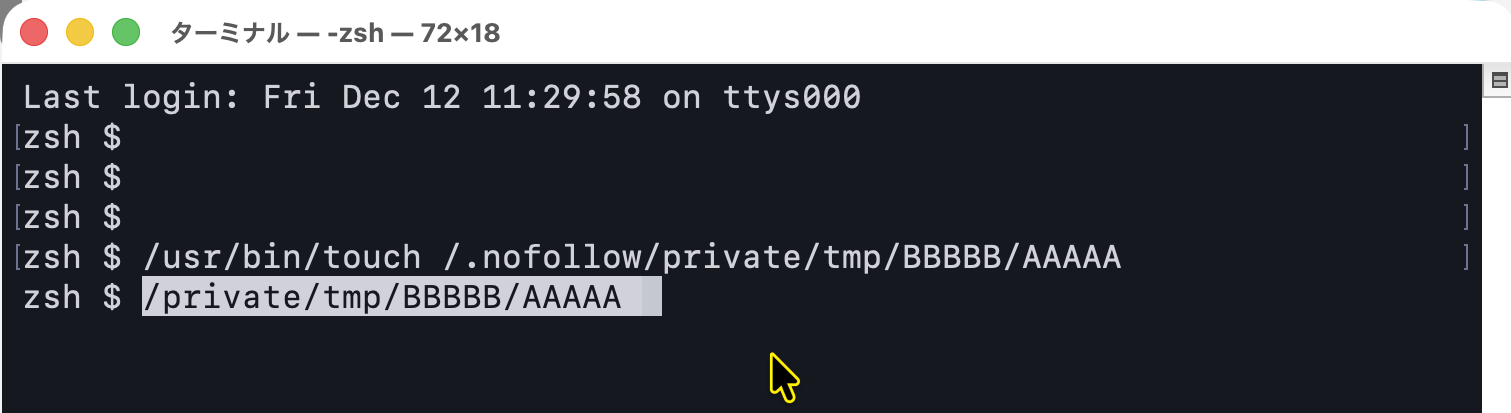
After that, I found a way to restore a folder that gets isolated under /.nofollow,
so I’m adding the details here.
This depends on your environment and system settings.
This issue does not occur on every macOS installation.
If SIP is disabled, this does not apply.
How to reproduce and how to restore
How to reproduce
Create Folder A and Folder B.
Then move Folder A inside Folder B.
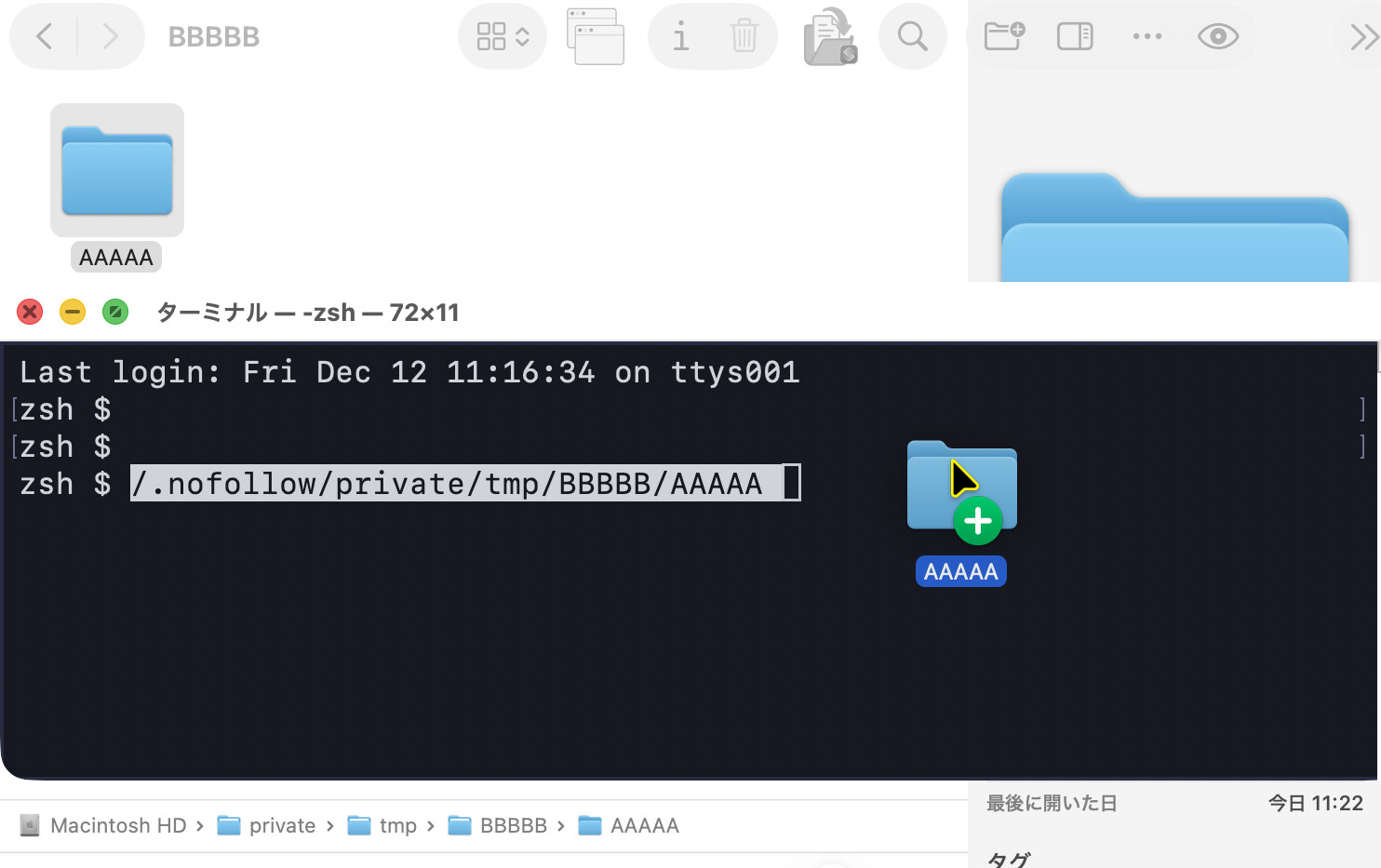
When you do this, Folder A gets isolated under /.nofollow.
Because of that, opening Folder A from Finder will actually open /.nofollow,
and you can no longer access Folder A directly.
Reproduction scrip (macOS26.1)
use AppleScript version "2.8"
use scripting additions

set aliasTempDirPath to (POSIX file "/private/tmp") as alias

#Make DIR A
tell application "Finder"
	set aliasDirA to (make new folder at aliasTempDirPath with properties {name:"AAAAA", owner privileges:"read write", group privileges:"read write", everyones privileges:"read write", comment:"You can delete this folder.", description:"It's a folder generated by the script. It's okay to delete it.", label index:3}) as alias
end tell

#Make DIR B
tell application "Finder"
	set aliasDirB to (make new folder at aliasTempDirPath with properties {name:"BBBBB", owner privileges:"read write", group privileges:"read write", everyones privileges:"read write", comment:"You can delete this folder.", description:"It's a folder generated by the script. It's okay to delete it.", label index:3}) as alias
end tell

#Move Folder
tell application "Finder"
	move folder aliasDirA to folder aliasDirB
	set aliasMoveDirA to (folder "AAAAA" of folder aliasDirB) as alias
end tell

tell application "Finder"
	open folder aliasMoveDirA
end tell
-->OPEN /.nofollow
What’s actually happening
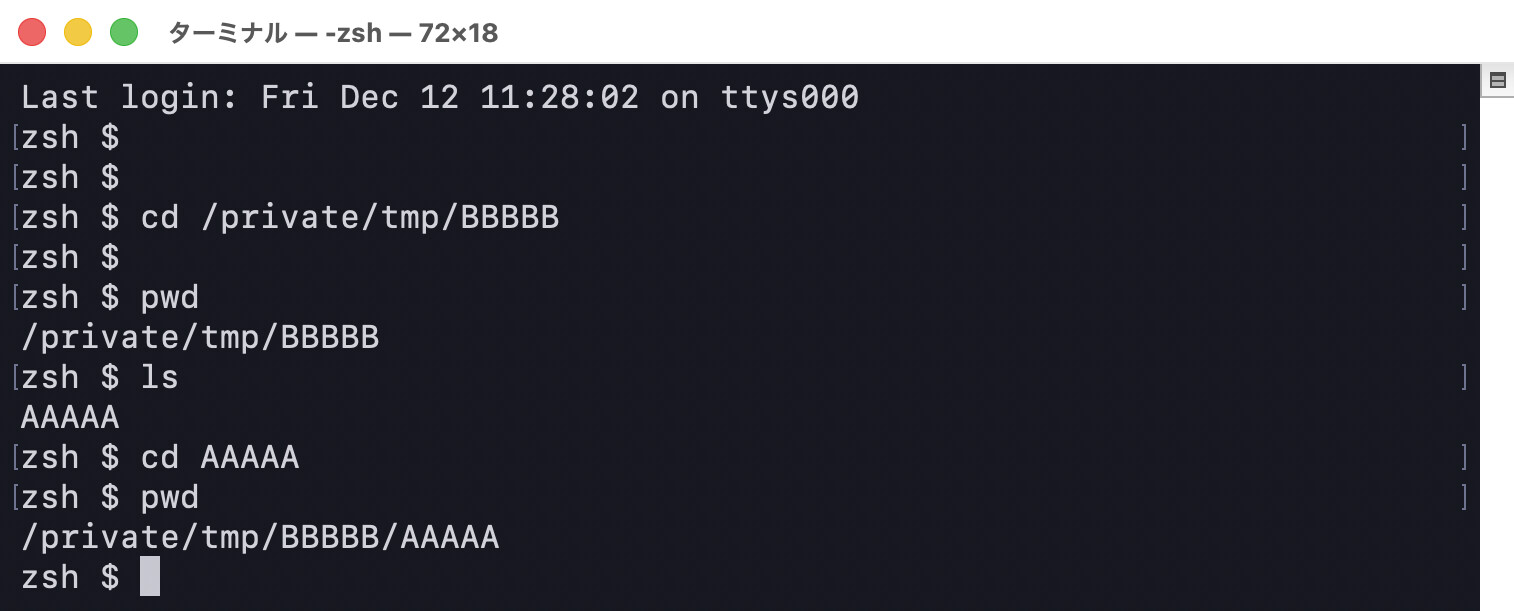
This behavior only affects Finder’s view, which treats the folder as if it were isolated under /.nofollow.
In reality, the folder still exists in its proper location.
How to restore
Run touch on the folder that was isolated.
(There are probably other methods as well.)
I should also mention that I don’t fully understand every behavior related to /.nofollow. What I’ve learned is that isolation under /.nofollow is tied to application behavior.
In this particular case, a folder that was moved using Finder functions from within an AppleScript was isolated under /.nofollow for security reasons. I’m sure other applications can trigger similar behavior, and the details will vary case by case.
It just so happened that, for this specific situation, running touch on the folder was enough to restore it.
It might just be something that happens only on my system,
but if this information helps anyone, I’m happy.