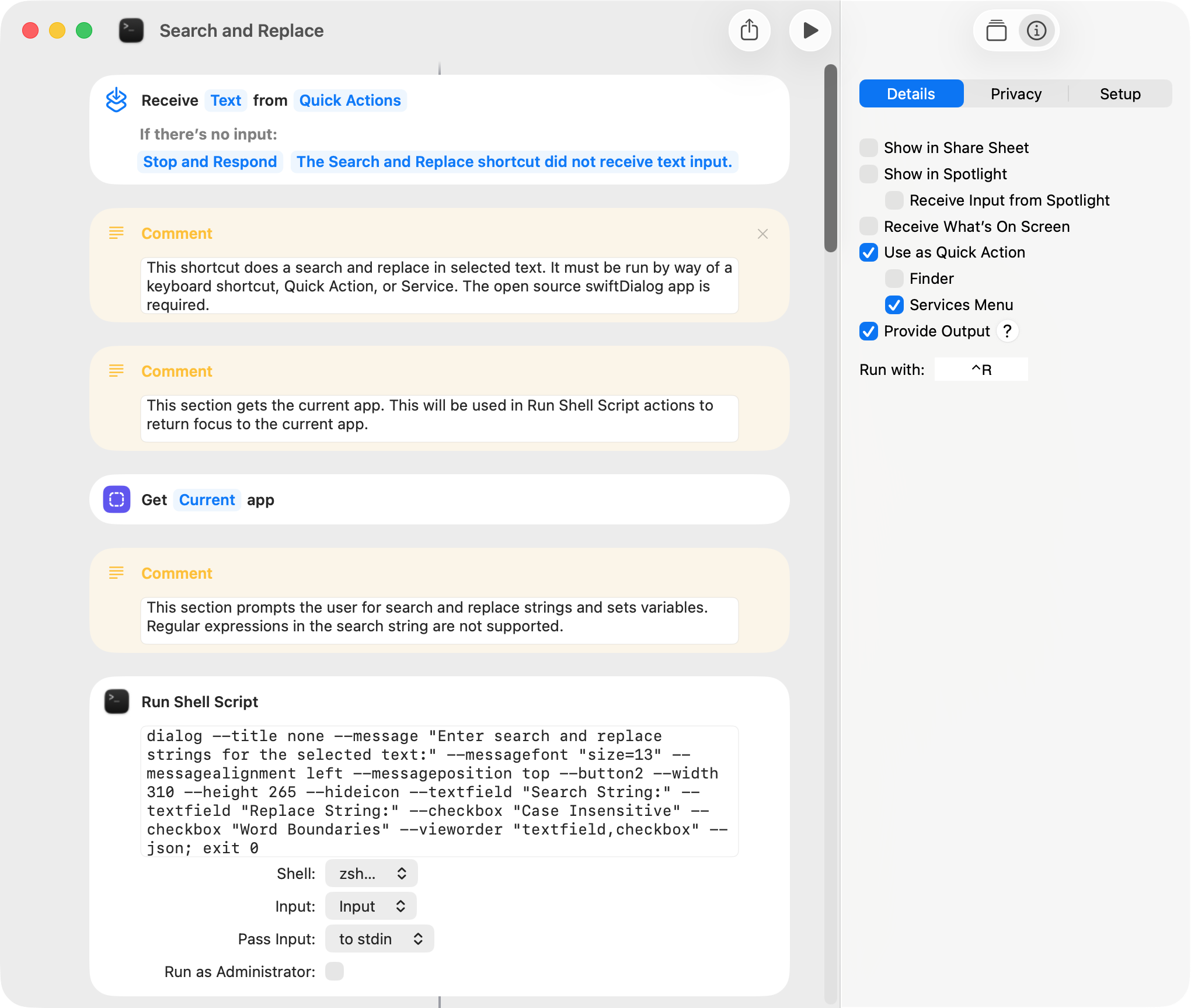
Some apps either do not have the ability to do a search and replace on selected text or have this ability and it doesn’t work as I would prefer. So, I wrote a shortcut that performs this task. A few comments:
-
The open source swiftDialog app is required.
-
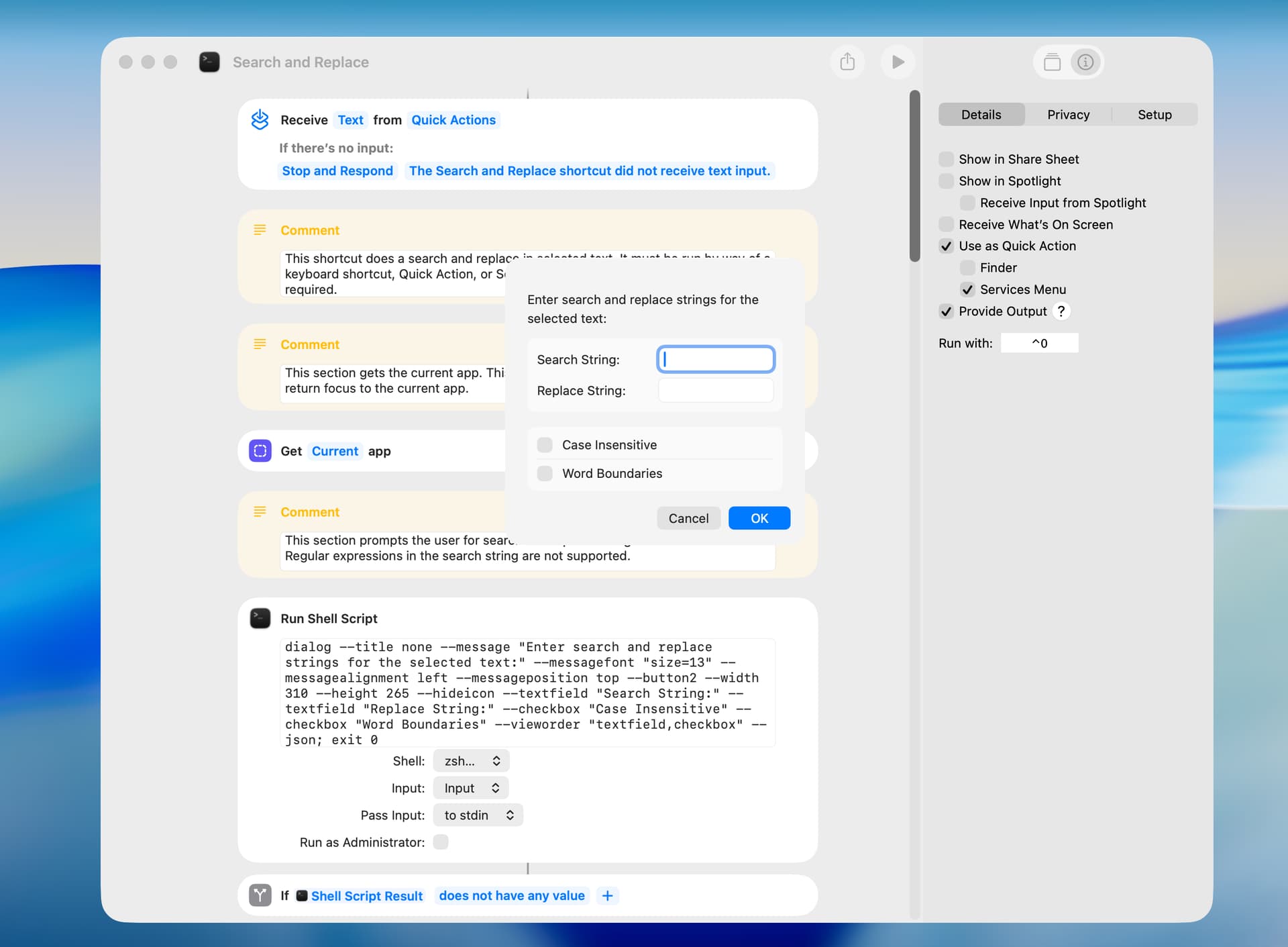
The shortcut must be run as a keyboard shortcut, Service, or Quick Action on selected text.
-
The shortcut works with many but not all apps.
-
Regular expression are supported, but the following characters have to be escaped to be treated as literal characters: * . ? + [ ( ) { } ^ $ | . The replacement string can contain a capture-group reference. The support for regular expressions can be disabled in the Replace Text action.
-
The shortcut has an intermittent bug that causes the dialog to move and reappear when the OK button is selected with the mouse. This doesn’t happen when the Return key is used instead of the mouse.
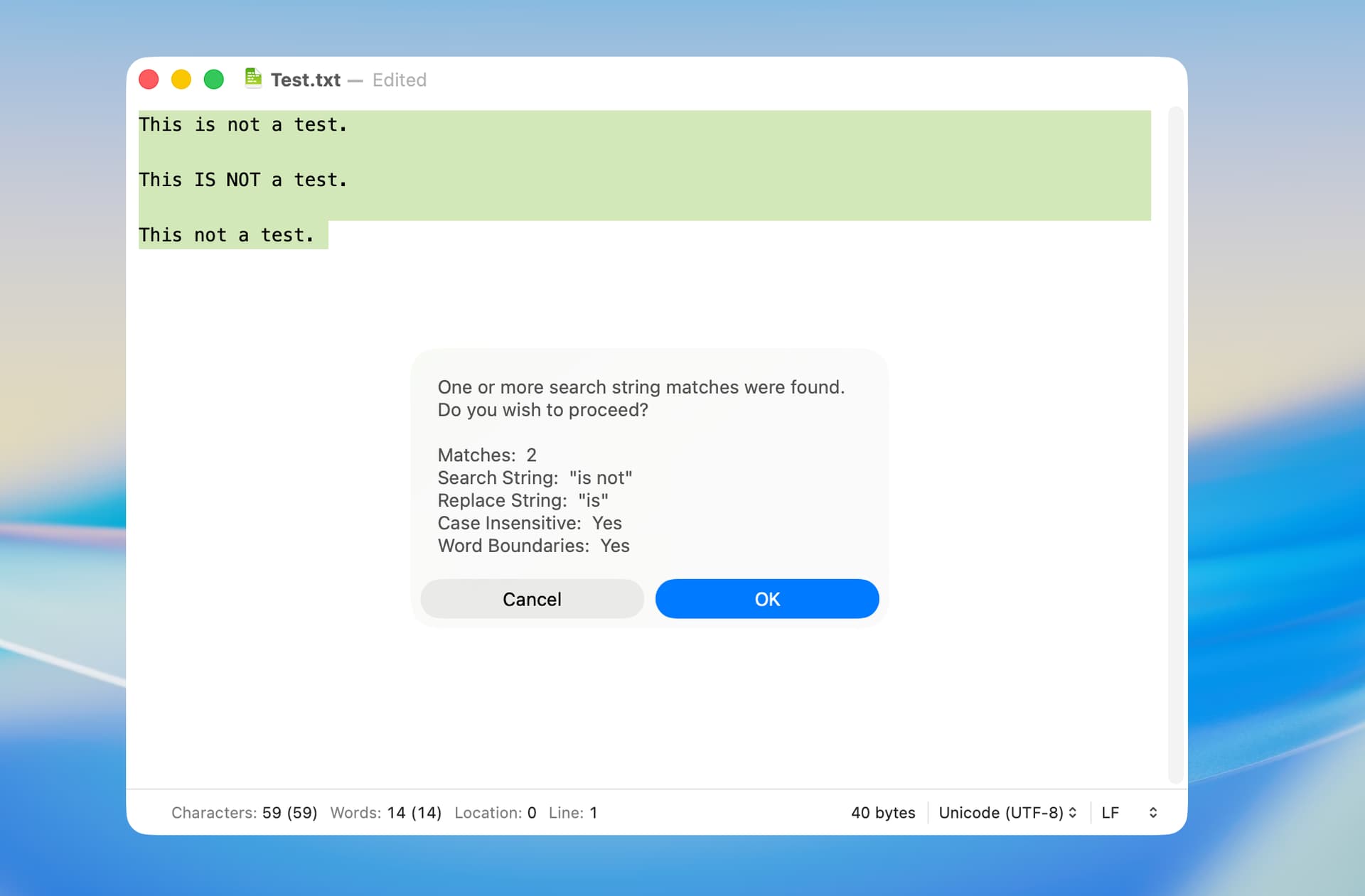
This shortcut notifies the user of the number of search string matches before proceeding:
Search and Replace.shortcut (24.7 KB)
This shortcut does not notify the user of the number of search string matches:
Search and Replace.shortcut (23.9 KB)
Just for an interesting project, I edited the above shortcuts to provide two search options and to display additional information.
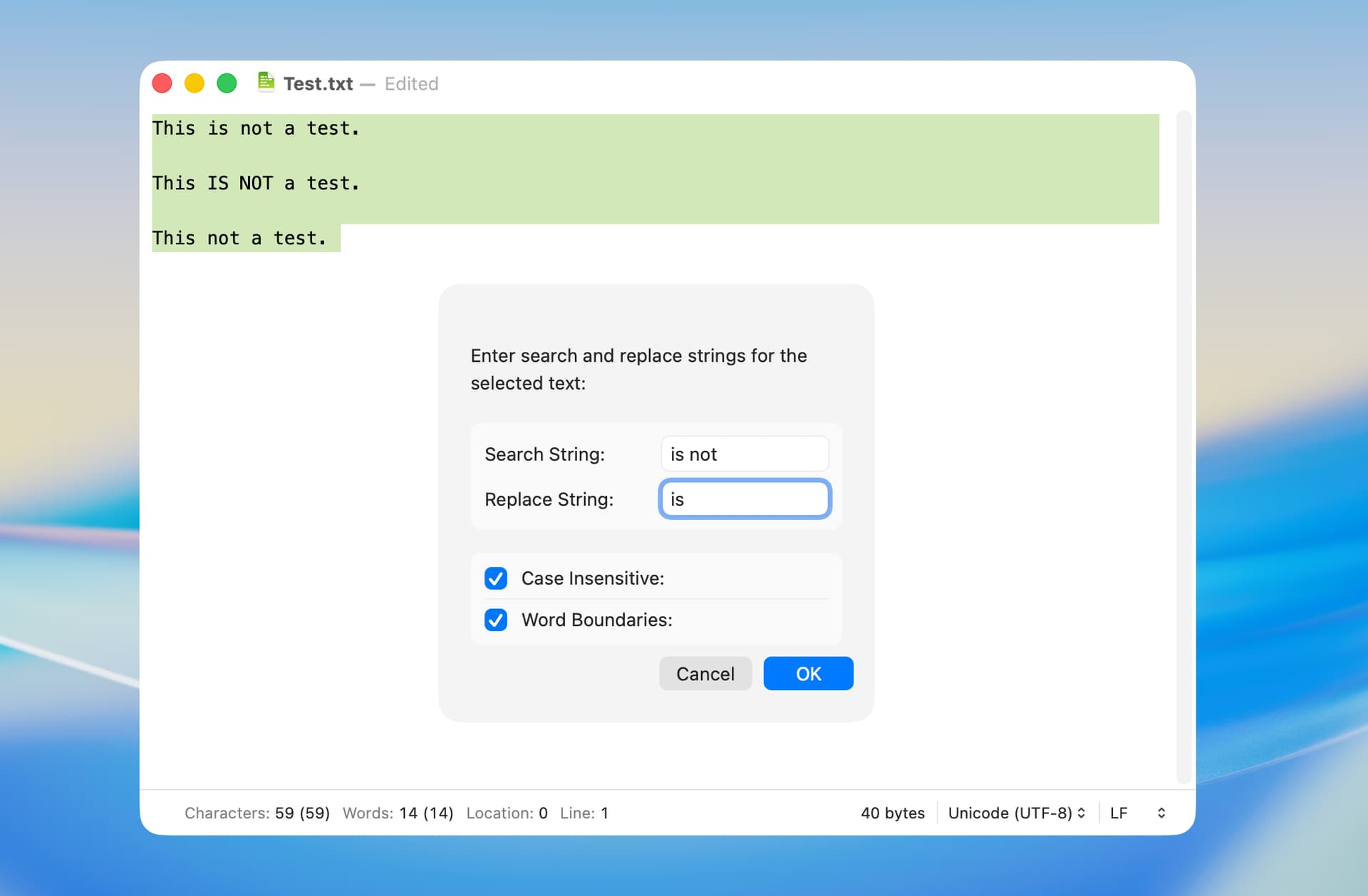
The following shows the new options, which make the search case-insensitive and enforce word boundaries. These work by adding a regular expression flag and word-boundary metacharacters to the search string.
The following is an example of the additional information:
I tested this shortcut on my macOS 26.4 computer and did not encounter any issues. As before, the open source swiftDialog app is required.
Search and Replace.shortcut (25.7 KB)
The matter noted above turned out to be a usability issue, and I couldn’t find a good solution. It’s seldom that I would include one of the regex special characters in a search string, so I edited the shortcut to report an error when one of these characters (other than a dot) is found in the search string.
Search and Replace.shortcut (27.0 KB)
BTW, escaping all regex special characters would seem a simpler solution, but that caused other issues.
1 Like
Just on a proof-of-concept basis, I edited the above shortcut to use ASObjC to do the search and replace. The advantage of this approach is that the replaceOccurrencesOfString method returns both the number of replacements and the source string with replacements. The disadvantage is that ASObjC is slow when run in a shortcut.
This shortcut also escapes the period and dollar sign characters, which allows them to be used in a search string. Other characters can be treated in a similar manner should the need arise.
Search and Replace with ASObjC.shortcut (27.5 KB)
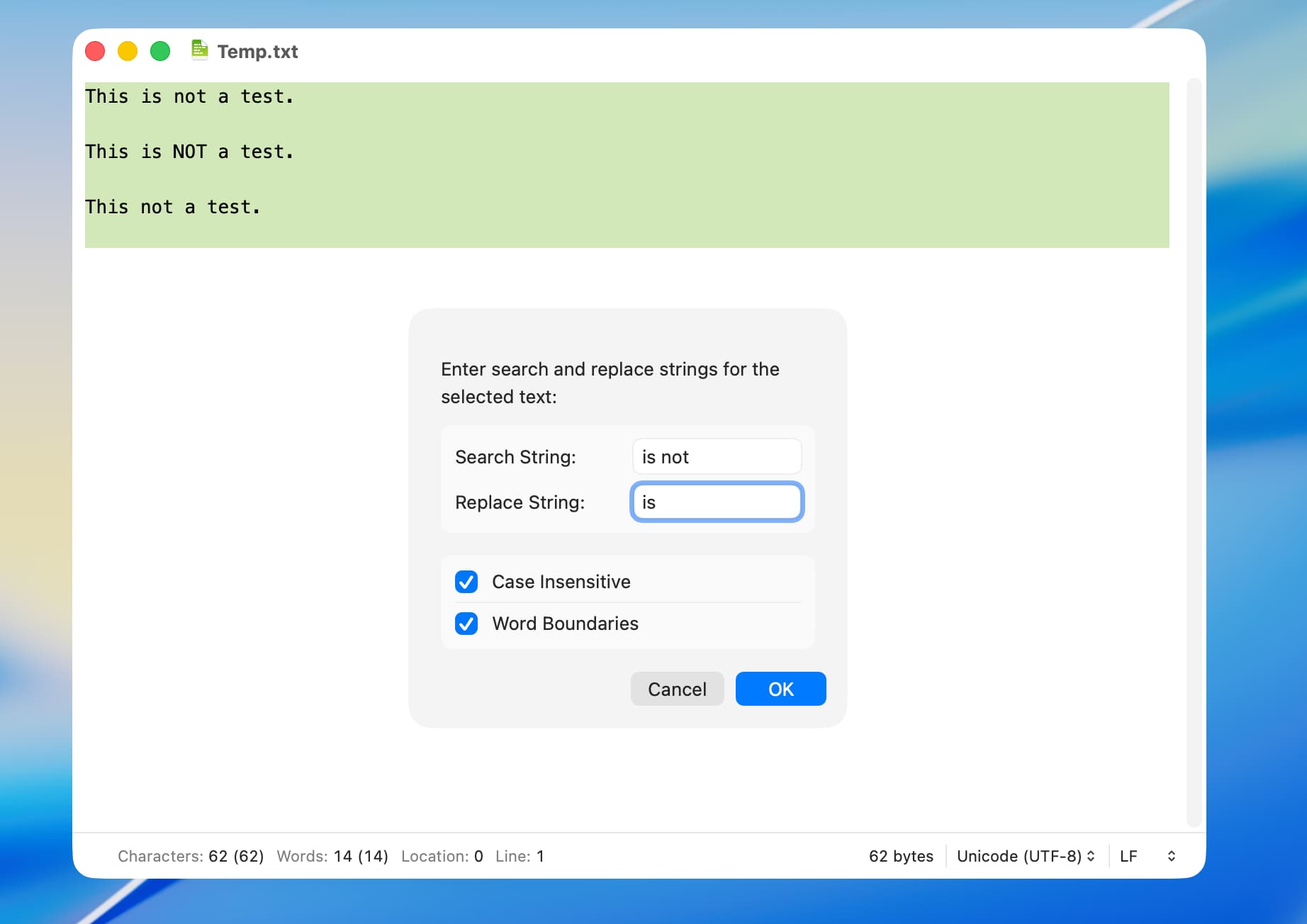
In the above example, lines 1 and 2 contain replacements but line 3 does not.
1 Like
I tracked down the above issue. In preliminary testing, the following shortcut works with regex special characters in the search and replace strings.
Search and Replace.shortcut (26.8 KB)
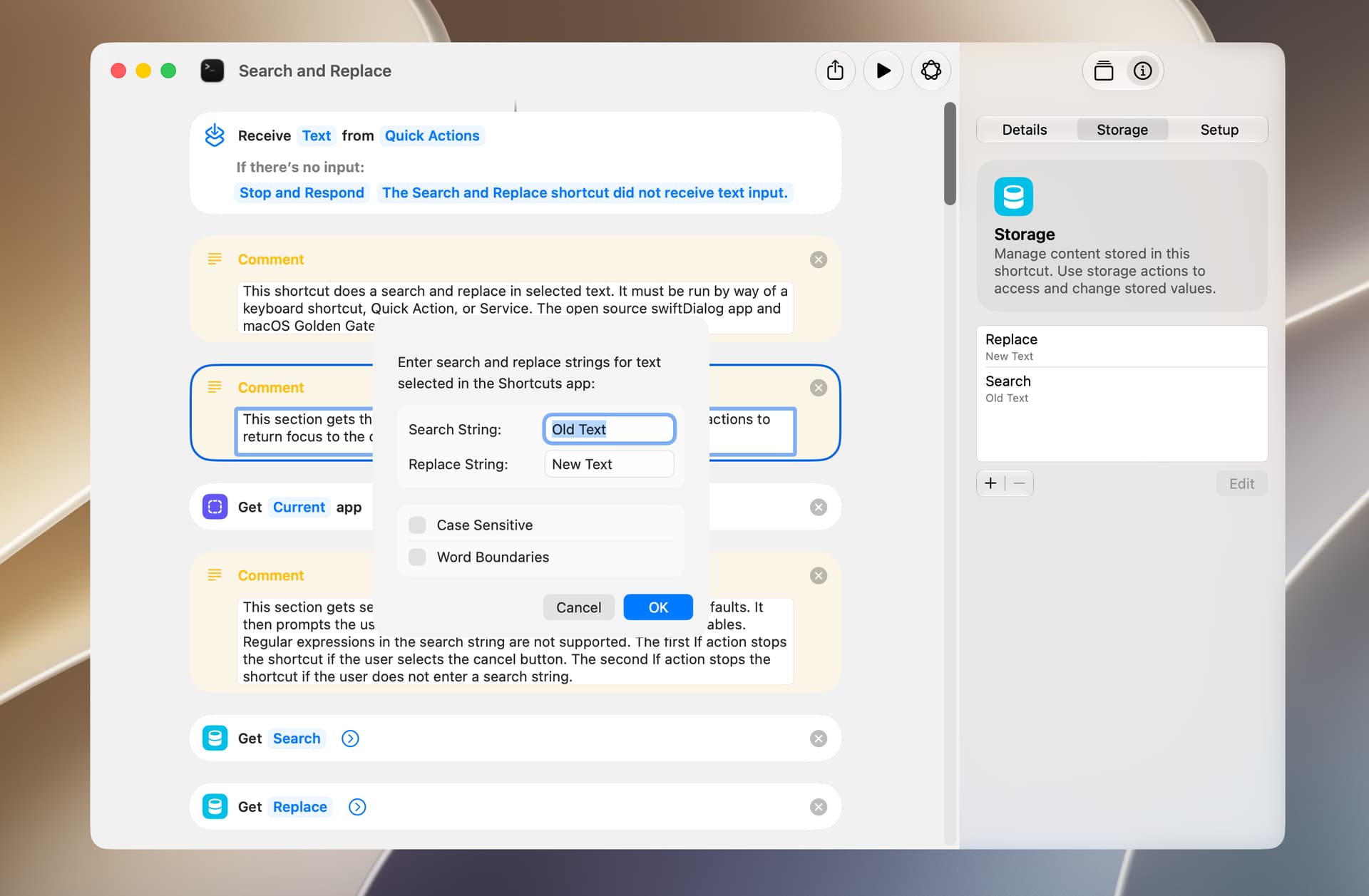
I rewrote the above shortcut to use macOS 27’s new storage feature. More specifically, the shortcut stores the search and replace strings from the previous occasion it was run and shows these strings in the dialog the next time it is run. I also changed the dialog to show the name of the current app and to change the Case Insensitive option to Case Sensitive. The default status of these options can be changed in the following fashion:
–checkbox “Case Sensitive”,checked
Search and Replace.shortcut (27.4 KB)
I tested the above shortcut without issue on my Mac computer running macOS 27.0 Public Beta 2.