A shortcut can be exported from within the Shortcuts Editor, and the signing options when this is done are:
People Who Know Me. Only people who have you in their contacts will be able to use the shortcut. Your contact info will be included in the shortcut file for verification. You can also use this option to make a personal backup of your shortcuts.
Anyone. When you export a shortcut file for anyone, Apple will validate a copy of your shortcut using iCloud.
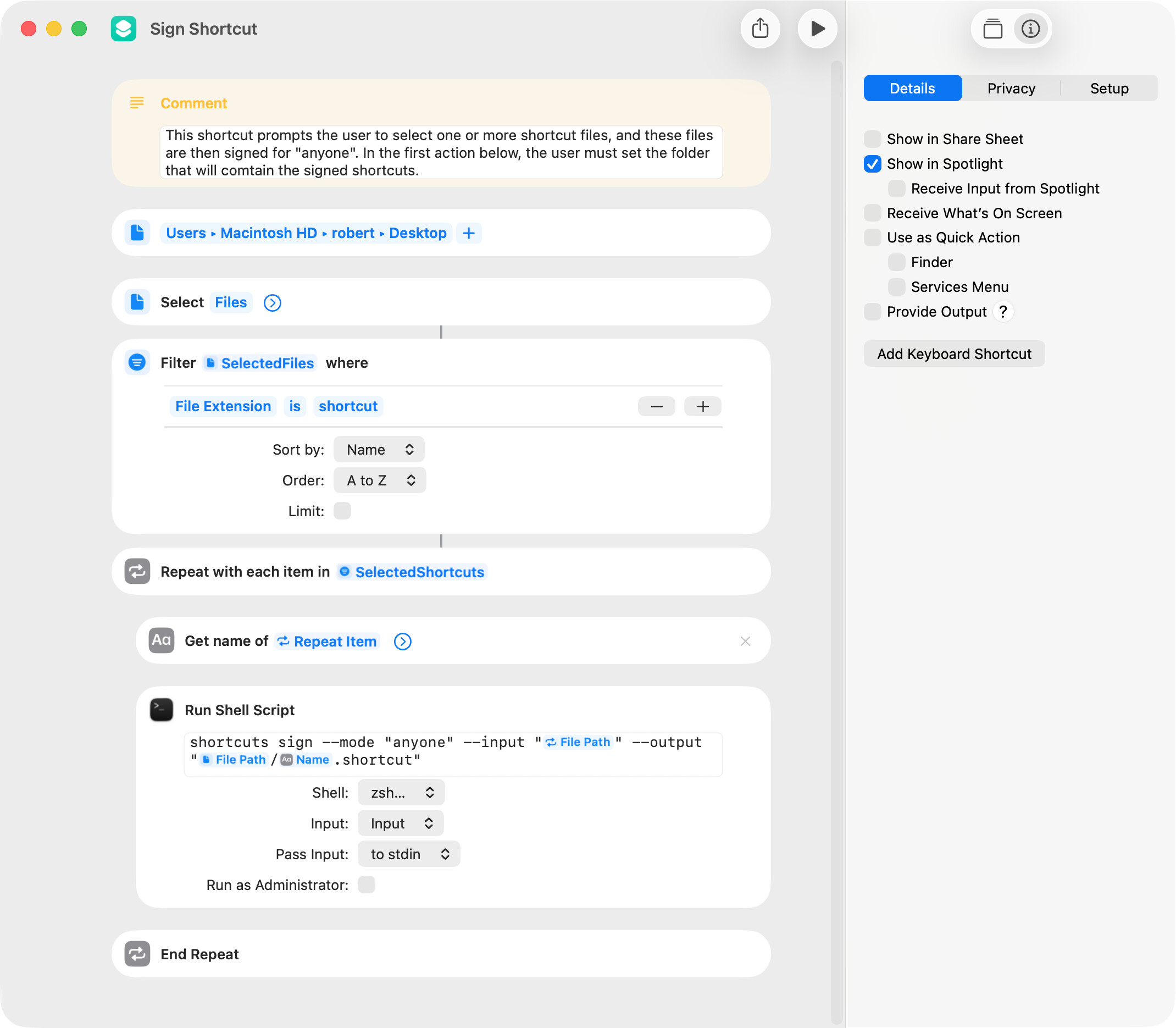
If saved rather than exported, a shortcut is signed with the “People Who Know Me” setting. When this is the case, the shortcut included below can be used to sign selected shortcut files using the “anyone” option. I thought there might be a timing issue when running this shortcut with numerous shortcut files, but I successfully signed 10 shortcuts in one running of the shortcut without issue.
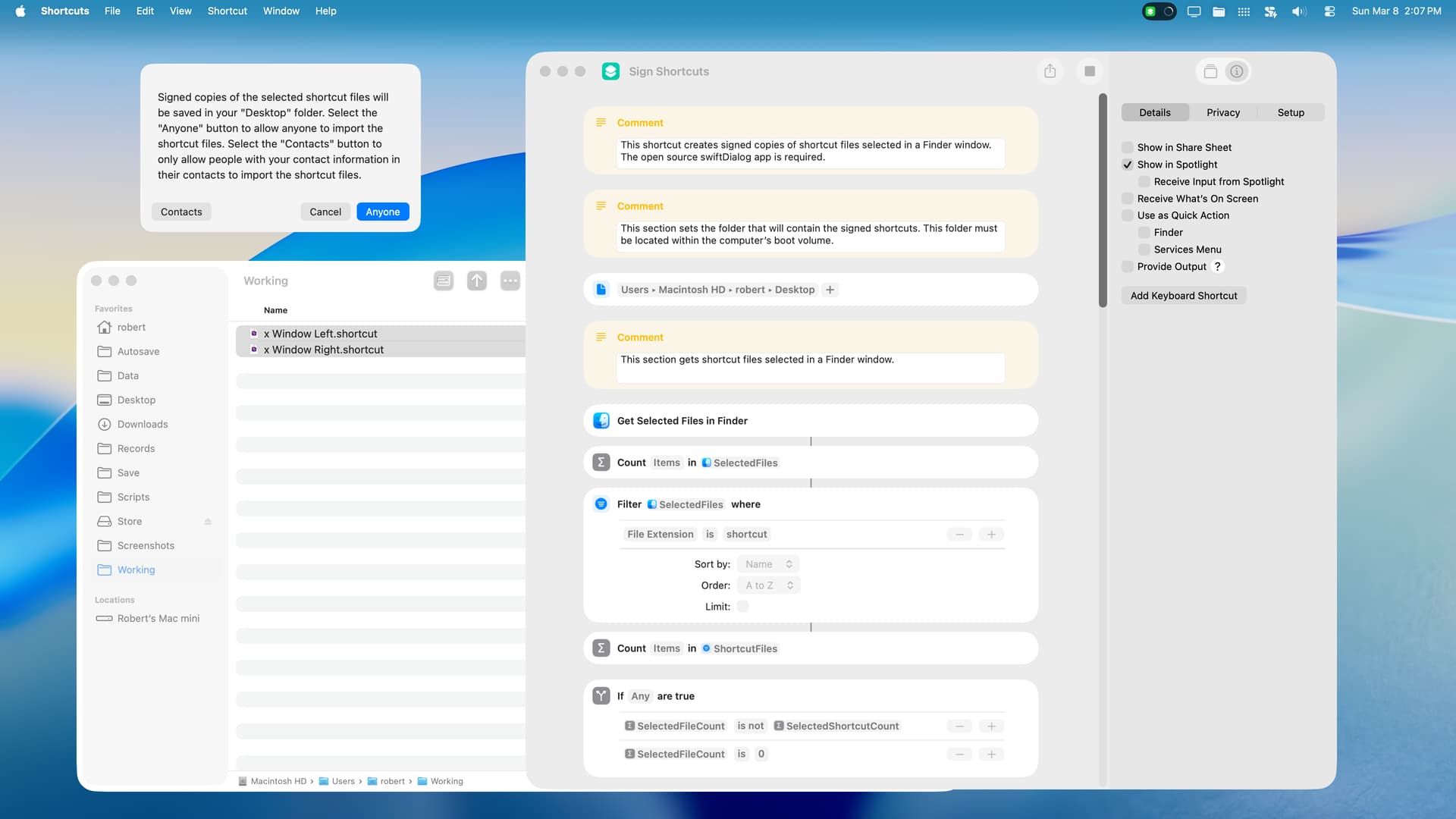
This shortcut differs from that above in that 1) it works on shortcut files selected in a Finder window, and 2) it prompts the user to select a signing option. A few comments:
This shortcut requires the open source swiftDialog app.
The user must set the target folder that will contain the signed shortcut files at the beginning of the shortcut.
The target folder must be in the user’s boot folder.
If the “anyone” option is selected, it may take a minute or more to sign and save the selected shortcuts because each shortcut is individually signed by Apple via iCloud. If Apple is unable to sign a shortcut for some reason, a generalized error notification is given.
macOS 26.4 Public Beta 3 has a bug that intermittently causes the Shortcuts app to shut down and report an error when the user attempts to open and install a shortcut file. This has nothing to do with the shortcut included below, although, in my testing, this error does not occur when a shortcut is signed for “anyone”.
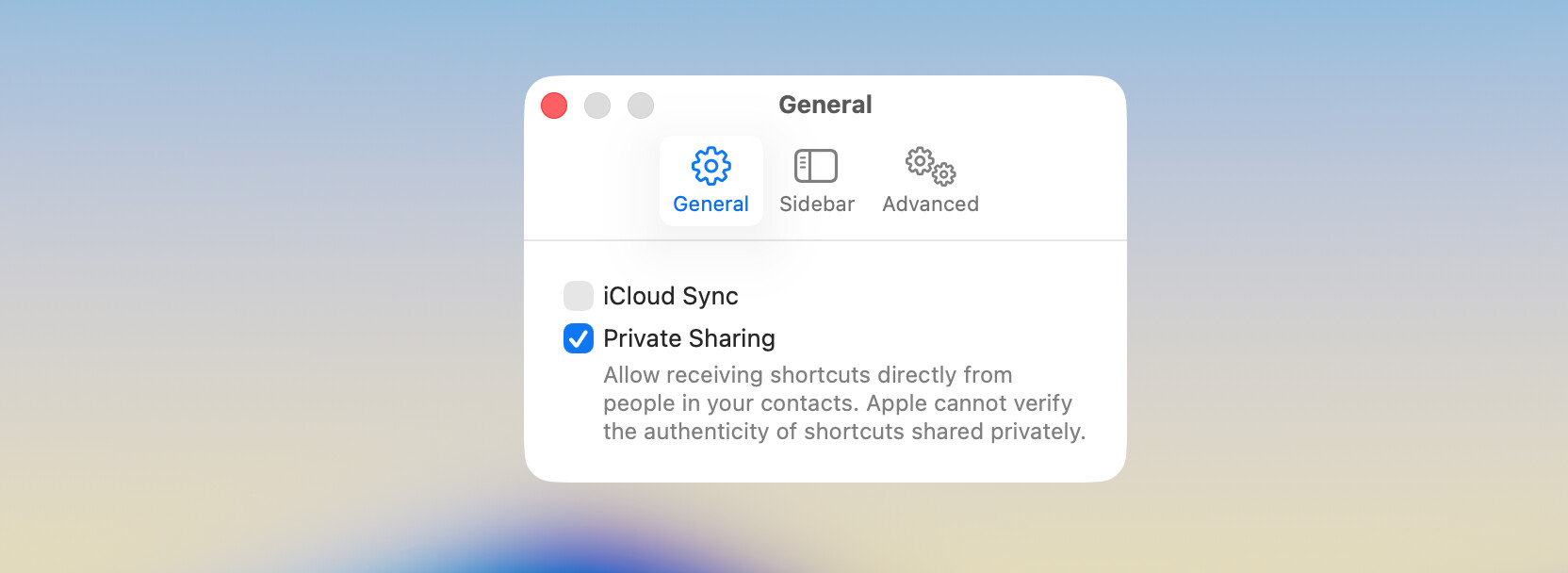
BTW, according to Google AI, first name, last name, email address, and phone number are the minimum required contact information for the people-who-know-me option to function properly. Also according to Google AI, this information is embedded in the shortcut as a cryptographic hash.
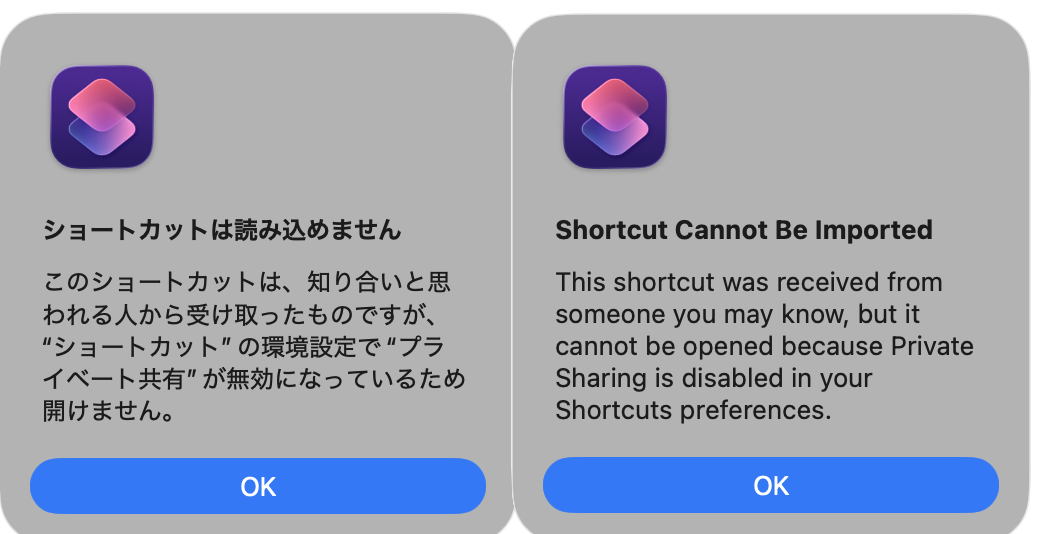
The following shortcut contains an Alert Dialog and nothing else. I exported this shortcut using the people who know me option. Members of this forum should not be able to install this shortcut, because they don’t have my contact information in their contacts. Just to test if this is the case, would someone attempt to install this shortcut to see what happens. Thanks for the help.