Support for *otherwise if* in macOS Tahoe and earlier

macOS 27 Golden Gate supports otherwise if markers in an If statement, which is a major convenience. However, I wondered what happens if a shortcut with an otherwise if marker is run on macOS Tahoe or earlier. I don’t have access to a computer running Tahoe, and I wondered if someone would test this shortcut to see what happens. Many thanks!
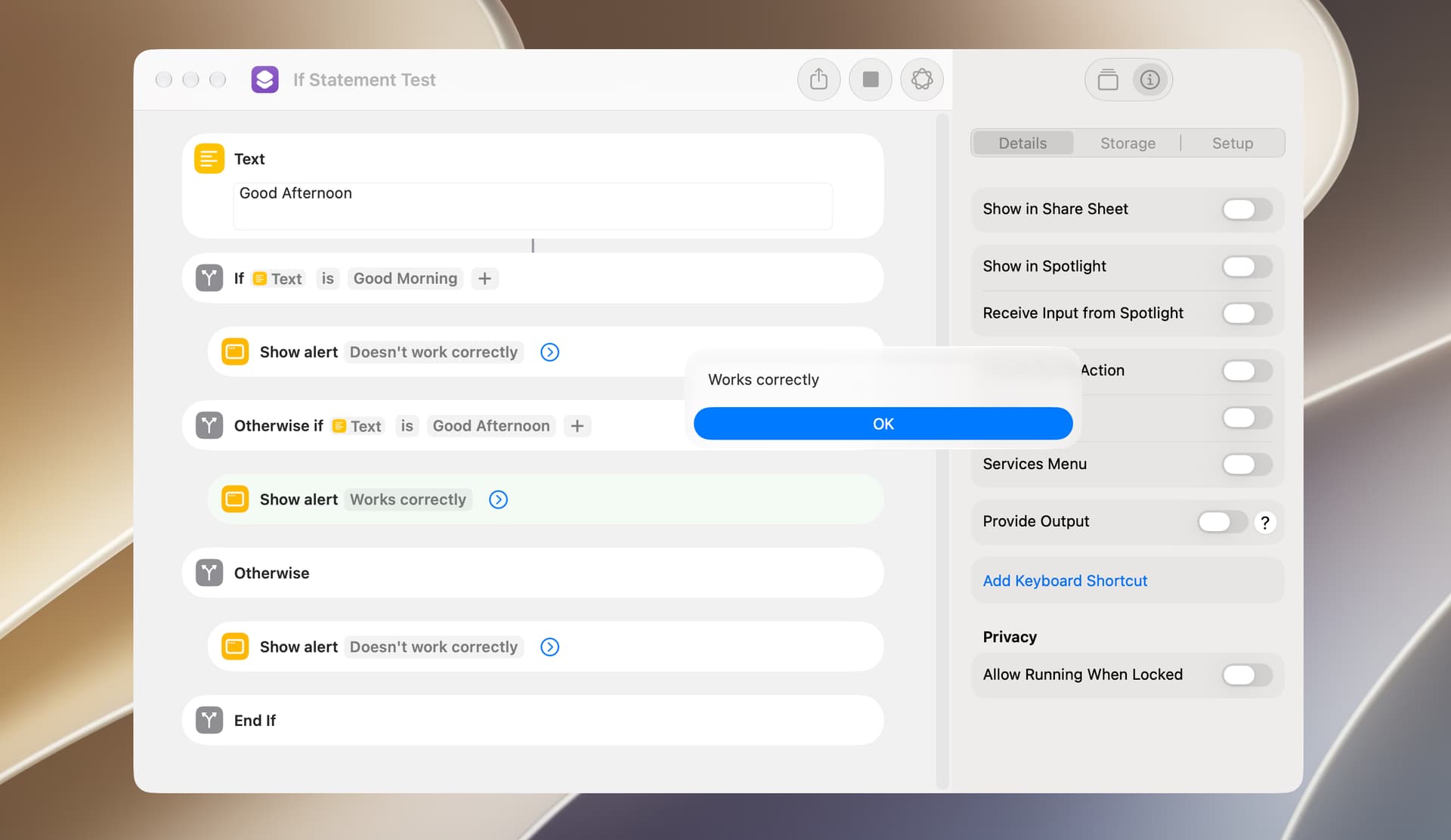
If Statement Test.shortcut (21.9 KB)
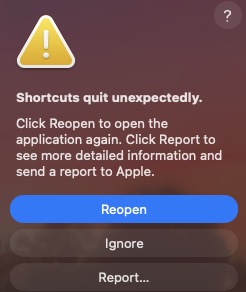
It fails abruptly on Tahoe 26.6.2:

Screenshot 2026-09-05 at 2.18.52 PM

1 Like

Thanks VikingOSX. That’s disappointing but I guess expected. I won’t post any shortcuts using otherwise if.

As new actions are added to the Shortcuts app, there will have to be some way to test whether a computer’s macOS version is equal to or greater than some required version. The following will do this and only takes about 10 milliseconds to run. Including this in every posted script (when required) is cumbersome, but the user can easily eliminate these actions.

Check System Version.shortcut (22.6 KB)

I get the impression from the error dialog in VikingOSX’s post that the error may occur when the shortcut is being installed. If that’s the case, the approach used above won’t work.

Just check the system version and do

If sysVerPassed then
……..— call functions for sysVer
else
………—call functions for nonSysVer
end if
1 Like

Here is a variation run on macOS 26.6.2. The Otherwise branch is supported in this Shortcut, but uncertain why yours failed earlier…

Check My System Version.shortcut

VikingOSX. The reason my earlier shortcut errored on your Tahoe computer is because it used otherwise if, which was added to the Shortcuts app in macOS 27.0. Or, at least, I assume the earlier shortcut failed for that reason.

Mr. bleary eyes here. Yes, my oversight and you are likely correct about otherwise if usage on Tahoe.