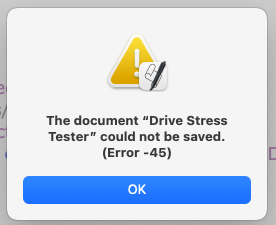
Like I don’t have enough problems, suddenly I can’t save any files I’m working on. I also can’t run them cause I guess script editor must do an autosave before it can run. I quit and reopened script editor but its still not working. And the file is a local one. Any ideas what this is all about? I have not tried rebooting, I have other things running right now that I can’t interrupt, so I guess I’m done scripting for the night.
One issue that I am aware of is the following.
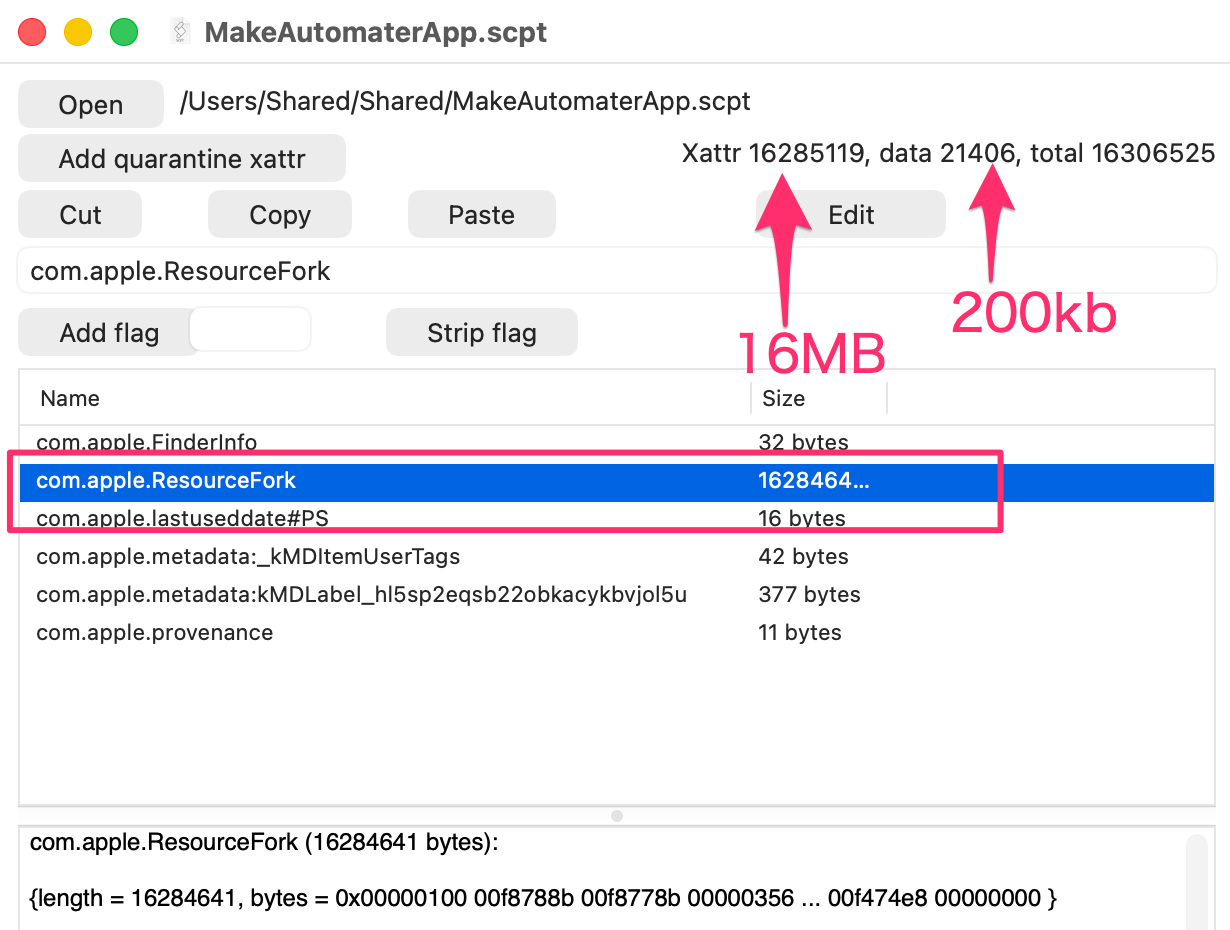
Under certain circumstances, if a resource fork gets attached to an .scpt script, the resource fork can grow exponentially each time the script is saved.
Eventually, it becomes impossible to save it properly.
I usually edit AppleScript in plain text format, but since it needs to be saved as an .scpt file in order to be run from a disk image, I occasionally encounter this issue.
As a workaround, exporting without overwriting seems to help, or, as Mockman suggested, creating a new file and replacing it instead of overwriting the existing one appears to be a good approach.
The size of the resource fork can be checked using xattred from eclecticlight.
Although it is possible to remove resource forks using the xattr command, doing so may damage the structure of the script itself.
For this reason, I believe that saving to a different file rather than overwriting the existing one is the safer and more effective approach.