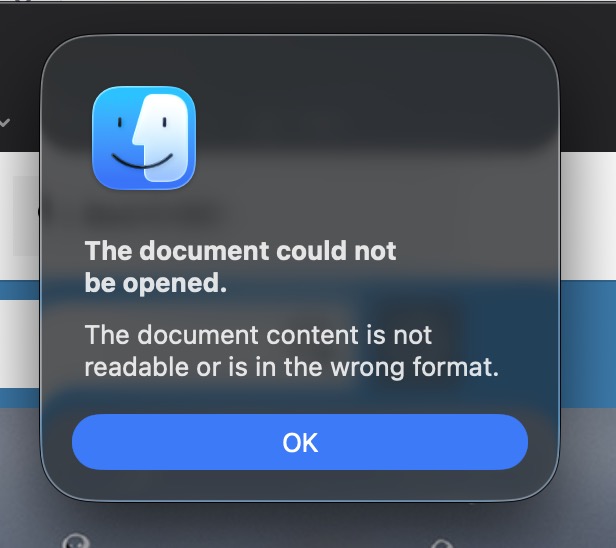
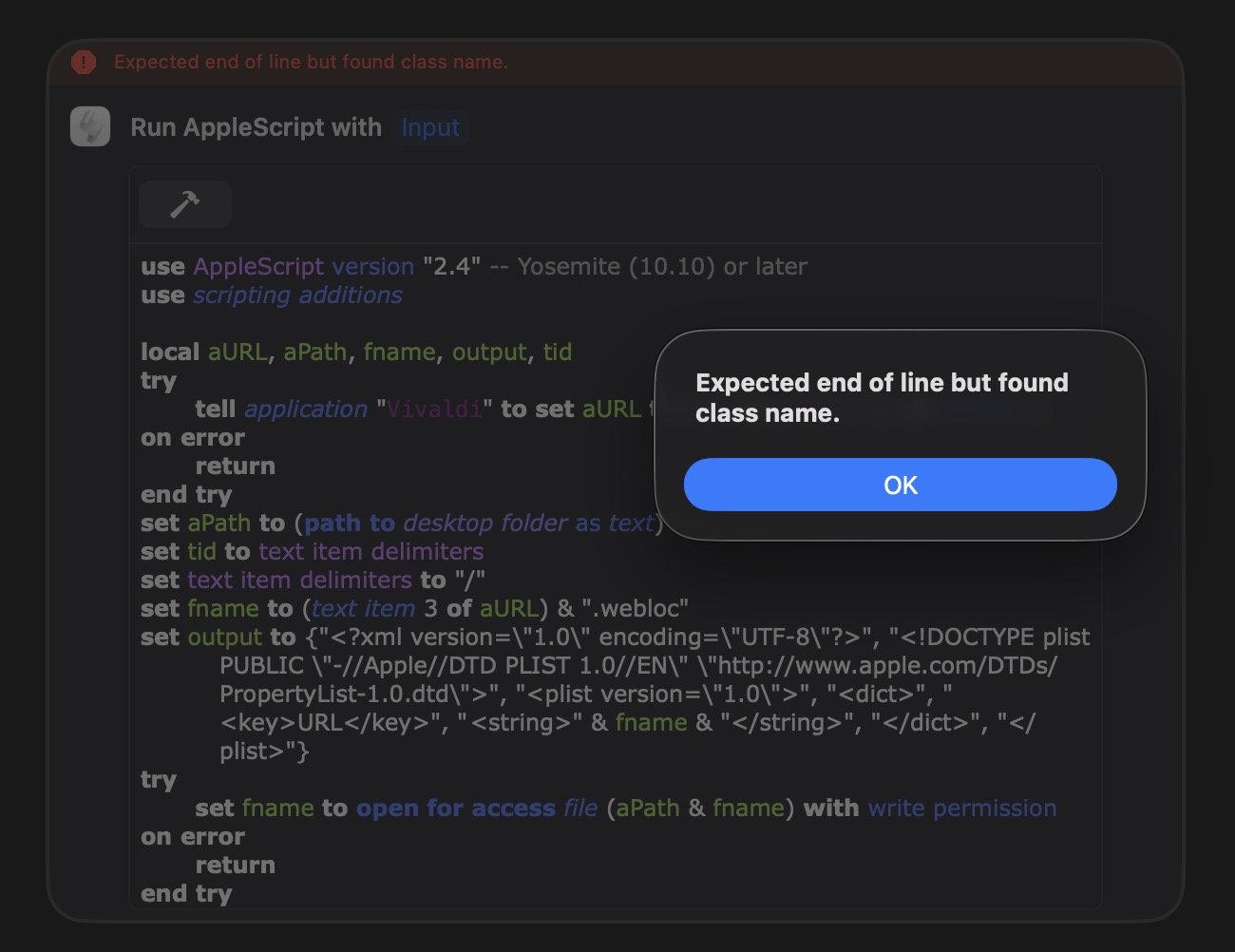
One last thing I want migrate out, but I don’t think this one is possible. It’s to look at the web page that is ‘fronted’ in any browser (Vivaldi, Brave or Safari), get its URL and save it on to the desktop as a web shortcut file.
The KBM macro is:
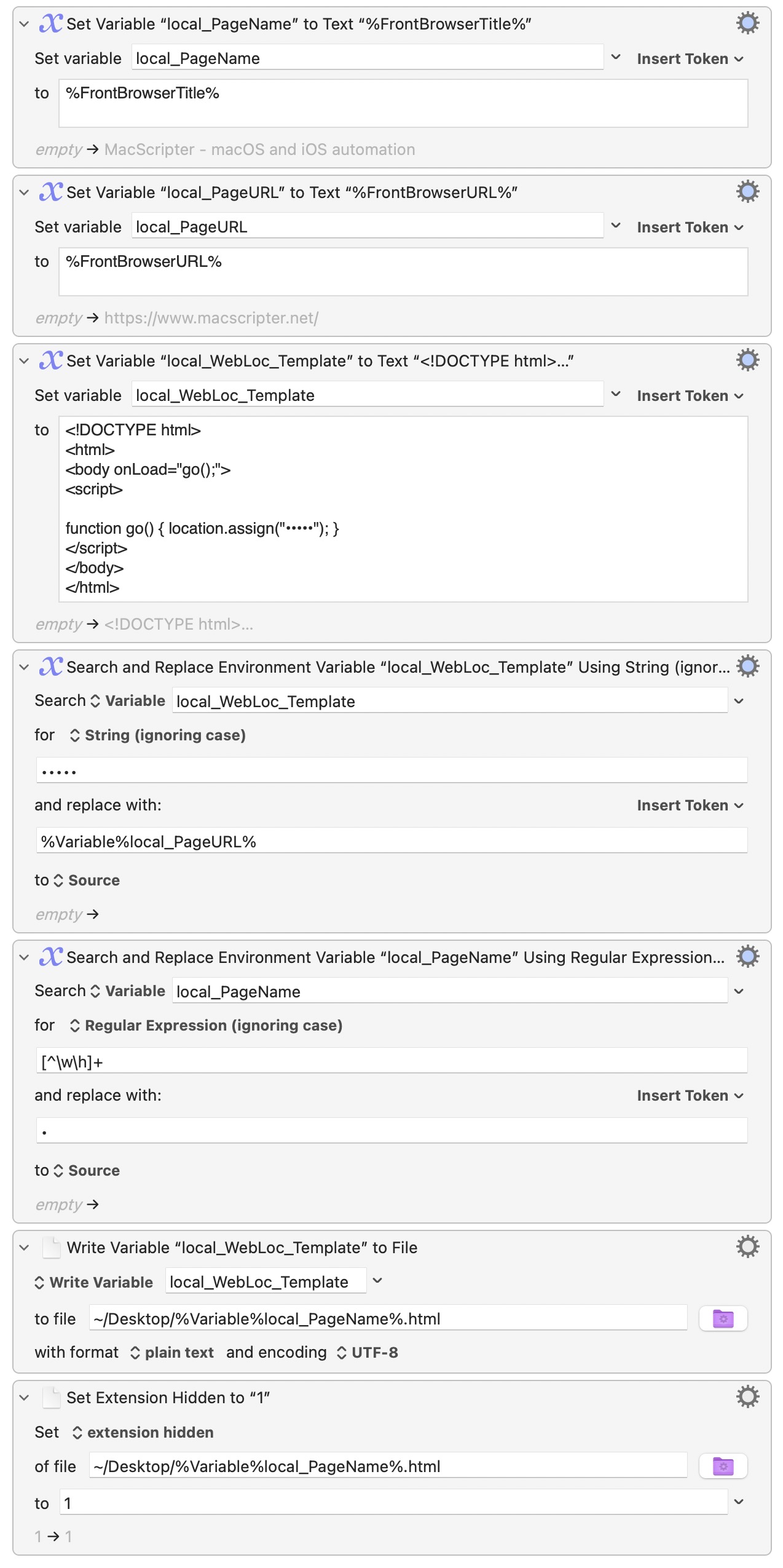
Web shortcuts on the Mac are of the file type “.webloc” not “.html”
They can be either. But for me I rarely use Safari so it’s easier to use HTML files which work better with chromium based browsers.
There is a webloc version though:
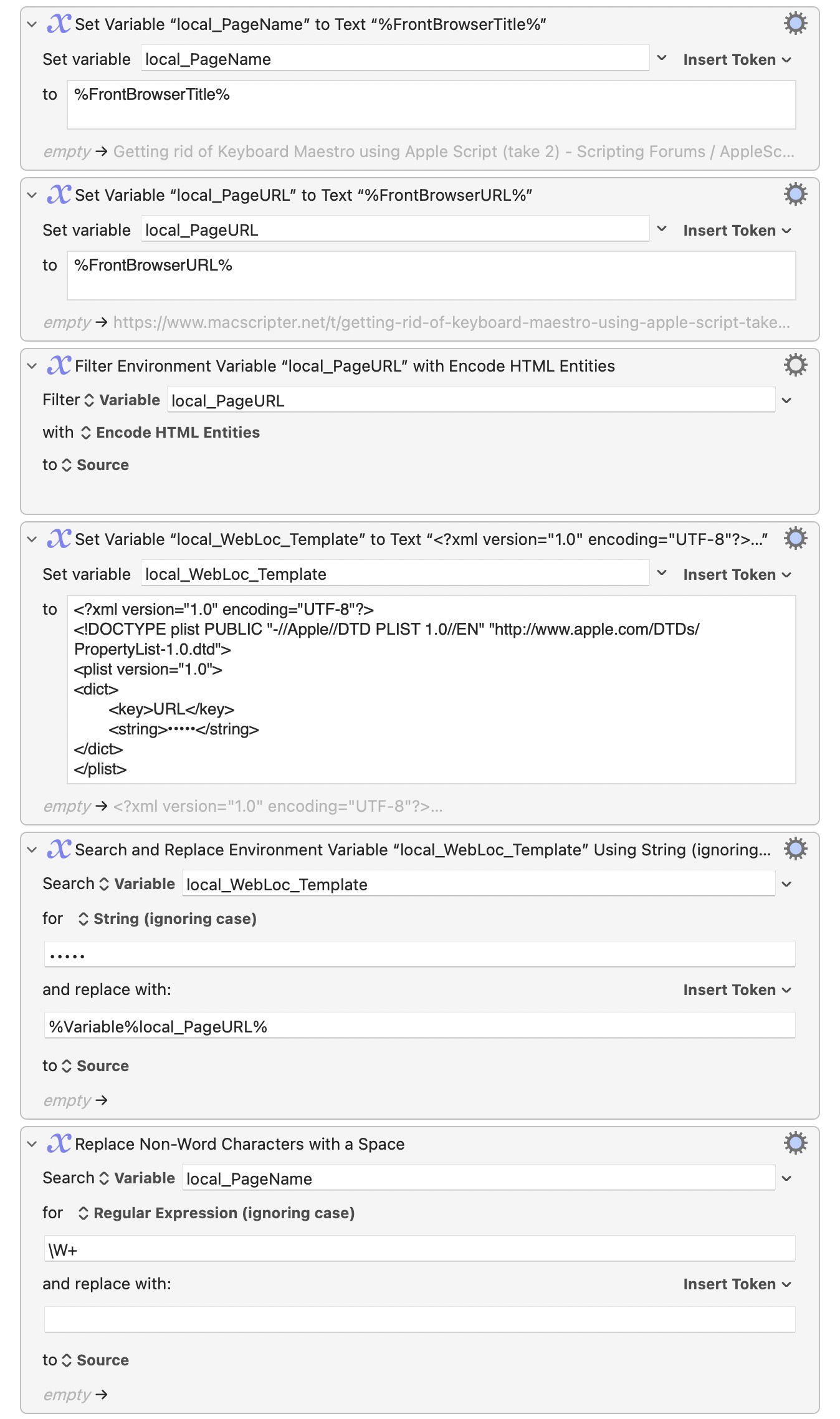
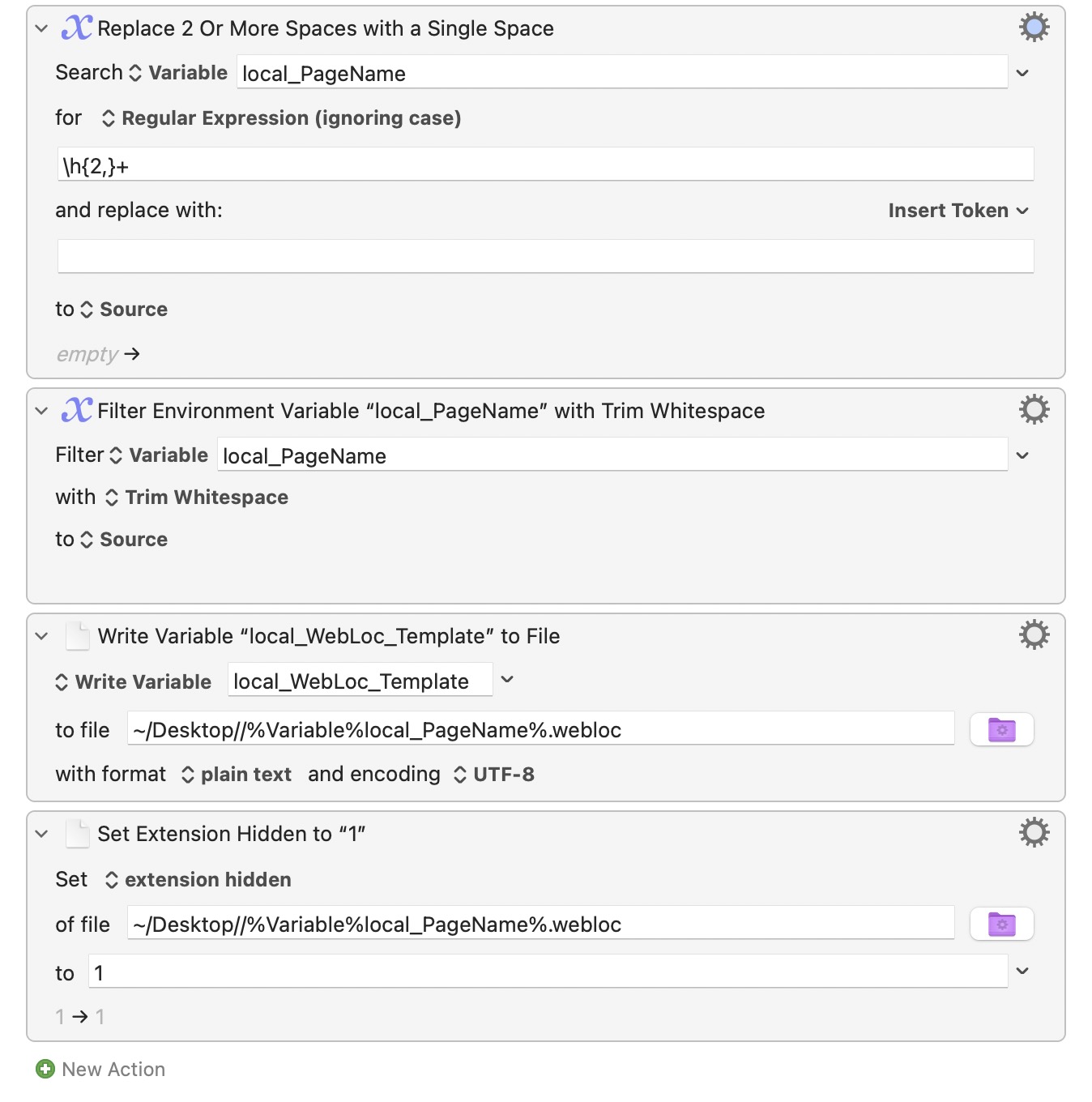
Here is a sample AppleScript for Safari
use AppleScript version "2.4" -- Yosemite (10.10) or later
use scripting additions

local aURL, aPath, fname, output, tid
try
	tell application "Safari" to set aURL to URL of current tab of window 1
on error
	return
end try
set aPath to (path to desktop folder as text)
set tid to text item delimiters
set text item delimiters to "/"
set fname to (text item 3 of aURL) & ".webloc"
set output to {"<?xml version=\"1.0\" encoding=\"UTF-8\"?>", "<!DOCTYPE plist PUBLIC \"-//Apple//DTD PLIST 1.0//EN\" \"http://www.apple.com/DTDs/PropertyList-1.0.dtd\">", "<plist version=\"1.0\">", "<dict>", "	<key>URL</key>", "	<string>" & fname & "</string>", "</dict>", "</plist>"}
try
	set fname to open for access file (aPath & fname) with write permission
on error
	return
end try
set eof of fname to 0
set text item delimiters to linefeed
write (output as text) as «class utf8» to fname
close access fname
set text item delimiters to tid