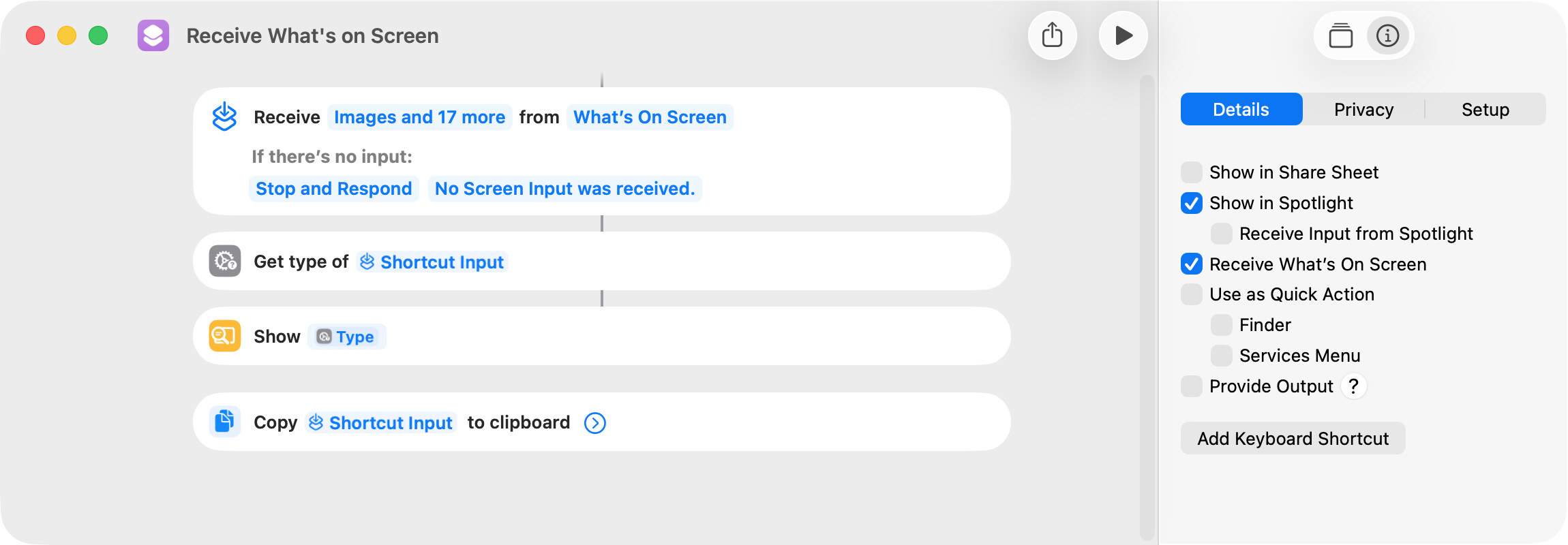
I’ve never had occasion to use the Get What’s on Screen action and thought I would investigate. This action’s information pane describes it as:
Gets the current content on screen, if available.
Gemini AI describes it as:
It retrieves active content from supported apps (Safari, Maps, Photos) without requiring manual interaction.
I tested several apps to see what they return when this action is run. In all testing, the shortcut was run by way of Spotlight.
-
Safari: reliably gets the URL of the site in the frontmost window.
-
Preview gets a PDF being viewed. I tested this with a Get Text from PDF action, and it seemed to work reliably.
-
Preview gets an image being viewed. I converted a JPG being viewed to a PNG and saved the PNG. This seemed to work reliably.
-
macOS Maps returns a URL if a specific location is being viewed. Otherwise, nothing seems to be returned.
-
TextEdit returns the text in the frontmost window but not reliably.
-
CotEditor reliably returns the text in the frontmost window.
-
Finder, Script Editor, Notes, Terminal, and Mail do not appear to return anything.
BTW, the Receive What’s on Screen shortcut option appears to perform the same task as the Get What’s on Screen shortcut action.